

TL;DR: A VPN encrypts all traffic from your device. It’s my pick for privacy, public Wi-Fi and everyday security. A proxy reroutes traffic from one app or script, with no encryption. It wins for web scraping, rank tracking and running many IPs. A good VPN costs a few dollars a month. Paid proxies bill per GB or per IP. Below I cover the differences, security, speed, cost and when I’d use each.
VPN use is growing fast. Security.org’s 2026 VPN consumer report found that 42 percent of U.S. adults now use a VPN, up from 32 percent a year earlier.
Proxies are growing too, mostly out of sight. Businesses use them to collect public web data, check ads and track search rankings.
Both tools hide your real IP address. And that’s about where the overlap stops.
A VPN builds an encrypted tunnel for your whole device. A proxy passes requests from a single app through another server, usually with no encryption of its own.
Pick the wrong one and it costs you. You might pay for privacy you don’t get. Or you might buy a VPN and watch your scraper get blocked in minutes.
I compared both tools on encryption, scope, speed, cost and real use cases. Already know you need proxies? My best proxy providers guide ranks the top vendors. My guide to proxy types explains which kind fits your task.
Quick Comparison: Proxy vs VPN at a Glance
| Factor | Proxy | VPN | What It Means for You |
|---|---|---|---|
| Encryption | None by default | Encrypts all tunnel traffic | Use a VPN when privacy matters |
| Scope | One app, browser or script | Whole device, at the OS level | Proxies let you route only what you choose |
| IP addresses | Thousands to millions of IPs | A few shared server IPs | Proxies win for scale and rotation |
| IP type | Residential, ISP, mobile or datacenter | Mostly datacenter | Residential proxies look like home users |
| Speed | Low overhead, varies by type | Small encryption overhead | Both can be fast with a good provider |
| Pricing | Per GB, per IP or per port | Flat monthly fee | VPNs are cheaper for one person |
| Best for | Scraping, SEO, ads, multi-account work | Public Wi-Fi, travel, private browsing | Match the tool to the job |
What Is a Proxy Server?
A proxy server is a middleman between your app and the website you visit. Your request hits the proxy first. The proxy forwards it and passes the reply back. The website sees the proxy’s IP address, not yours. Most proxies don’t encrypt anything, and they only carry traffic from apps you point at them.
Cloudflare describes a forward proxy as a server that contacts websites for client machines. Schools and offices use them to filter content. Developers use them to send requests from many IP addresses.
Proxies come in two main protocol families:
- HTTP and HTTPS proxies. These handle web traffic. For HTTPS sites, the browser opens a tunnel with the HTTP CONNECT method in RFC 9110. The site’s own TLS encryption stays in place.
- SOCKS5 proxies. These work at a lower level and can carry almost any TCP traffic, plus UDP. The SOCKS5 standard, RFC 1928, defines username and password login but no encryption of the data itself. See my list of the best SOCKS5 proxies for providers.
Proxies also differ by where their IPs come from. Residential proxies use home internet connections. Datacenter proxies use cloud servers. ISP and mobile proxies sit in between. Each type has its own price and its own odds of getting blocked.
What Is a VPN?
A VPN, or virtual private network, creates an encrypted tunnel between your device and a VPN server. Every app on your device sends its traffic through it. Your internet provider sees only scrambled data going to the VPN server. Websites see the VPN server’s IP address. The VPN provider can still see where your traffic goes.
Modern VPNs run on strong, well-reviewed protocols. WireGuard’s protocol page lists ChaCha20 and Poly1305 for encryption and Curve25519 for key exchange. Corporate VPNs often use IPsec, which NIST covers in its Guide to IPsec VPNs (SP 800-77 Rev. 1).
Consumer VPNs usually come as an app. You tap connect, pick a country and you’re done. That ease is a big part of why they’re so popular.
The catch is trust. A VPN doesn’t remove the middleman. It swaps your internet provider for the VPN company as the party that can see your traffic metadata. So the provider’s logging policy and audits matter a lot.
What Is the Main Difference Between a Proxy and a VPN?
The main difference is encryption and scope. A VPN encrypts every connection your device makes and routes it through one tunnel. A proxy only reroutes traffic from the apps you configure, and it usually adds no encryption. Proxies also give you access to far more IP addresses, which is why businesses use them for data collection.
Here’s how the two stack up on the factors I care about most.
Encryption
A VPN encrypts traffic between your device and the VPN server. Anyone on the same Wi-Fi network sees only noise.
A plain proxy adds no encryption. If the site uses HTTPS, the site’s own encryption still protects the page content. But the proxy operator can see which sites you connect to, and plain HTTP traffic is fully readable.
Scope of protection
A VPN covers the whole device. Your browser, email app, games and background updates all go through the tunnel.
A proxy covers only what you set up. You can point one browser profile at a proxy and leave everything else direct. For scraping and automation, I see that control as a feature, not a flaw.
Number and type of IP addresses
A VPN gives you one shared IP at a time. It usually comes from a datacenter. Lots of other users share it. Sites can spot these ranges easily.
Proxy networks can rotate through huge pools of residential, mobile or ISP addresses. You can get a new IP on every request or keep one for a session. My guide to residential vs datacenter proxies explains how the IP source changes block rates.
Speed
Speed depends far more on the provider and server distance than on the tool type. A VPN adds a small cost for encryption. A residential proxy can be slower because traffic passes through a real home connection.
Datacenter proxies are usually the fastest option of all. They sit on server-grade networks with no extra encryption step.
Detection and blocking
Streaming and banking sites actively hunt for both. Netflix’s help center lists one error for both: “You seem to be using a VPN or proxy.”
VPN IP ranges are well known, so they get flagged a lot. Good residential proxies are harder to spot because they come from ordinary home networks.
Is a Proxy or a VPN More Secure?
For personal use, a reputable paid VPN is more secure than a proxy. It encrypts all traffic and protects you on networks you don’t trust. Free proxies are the riskiest option of all, since many are run by unknown parties. Free VPNs carry risks too. My advice: go with a paid, audited provider with a clear privacy policy.
Free public proxies have a poor track record. A study titled An Extensive Evaluation of the Internet’s Open Proxies tested 107,034 open proxies in 2018. More than 92 percent were offline or unusable. Among the ones that worked, 10.5 percent of HTML requests came back with unexpected content.
The same study found that 16.6 percent of those altered pages were malicious on a sampled day. The changes included ad injection and cryptojacking code. About 1 percent of HTTPS-capable proxies tried a TLS man-in-the-middle attack with a fake certificate.
The web is safer than it was a decade ago, though. The FTC’s guidance on public Wi-Fi notes that most websites now use encryption, so public Wi-Fi is usually safe. HTTPS protects your page content even through a proxy. But it doesn’t hide which domains you visit from the proxy operator.
Free VPNs aren’t automatically safe either. The U.S. government took down the 911 S5 botnet in 2024. It spread through free VPN apps like MaskVPN and DewVPN, per The Hacker News. It linked more than 19 million IP addresses.
In January 2026, Google disrupted the IPIDEA residential proxy network. Coverage of the IPIDEA action says free VPN apps used SDKs that turned phones into exit nodes. That matters because Security.org found 43 percent of VPN users rely on a free service.
So my rule is simple. For a VPN, pay for an audited service. For proxies, buy from a provider that explains how it sources its IPs.
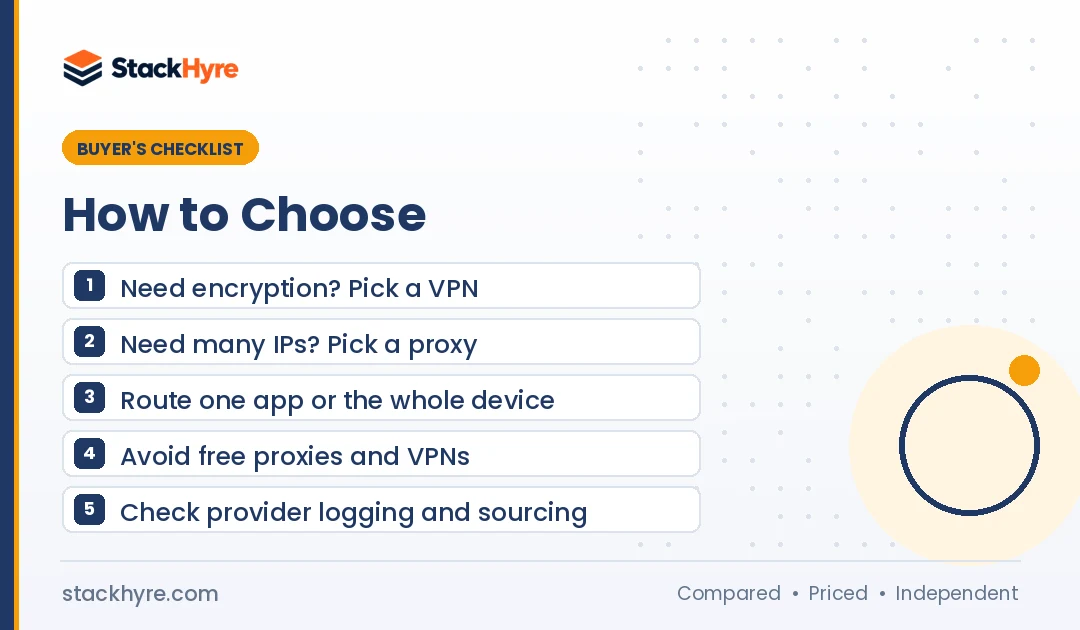
When Should You Use a Proxy Instead of a VPN?
Use a proxy when you need many IP addresses or per-app control. It also fits when you need IPs that look like home users. That covers web scraping, SEO rank tracking, price monitoring, ad verification and running several accounts. A VPN is the wrong tool here, because one shared datacenter IP gets blocked fast.
Common business jobs where I’d reach for a proxy:
- Web scraping. Rotating IPs spread requests so no single address hits a rate limit. My best proxies for web scraping guide compares providers for this.
- SEO and rank tracking. You can check search results from specific cities or countries.
- Price monitoring. Retailers often show different prices by region. Proxies let you see each version.
- Ad verification. Teams confirm that ads display correctly in each target market.
- Multi-account management. Each account gets its own stable IP, often paired with an antidetect browser.
- Testing. Developers check geo-targeted features without leaving their desk.
Keep it legal. Follow each site’s terms and your local data laws when you collect data or run several accounts.
Proxies also fit code better. Python, cURL, Playwright and most scraping tools take a proxy address in one line. A VPN changes the network for the whole machine, which gets awkward on a shared server.
When Is a VPN the Better Choice?
Choose a VPN when you want to protect yourself, not run a data job. It’s the better pick on public Wi-Fi and while you travel. It also hides your browsing from your internet provider and connects you to work networks. One switch covers every app on your device, and you don’t need any technical setup.
Typical VPN scenarios:
- Coffee shops, hotels and airports. The tunnel hides your traffic from others on the network.
- Privacy from your internet provider. Your provider sees only encrypted traffic to one server.
- Remote work. Many companies require a VPN to reach internal systems.
- Travel. You can reach home services that restrict access by country, within their terms.
- Whole-device coverage. Phones run lots of background apps. A VPN catches all of them.
Don’t expect a VPN to make you anonymous. Logged-in accounts, cookies and browser fingerprints still identify you. It won’t stop malware or phishing either.
Can You Use a Proxy and a VPN Together?
Yes, you can run both at once. The usual setup is a VPN on the device and a proxy inside one app or script. Traffic goes from your device through the VPN tunnel, then to the proxy, then to the site. You get encryption on your local network, but you also add latency and one more company that handles your traffic.
Most people don’t need both. A few cases where I think it helps:
- You scrape from a laptop on public Wi-Fi and want the local link encrypted.
- Your company requires a VPN, but your project needs residential IPs.
- You want to hide your proxy use from your local network.
Check the order of the chain. If the proxy runs on your device and the VPN is on, the VPN carries the proxy connection. Some VPN apps block local proxy ports, so test it before you depend on it.
Windows even lets you set separate proxy settings for each VPN connection. Microsoft’s proxy setup guide shows where to find that option.
How Much Do Proxies and VPNs Cost?
VPNs charge a flat monthly fee, usually a few dollars, for one person’s traffic. Paid proxies charge by usage. Rotating residential and mobile IPs bill per GB. Datacenter and ISP proxies bill per IP. For one person browsing, a VPN costs less. For a business sending thousands of requests, proxies are the only option that works.
Here are real examples from vendor pages, as of October 2026:
- VPN, flat fee. Mullvad’s pricing page lists €5 per month on up to five devices.
- VPN, free tier. Proton VPN’s free plan says it has no data limit and no ads, but it covers one device.
- Residential proxies, per GB. IPRoyal’s residential pricing starts at $7.00 per GB for 1 GB and drops with volume. Its traffic doesn’t expire.
- Datacenter proxies, per IP. Webshare’s pricing page lists 100 datacenter proxies from $2.99 per month. It also has a free plan with 10 proxies and 1 GB.
Proxy bills can climb fast with heavy scraping. Page weight, retries and failed requests all count toward your GB total. My proxy pricing guide breaks down every model and its hidden costs.
How I Researched This Comparison
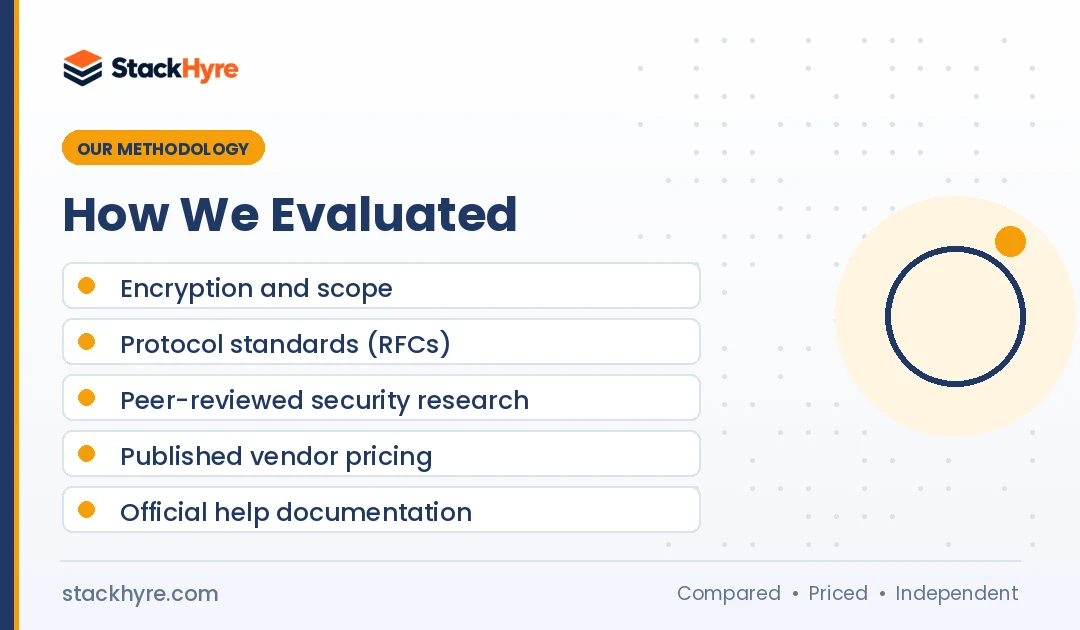
I didn’t run lab tests for this guide. I compared the two tools using published standards, vendor docs and independent research.
My sources included:
- Protocol standards. I read the RFCs for HTTP CONNECT and SOCKS5, plus WireGuard and NIST IPsec documentation.
- Security research. I used a peer-reviewed study of open proxies and reporting on botnet takedowns.
- Consumer data. I used Security.org’s 2026 VPN survey for adoption figures.
- Vendor pricing pages. Every price above came from the vendor’s own page in October 2026.
- Official guidance. I checked FTC, Microsoft and Netflix help pages for how things work in practice.
Prices and features change often. Always confirm current terms on the vendor’s site before you buy.
The Bottom Line
Choose a VPN if your goal is personal privacy and security. It encrypts everything, works on every app and costs a few dollars a month. Pick a paid, audited service and skip unknown free apps.
Choose a proxy if your goal is a business task. Scraping, rank tracking, price checks, ad verification and multi-account work all need many IPs and per-app control. A VPN can’t deliver that at scale.
Never use free public proxies for anything sensitive. The research shows many of them inject ads or malicious code.
Ready to set one up? Follow my step-by-step guide on how to set up a proxy for Windows, Mac, phones and code. Then compare vendors in my best proxy providers ranking.
Frequently Asked Questions
Is a proxy the same as a VPN?
No. Both hide your IP address, but they work differently. A VPN encrypts all traffic from your whole device through one tunnel. A proxy reroutes traffic from specific apps and usually adds no encryption. Proxies offer far more IP addresses and IP types, which suits business tasks. VPNs suit personal privacy and security on networks you don’t trust.
Does a proxy hide my IP address?
Yes. A working anonymous proxy swaps your IP address for its own on the traffic it carries. Websites see the proxy’s IP instead of yours. Transparent proxies are the exception, since they may pass your real IP in request headers. And only the apps you configure use the proxy. Everything else on your device still uses your real address.
Is a VPN slower than a proxy?
Not always. A VPN adds a little work to encrypt traffic, while a proxy usually doesn’t. In practice, server distance, network load and the provider’s quality matter more. Datacenter proxies are often the fastest. Residential proxies can be slower because traffic passes through real home connections with uneven speeds.
Are free proxies safe to use?
Free public proxies are risky. A study of over 107,000 open proxies found that many altered web pages. Some injected ads or cryptojacking code. Some also tried to intercept HTTPS connections with fake certificates. If you need a proxy, use a paid provider. I’d pick one that explains its IP sourcing and publishes clear terms.
Should I use a proxy or a VPN for web scraping?
Use a proxy for web scraping. Scraping needs many rotating IP addresses so no single IP hits a rate limit or gets blocked. A VPN gives you one shared datacenter IP at a time, and sites spot that quickly. Rotating residential or datacenter proxies plug straight into scraping tools and code. You can also target specific countries or cities.
Related Articles

Daniel Brooks writes about proxies, web scraping and email infrastructure at StackHyre. He compares providers on published pricing, documentation and independent benchmarks so you can pick the right setup without overpaying.