
TL;DR: For residential traffic, my picks for the best SOCKS5 proxies in 2026 are Oxylabs, Decodo and Bright Data. If you need UDP, look at NodeMaven and Rayobyte. Webshare and Proxy-Seller are the cheapest static options. Residential SOCKS5 costs roughly $2 to $7 per GB, and static datacenter SOCKS5 starts under $1 per IP. I compared 8 providers, their real SOCKS5 limits and how to set them up.
SOCKS5 is an old, simple and flexible protocol. The IETF published it as RFC 1928 in March 1996. It added UDP relaying, an authentication framework, IPv6 and domain name support to the older SOCKS4.
An HTTP proxy reads your web requests. SOCKS5 doesn’t. It just relays traffic, which makes it handy for tools that don’t speak HTTP. Think game clients, mail tools, torrent apps and custom scripts.
The catch? “SOCKS5 support” means different things at different vendors. Some block UDP. Some only allow certain ports. Some only work with HTTPS targets.
This guide is part of my full proxy provider rankings and my breakdown of the main proxy types. Below, I compare 8 SOCKS5 providers on pool type, UDP support, limits and price.
Quick Comparison: Best SOCKS5 Proxies in 2026
| Provider | Best For | Starting Price | Key Feature |
|---|---|---|---|
| Oxylabs | Residential SOCKS5 with UDP | $6/GB residential (small volumes) | SOCKS5 over TCP and UDP in docs |
| Decodo | Best overall value | $3.75/GB (3 GB plan) | SOCKS5 on residential and datacenter |
| Bright Data | Compliance-first teams | $4/GB residential pay as you go | SOCKS5 on datacenter, ISP and residential |
| IPRoyal | Traffic that never expires | $7/GB (1 GB) | Non-expiring residential traffic |
| NodeMaven | Static SOCKS5 with UDP | $2.33/IP per 30 days (ISP) | ISP proxies with SOCKS5 and UDP |
| Rayobyte | Cheap residential at volume | $3.50/GB (1 to 49 GB) | Premium residential adds SOCKS5 and UDP |
| Webshare | Free and low-cost testing | Free (10 proxies) | SOCKS5 on the free plan |
| Proxy-Seller | Cheap static IPv4 | $0.49 per IPv4 | HTTP, HTTPS and SOCKS5 per IP |
What Makes a Great SOCKS5 Proxy Provider?
A great SOCKS5 provider supports the full protocol: username and password login, remote DNS resolution and, ideally, UDP. It spells out any port or target limits. It sells the IP type you need, residential, ISP or datacenter, at a fair price. And it sources residential IPs ethically and enforces clear acceptable-use rules.
The protocol itself is flexible. RFC 1928 defines a UDP ASSOCIATE command for UDP traffic. It lists username and password as a recommended login method. But real services often support only part of that.
Here’s what I’d look for:
- UDP support. You need it for voice, some games, DNS and QUIC. Many residential SOCKS5 gateways are TCP only.
- Remote DNS. The socks5h scheme lets the proxy resolve hostnames, which prevents DNS leaks.
- Port and target rules. Some vendors limit which ports or protocols you can reach.
- IP type. Residential IPs pass stricter sites. Datacenter IPs are faster and cheaper.
- Ethical sourcing. Residential IPs should come from users who agreed to share bandwidth.
One thing people miss: SOCKS5 doesn’t encrypt traffic by itself. If privacy is your main goal, read my proxy vs VPN guide first.
Best Residential SOCKS5 Proxies
#1 Oxylabs: Best for residential SOCKS5 with UDP
Oxylabs is a premium provider, and its SOCKS5 setup on residential IPs is one of the most complete I found.
What it does well. Oxylabs’ residential protocol docs list HTTP, HTTPS, HTTP/3 and SOCKS5. The same docs say SOCKS5 works over both TCP and UDP. That’s rare for a rotating residential pool. Its SOCKS5 product page also lists SOCKS5 on dedicated datacenter proxies.
Key features:
- Single SOCKS5 entry point at pr.oxylabs.io:7777
- Country targeting through username parameters
- SOCKS5 on residential and dedicated datacenter proxies
- $5 welcome credit for new users
Pricing. As of October 2026, Oxylabs’ residential pricing page lists $6/GB for small volumes. The rate falls to $2.50/GB at 1,000 GB and above. All products sit under one subscription with plans from $30 a month, and credits expire each cycle.
Best for: Teams that need UDP or HTTP/3 through residential IPs.
Limitations. Oxylabs notes that Google is a restricted target for UDP. You can’t get country-specific SOCKS5 entry points. Some sites can detect SOCKS5 traffic, so the docs suggest switching to HTTP if you hit errors.
#2 Decodo: Best overall value
Decodo, the former Smartproxy, supports SOCKS5 on its residential and datacenter products at mid-market prices.
What it does well. Decodo makes SOCKS5 easy. Its residential page lists HTTP(S) and SOCKS5, plus a claimed pool of 115M+ IPs in 195+ locations. Its datacenter page confirms SOCKS5 on every datacenter proxy type too.
Key features:
- SOCKS5 on residential and datacenter proxies
- City, state and ASN targeting
- 3-day free trial with 100 MB
- 14-day money-back option on eligible plans
Pricing. As of October 2026, Decodo lists residential pay as you go at $4/GB. The smallest monthly plan is 3 GB at $3.75/GB ($11.25). The advertised $2/GB rate only applies to the 1,000 GB plan. Prices exclude VAT.
Best for: Small and mid-size teams that want residential SOCKS5 without enterprise contracts.
Limitations. You only get the headline price at high volume. Decodo doesn’t clearly state UDP support for residential SOCKS5, so ask support if you need it.
#3 Bright Data: Best for compliance-first teams
Bright Data offers SOCKS5 across its main networks, with strict access rules on residential IPs.
What it does well. Bright Data’s SOCKS5 docs confirm SOCKS5 on datacenter, ISP and residential networks through one port. Its residential network requires identity checks. Bright Data’s network access page says KYC is mandatory for residential access and a person reviews every submission.
Key features:
- SOCKS5 on brd.superproxy.io port 22228
- Proxy-side DNS through socks5h
- Country targeting through the username
- Manual KYC review for residential access
Pricing. As of October 2026, Bright Data’s residential pricing page lists $4/GB pay as you go, shown as a discount from $8. Plans start at $499 a month. Datacenter traffic starts at $0.60/GB.
Best for: Companies that need audited access and a vendor with strong compliance controls.
Limitations. On residential, SOCKS5 only works with HTTPS targets and a short list of target ports. Explicit IP targets are blocked. And personal email accounts can’t pass KYC.
#4 IPRoyal: Best for traffic that never expires
IPRoyal sells residential SOCKS5 traffic you can keep using until it runs out.
What it does well. Most residential plans reset monthly. IPRoyal’s residential pricing advertises traffic that never expires. I like that for projects that run in bursts. IPRoyal’s protocol docs confirm HTTP/HTTPS and SOCKS5 on residential proxies.
Key features:
- Non-expiring residential traffic
- Claimed 64M+ residential IPs in 195+ countries
- No monthly minimum on pay as you go
- SOCKS5 also on dedicated datacenter proxies
Pricing. As of October 2026, IPRoyal lists residential at $7/GB for 1 GB and $5.25/GB at 10 GB on subscription. Custom orders of 10 TB reach $1.75/GB.
Best for: Freelancers and small teams with irregular SOCKS5 use.
Limitations. IPRoyal’s docs describe residential proxies as TCP only, so UDP apps won’t work. Small plans cost more per GB than Decodo or Rayobyte.
Best SOCKS5 Proxies with UDP and Static IPs
#5 NodeMaven: Best for static SOCKS5 with UDP
NodeMaven is a smaller provider focused on clean IPs, with static ISP proxies that support SOCKS5 and UDP.
What it does well. NodeMaven’s site lists residential, mobile and ISP proxies. Its ISP plan lets you pick HTTP or SOCKS5 and includes UDP support. Each ISP IP stays fixed, which suits long sessions in apps that need SOCKS5. NodeMaven also says it screens risky IPs before a session starts. That’s the vendor’s claim, and it doesn’t publish a method.
Key features:
- Static ISP proxies with SOCKS5, UDP and unlimited traffic
- Residential and mobile IPs from the same account
- IP quality filter included in plans (vendor claim)
- $3.50 paid trial for 750 MB
Pricing. As of October 2026, NodeMaven lists ISP proxies from $2.33 per IP for 30 days. Residential and mobile traffic start at $2.20/GB, but only on the largest plan.
Best for: Account management and apps that need a fixed SOCKS5 IP with UDP.
Limitations. You need a big plan for the low per-GB rate. NodeMaven doesn’t sell datacenter proxies, and its pool is smaller than the market leaders.
#6 Rayobyte: Best for cheap residential SOCKS5 at volume
Rayobyte is a US provider whose Premium residential plan adds SOCKS5 and UDP.
What it does well. Rayobyte’s pricing FAQ says Premium Residential adds SOCKS5 and UDP support. Its per-GB price drops fast as volume grows. In October 2026, Proxyway reported a Rayobyte relaunch with new low-cost plans. The platform also added UDP and HTTP/3 support.
Key features:
- SOCKS5 and UDP on Premium Residential
- ASN and ZIP code filters
- Free trials on self-serve products, no card needed
- Datacenter and ISP products on the same account
Pricing. As of October 2026, Rayobyte lists Premium Residential at $3.50/GB for 1 to 49 GB. The rate drops to $2/GB at 50 GB and $0.70/GB at 1,000 GB.
Best for: Growing teams that want UDP-capable residential SOCKS5 at a falling per-GB price.
Limitations. Rayobyte’s new sub-cent Scale plan has no location or network filters, so don’t confuse it with Premium. Check which plan includes SOCKS5 before you buy.
Best Budget SOCKS5 Proxies
#7 Webshare: Best for free and low-cost testing
Webshare is the easiest way I know to try SOCKS5 proxies without paying anything.
What it does well. Webshare’s pricing page offers a free plan with 10 shared proxies, 1 GB a month and SOCKS5 support. No card needed. Paid datacenter lists are very cheap, and its residential page lists HTTP and SOCKS5 endpoints too.
Key features:
- Free plan with SOCKS5 and no time limit
- Shared, private and dedicated datacenter proxies
- Residential IPs with state, city, ZIP and ASN targeting
- Self-serve dashboard
Pricing. As of October 2026, shared datacenter proxies cost $2.99 a month for 100. Residential plans start at $3.50/GB for 1 GB.
Best for: Developers testing SOCKS5 support in their tools, and small personal projects.
Limitations. Shared IPs can carry other users’ history. Webshare says there’s no trial period beyond the free plan.
#8 Proxy-Seller: Best for cheap static IPv4
Proxy-Seller sells individual static proxies by country, all with SOCKS5 included.
What it does well. Proxy-Seller’s site lists full HTTPS and SOCKS5 support across IPv4, IPv6, ISP, residential and mobile proxies. You can buy one IP in a named country, which works well for regional apps and tests.
Key features:
- Static IPv4 and IPv6 with SOCKS5
- ISP, residential and mobile on the same account
- 1 Gbps channel per proxy
- Many country options
Pricing. As of October 2026, Proxy-Seller’s datacenter page lists IPv4 from $0.49 per IP and IPv6 from $0.02 per IP.
Best for: Users who need a few fixed SOCKS5 IPs at the lowest price.
Limitations. Strict sites spot datacenter IPs easily. The site doesn’t publish UDP details for SOCKS5, and bandwidth terms conflict between pages.
How Should You Choose the Right SOCKS5 Proxy?
Start with your app and your target. If your tool needs UDP, pick a provider that documents UDP, like Oxylabs, NodeMaven or Rayobyte. If your target blocks hosting IPs, go with residential or ISP SOCKS5. If you just need speed and a fixed IP, a cheap datacenter SOCKS5 proxy is enough. Then confirm port limits and run a trial.
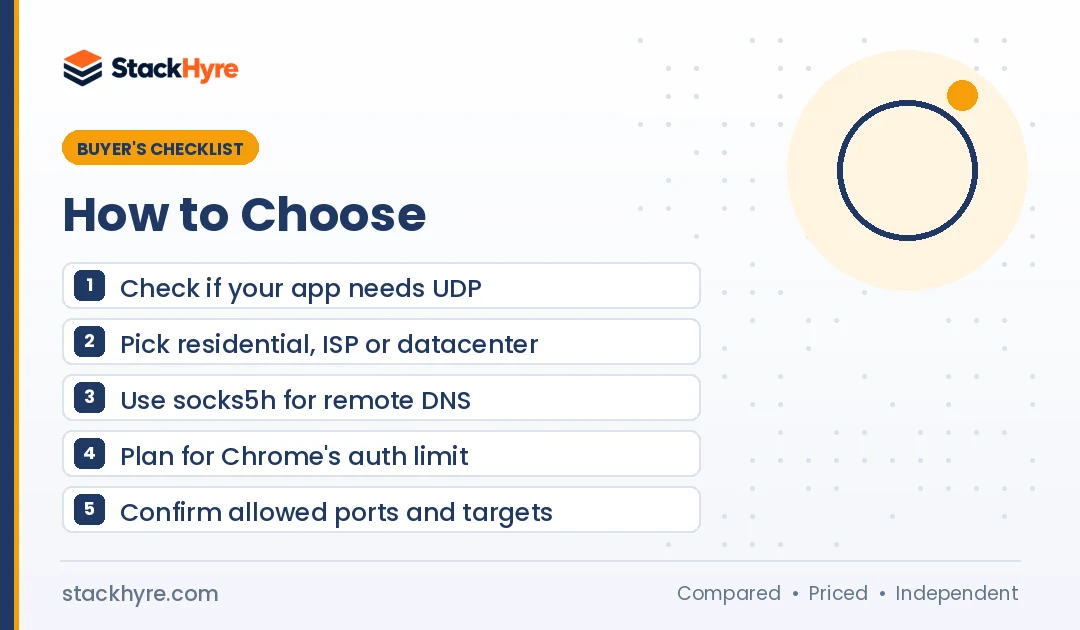
1. Decide if you need UDP. Voice, games, DNS and QUIC use UDP. Many residential SOCKS5 gateways only relay TCP, so check the docs before you buy.
2. Pick the IP type. Datacenter SOCKS5 is fast and cheap but easy to detect. My best datacenter proxies list covers that side. For tougher sites, compare my best residential proxies and top ISP proxies.
3. Use remote DNS. With socks5, your own machine resolves hostnames. With socks5h, the proxy does it. The curl documentation explains that socks5h sends the hostname to the proxy. Python’s Requests library supports both once you install requests[socks]. I’d default to socks5h.
4. Check your browser. Chromium’s proxy docs state that Chrome supports no authentication methods for SOCKS5. Use IP whitelisting, a browser extension, Firefox or an antidetect browser instead. My proxy setup guide walks through each option.
5. Read the port and target rules. Bright Data’s residential SOCKS5 only reaches HTTPS targets on listed ports. Other vendors are more open. Make sure your app’s ports are allowed.
6. Use proxies within the rules. Respect each platform’s terms and your local law. Pick vendors that explain how they source residential IPs.
How I Evaluated These SOCKS5 Proxy Providers
I compared providers using public information. I didn’t run my own tests for this guide, and I don’t claim hands-on results.
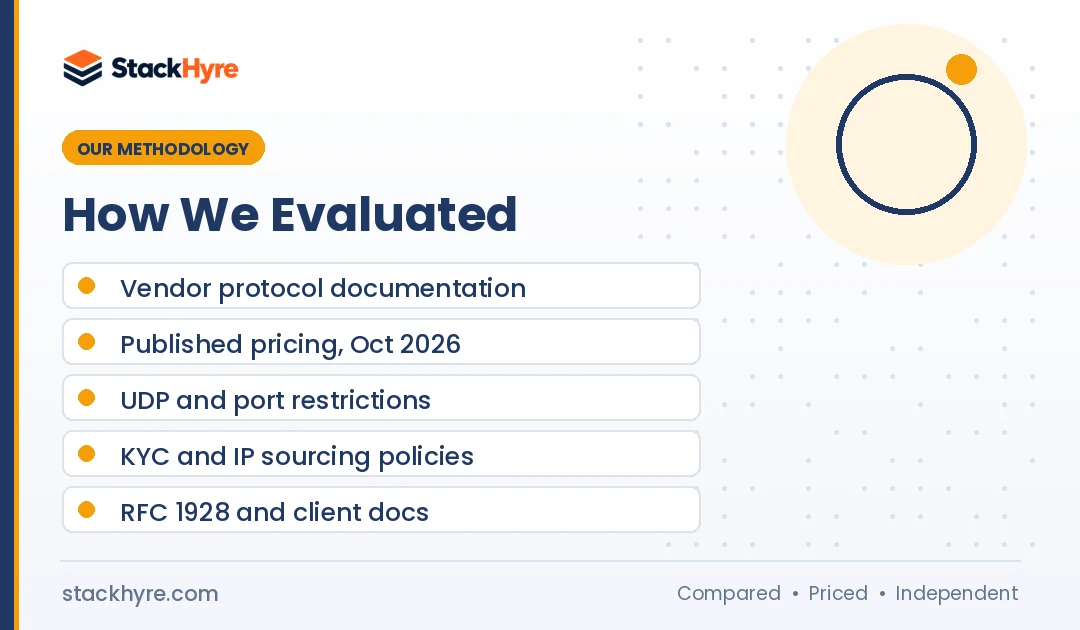
- Protocol documentation. I read each vendor’s docs for SOCKS5 support, UDP, DNS handling and port limits.
- Published pricing. I checked each vendor’s pricing page in October 2026.
- Independent sources. I used Proxyway news and reports for recent pricing changes.
- Policies. I reviewed trials, refunds, KYC rules and IP sourcing statements.
- Standards. I used RFC 1928 and browser and library docs to explain how SOCKS5 behaves in practice.
Pool sizes and quality claims are labeled as vendor claims. Prices change often, so confirm them before you buy. See my editorial policy for how I keep reviews independent.
The Bottom Line
For most people, Decodo is the best SOCKS5 value. It covers residential and datacenter IPs and offers a free trial. Oxylabs is my pick if you need UDP through rotating residential IPs. Bright Data fits teams that want strict compliance and can live with its residential SOCKS5 limits.
If you need a fixed IP with UDP, NodeMaven’s ISP proxies are a strong fit. Rayobyte suits growing volume. Webshare and Proxy-Seller cover tight budgets.
Before you buy, confirm UDP and port support for your exact app. Then test with a trial.

Frequently Asked Questions
What is a SOCKS5 proxy?
A SOCKS5 proxy relays your network traffic through another server without reading or changing it. It was defined in RFC 1928 in 1996. Unlike HTTP proxies, it works with almost any TCP application. It can also relay UDP if the provider supports it. It supports login methods and lets the proxy resolve domain names for you.
Is SOCKS5 better than an HTTP proxy?
Neither wins in every case. SOCKS5 is more flexible because it relays any TCP traffic and can support UDP. HTTP proxies understand web requests, so they can handle headers and caching. For web scraping, both work well. For games, mail clients, torrents or custom apps, I’d go with SOCKS5.
Does SOCKS5 encrypt my traffic?
No. SOCKS5 doesn’t add encryption by itself. It only relays traffic between you and the target. If you visit an HTTPS site, TLS still encrypts that connection. Plain HTTP or other unencrypted traffic stays readable. If you need full encryption for privacy, use a VPN or an encrypted tunnel instead.
Do SOCKS5 proxies support UDP?
The protocol supports UDP, but many providers don’t. As of October 2026, Oxylabs documents UDP on residential SOCKS5. NodeMaven lists UDP on ISP proxies, and Rayobyte on Premium Residential. IPRoyal describes its residential proxies as TCP only. Always check the provider’s docs before you rely on UDP.
Why won’t my SOCKS5 proxy work in Chrome?
Chrome doesn’t support username and password login for SOCKS5 proxies, according to Chromium’s own documentation. So if your proxy needs credentials, Chrome can’t send them. Instead, whitelist your IP with the provider or use Firefox. A proxy extension or an antidetect browser can also handle SOCKS5 login.
Related Articles



Daniel Brooks writes about proxies, web scraping and email infrastructure at StackHyre. He compares providers on published pricing, documentation and independent benchmarks so you can pick the right setup without overpaying.