
TL;DR: For everyday API work, I’d pick Postman if your team already lives in it, or Bruno if you want collections in Git. Code-first teams should look at REST Assured or Karate, and k6 handles load testing. Katalon and ReadyAPI suit QA teams that need low-code suites. Free options exist for almost every job. Paid plans run from $6 per user a month, as of November 2026. I compare 9 tools below.
Postman’s free plan is now very small. Its pricing page lists Free as 1 user, with Team at $19 per user a month billed annually, as of November 2026.
That change pushed a lot of teams to look around. And when they did, they found the market has split into clear jobs.
Some tools are API clients for sending requests and checking responses by hand. Some are code frameworks that run tests in CI. Some are built for load testing. Others are low-code platforms for QA teams who test APIs alongside the UI.
No one tool is best at all four. So I grouped this list by job. Pick the section that matches how your team works.
If Postman pricing is the reason you’re here, my full list of Postman alternatives goes deeper on clients alone. And once tests pass, you still need to watch production. My Datadog alternatives guide covers monitoring.
Quick Comparison: 9 Best API Testing Tools
| Tool | Best For | Starting Price | Key Feature |
|---|---|---|---|
| Postman | Team collaboration | Free (1 user); Team $19/user/mo | Collections, workspaces, Newman CLI |
| Bruno | Git-first teams | Free; Pro $6/user/mo | Plain-text collections in your repo |
| Insomnia | REST, GraphQL and gRPC | Free; Pro $12/user/mo | Local, Git or cloud storage |
| Hoppscotch | Browser-based, self-hosted | Free; Business $6/user/mo | Open source, no install |
| REST Assured | Java teams | Free, open source | Readable given-when-then syntax |
| Karate | Readable automated suites | Free, open source | Tests, mocks and load in one tool |
| k6 | Load and performance testing | Free OSS; Cloud Pro from $19/mo | Tests in JavaScript or TypeScript |
| Katalon | Low-code QA teams | Free trial; $1,800/seat/yr | API, web and mobile in one tool |
| SoapUI / ReadyAPI | SOAP and legacy enterprise APIs | SoapUI free; ReadyAPI by quote | Deep SOAP and REST support |
What Makes a Great API Testing Tool?
A great API testing tool lets you send requests fast, write assertions you can read later, and run the same tests in CI without extra glue. It supports the protocols you use, like REST, GraphQL or gRPC. It keeps tests where your team can review them, and its price doesn’t punish you for adding teammates.
I look at five things.
- Protocol support. REST is a given. Check GraphQL, gRPC, WebSocket and SOAP if you need them.
- Where tests live. In a vendor cloud, on disk, or in Git. Git makes code review possible.
- CI/CD fit. A CLI runner that exits with a clear pass or fail.
- Assertions and scripting. Can you check status, schema, headers and timing without fighting the tool?
- Pricing model. Per user, per seat a year, or usage-based for load tests.
What Types of API Testing Do You Need?
Most teams need three layers. Functional tests check that each endpoint returns the right data. Integration or contract tests check that services still agree with each other. Performance tests check speed and stability under load. Security scanning is a fourth layer for public APIs. Pick tools that cover your layers without overlapping too much.
A small team might use one client for manual checks and one framework in CI. A larger team might add k6 for load and a security scanner like OWASP ZAP, which several top guides, such as Keploy’s API testing comparison, list as a free option.
Best API Clients for Manual and Team Testing
#1 Postman: Best for team collaboration
Postman is the most widely known API platform, covering requests, tests, mocks, docs and monitoring in one place.
What it does well. Collections and workspaces make it easy to share requests across a team. Test scripts run in JavaScript after each request. The Newman CLI runs collections in CI. Postman supports REST, GraphQL, gRPC and WebSocket, and it now ships AI help for writing tests.
Key features:
- Collections and shared workspaces
- JavaScript test scripts and assertions
- Mock servers and API docs
- Newman CLI for CI pipelines
- REST, GraphQL, gRPC and WebSocket
Pricing. Postman’s pricing page lists Free for 1 user and Team at $19 per user a month billed annually, as of November 2026. Check the page for higher tiers.
Best for: Teams that share collections across developers, QA and partners.
Limitations. The free plan is now single-user. Data lives in Postman’s cloud by default, which some security teams dislike. And the app has grown heavy for quick one-off calls.
#2 Bruno: Best for Git-first teams
Bruno is an open source, offline-first API client that saves collections as plain text files in your repo.
What it does well. Your API requests live next to your code. They get reviewed in pull requests and never get stuck in someone’s cloud account. Keploy’s guide calls Bruno one of the fastest-growing Postman alternatives. A CLI runner covers CI.
Key features:
- Plain-text collections stored in Git
- Offline-first, no account needed
- CLI runner for CI/CD
- Scripting and assertions
- Open source on GitHub
Pricing. Bruno’s pricing page lists Open Source at $0, Pro at $6 per user a month, Ultimate at $11 and Enterprise at $18, billed annually, as of November 2026. Data-driven testing and report generation need a paid plan.
Best for: Developer teams who want API tests reviewed like code.
Limitations. No real-time cloud sharing, by design. Some testing features sit behind paid tiers. And non-developers may find the Git workflow a hurdle.
#3 Insomnia: Best for REST, GraphQL and gRPC in one client
Insomnia, from Kong, is a clean API client with strong GraphQL and gRPC support and flexible storage.
What it does well. You pick where data lives: local only, Git sync or cloud. The UI stays fast and focused. It handles HTTP, GraphQL, gRPC and WebSocket, and it includes a CLI called Inso for running tests in pipelines.
Key features:
- HTTP, GraphQL, gRPC and WebSocket
- Local, Git or cloud storage
- Inso CLI for CI
- Mock servers
- Open source core on GitHub
Pricing. Insomnia’s pricing page lists Essentials at $0, Pro at $12 per user a month and Enterprise at $45 per user a month, as of November 2026.
Best for: Developers who test GraphQL and gRPC services often.
Limitations. Past changes to login and sync upset some users, so read the current storage options before you commit. Team features need Pro.
#4 Hoppscotch: Best browser-based and self-hosted client
Hoppscotch is an open source API client that runs in your browser, with a self-hosted option for teams.
What it does well. No install. Open a tab and send a request. It supports REST, GraphQL, WebSocket and Server-Sent Events. If your company needs data to stay in-house, you can self-host the whole thing.
Key features:
- Runs in any modern browser
- REST, GraphQL, WebSocket and SSE
- CLI for running collections in CI
- Team workspaces
- Self-host from GitHub
Pricing. The Hoppscotch pricing page lists Free at $0, Business at $6 per user a month and Enterprise at $11 per user a month, billed annually, as of November 2026.
Best for: Teams that want a light, open source client they can host themselves.
Limitations. Its test scripting is lighter than Postman’s. Browser limits like CORS can get in the way unless you use the desktop app or proxy.
Best Code-First API Testing Frameworks
#5 REST Assured: Best for Java teams
REST Assured is an open source Java library for testing REST APIs with readable, chainable syntax.
What it does well. Tests read like plain sentences: given a request, when you call it, then check the result. It plugs into JUnit and TestNG, so tests run in the same build as your Java code. Several top-ranking guides, including Virtuoso’s tool list, still call it the standard for Java.
Key features:
- Given-when-then syntax
- JSON and XML parsing
- JUnit and TestNG integration
- Auth helpers for OAuth and basic auth
- Open source on GitHub
Pricing. Free and open source.
Best for: Java and Kotlin teams who want API tests in their main build.
Limitations. Java only. No GUI, so manual exploration needs a separate client. Non-developers can’t easily add tests.
#6 Karate: Best for readable automated suites
Karate is an open source framework that combines API testing, mocks and performance testing with a simple, readable syntax.
What it does well. You write tests in a Gherkin-style format without step definitions. That means QA engineers who don’t write much Java can still build real suites. It can also reuse tests for load testing through Gatling.
Key features:
- Readable syntax, no step definitions
- Built-in JSON and XML assertions
- API mocks
- Parallel test runs
- Open source on GitHub
Pricing. The core framework is free and open source. For paid IDE plugins or support, check the current price on Karate Labs’ site.
Best for: Mixed teams of developers and QA who want one readable format.
Limitations. It runs on the JVM, so you need Java installed. The custom syntax is one more thing to learn. Complex logic can get awkward compared with plain code.
#7 k6: Best for load and performance testing
Grafana k6 is an open source load testing tool where you write tests in JavaScript or TypeScript.
What it does well. Developers write load tests like normal code and run them from the CLI or in CI. Thresholds turn performance goals into pass or fail checks. Results feed into Grafana dashboards if you already use them.
Key features:
- Tests in JavaScript or TypeScript
- Thresholds for pass or fail in CI
- HTTP, gRPC and WebSocket support
- Browser module for front-end checks
- Open source on GitHub
Pricing. The open source tool is free. Grafana’s pricing page lists a free cloud tier with 500 virtual user hours a month. Pro has a $19 monthly platform fee, includes 500 VUh, then starts at $0.15 per VUh, as of November 2026.
Best for: Teams who want load tests in CI, written by developers.
Limitations. It’s for performance, not functional testing. Large distributed tests need the cloud or your own setup. If you’re comparing observability stacks, see my Grafana alternatives guide.
Best Low-Code and Enterprise API Testing Platforms
#8 Katalon: Best for low-code QA teams
Katalon is a test automation platform that covers API, web, mobile and desktop testing with low-code tools.
What it does well. QA teams can build API tests in a visual builder, import Postman collections or OpenAPI specs, and mix API checks with UI tests in one suite. It supports REST, SOAP and GraphQL.
Key features:
- Visual request builder
- OpenAPI and Postman import
- REST, SOAP and GraphQL
- API and UI tests in one suite
- Reporting and CI integration
Pricing. Katalon’s pricing page lists a 30-day free trial, Professional at $1,800 per seat a year billed annually, and custom Enterprise pricing, as of November 2026.
Best for: QA teams who test APIs and UIs together and prefer low-code tools.
Limitations. Much pricier than API clients. It’s more than you need if you only test APIs. And the low-code layer can feel slow to developers who’d rather write code.
#9 SoapUI and ReadyAPI: Best for SOAP and legacy enterprise APIs
SoapUI is SmartBear’s long-running open source tool for SOAP and REST testing. ReadyAPI is its commercial big brother.
What it does well. If you still test SOAP services, few tools match its depth. It handles WSDLs, Groovy assertions and built-in mocks. ReadyAPI adds data-driven tests, virtualization and load testing for enterprise teams.
Key features:
- Deep SOAP and WSDL support
- REST testing
- Groovy scripting for assertions
- Built-in mock services
- Commercial ReadyAPI for data-driven and load tests
Pricing. SoapUI open source is free. For ReadyAPI, check the current price on SmartBear’s ReadyAPI page.
Best for: Enterprises with SOAP services, banks, insurers and other legacy-heavy stacks.
Limitations. The interface feels dated. It’s heavy for modern REST-only work. ReadyAPI pricing isn’t simple to compare without a quote.
How Should You Choose the Right API Testing Tool?
Match the tool to the job and the people. Developers who want tests in code should use a framework like REST Assured or Karate. Teams who share requests across roles do well with Postman or Bruno. Use k6 for load, and Katalon or ReadyAPI when QA owns testing across UI and API. Most teams end up with one client and one framework.
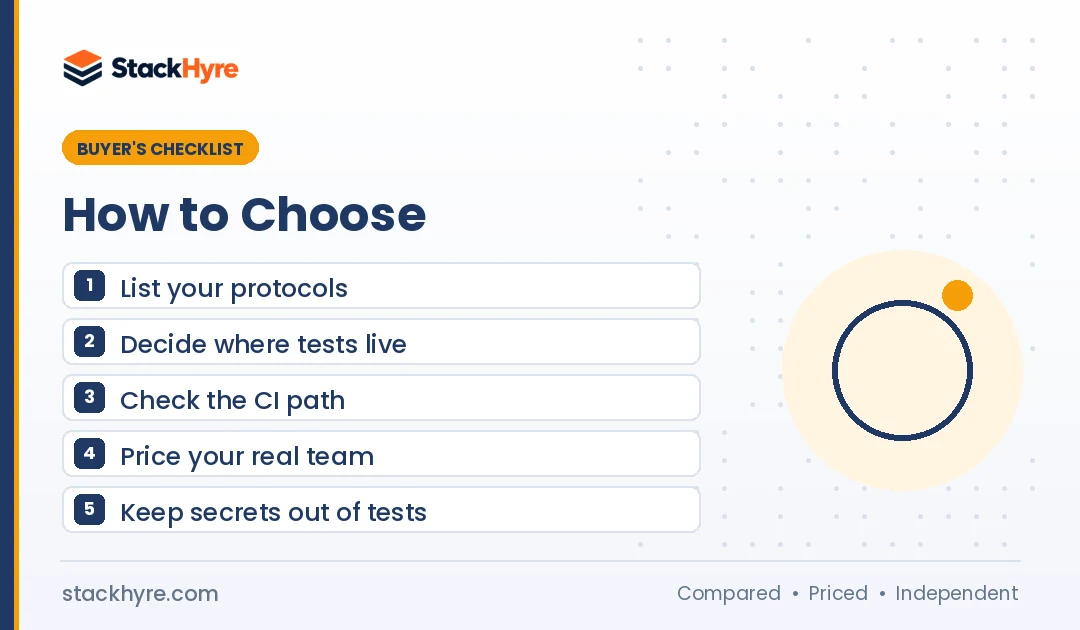
Here’s how I’d decide.
- List your protocols. REST only, or GraphQL, gRPC and SOAP too? Drop tools that don’t cover them.
- Decide where tests live. If you want code review on tests, pick Git-based tools like Bruno or a code framework.
- Check the CI path. Every tool here has a CLI or build plugin. Run one in your pipeline during the trial.
- Price your real team. Multiply per-user prices by your headcount. A $6 tool and a $19 tool look close until you have 30 people.
- Handle secrets properly. API tests need tokens and keys. Don’t hardcode them in collections. My guide to the best secrets management tools shows where to keep them.
Pricing models compared
| Model | Examples | Watch out for |
|---|---|---|
| Free and open source | REST Assured, Karate, k6 OSS, SoapUI | You set up and maintain everything |
| Freemium per user | Postman, Bruno, Insomnia, Hoppscotch | Team features need paid seats |
| Usage-based | Grafana Cloud k6 | Big load tests burn virtual user hours |
| Per seat per year | Katalon | High cost per person |
| Custom quote | ReadyAPI, enterprise tiers | Hard to compare without sales |
How I Evaluated These API Testing Tools
I did not run my own test suites or benchmarks for this guide. I read each vendor’s pricing page and docs in November 2026, checked the GitHub repos for the open source tools, and compared the top-ranking guides from Virtuoso, Keploy, The CTO Club, Kualitee and others. I included every tool that showed up in at least three of the top five pages, plus strong open source options.
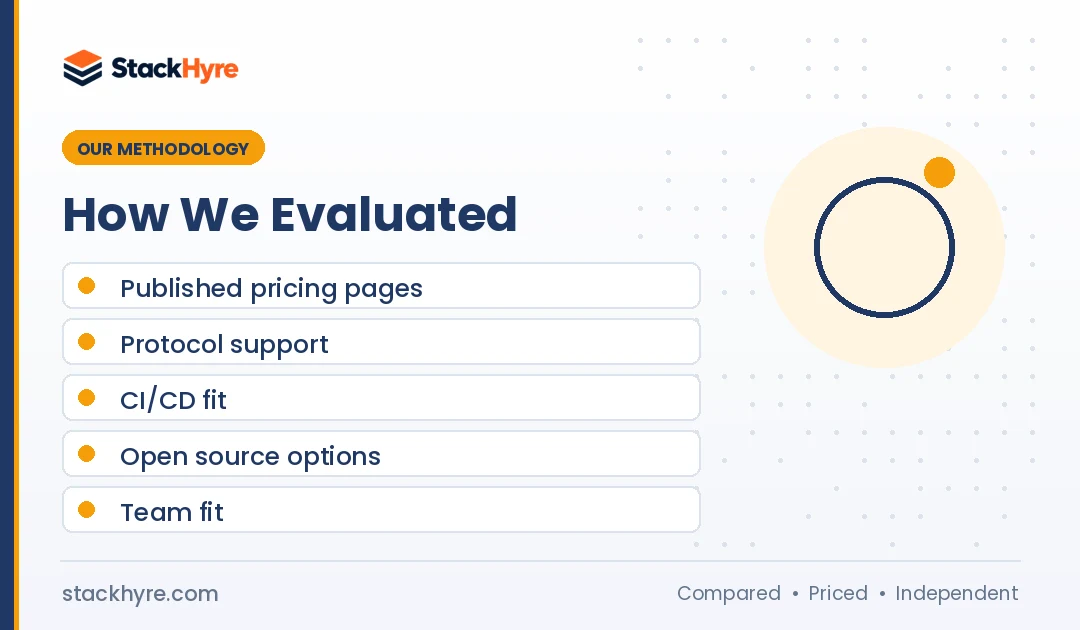
My criteria were:
- Published pricing and how it scales with team size
- Protocol support
- Where tests live and how they run in CI
- Open source or self-hosted options
- Clear fit for a type of team
Prices change, so confirm on each vendor’s page. My editorial policy explains how I research and update guides.
The Bottom Line
Most teams don’t need one perfect tool. They need a good pair.
For a client, pick Postman if your team already shares collections there, or Bruno if you want tests in Git and lower costs. Insomnia is the pick for heavy GraphQL and gRPC work, and Hoppscotch if you need to self-host a light client. For automation, Java teams should use REST Assured, and mixed teams should look at Karate. Add k6 for load. QA-led teams testing UI and API together should trial Katalon, and SOAP shops still belong on ReadyAPI.
Next step: run your top two picks in CI for a week. If Postman’s price is the push, start with my Postman alternatives list.
Frequently Asked Questions
What is the best API testing tool in 2026?
It depends on your job. Postman is the best known for team collaboration. Bruno is a strong open source client that stores tests in Git. REST Assured is the go-to for Java automation, Karate suits readable suites, and k6 leads for load testing. Katalon and ReadyAPI suit QA teams that need low-code or SOAP support.
What is the best free API testing tool?
Bruno and Hoppscotch are free, open source clients. REST Assured and Karate are free frameworks for automated tests. k6 is free for load testing, and SoapUI is free for SOAP. Postman still has a free plan, but it now covers only 1 user, so it suits solo work more than teams.
Is Postman still worth it in 2026?
Postman is worth it if your team uses shared workspaces, mocks and docs every day. Team costs $19 per user a month billed annually, as of November 2026. If you mostly send requests and run tests in CI, cheaper tools like Bruno, Insomnia or Hoppscotch may cover what you need for less.
What is the difference between API testing and load testing?
API testing checks that an endpoint returns the right status, data and headers for a request. Load testing checks how the API behaves when many users hit it at once, measuring speed and error rates. You need both. Tools like Postman or REST Assured cover function, and k6 covers load.
Can I run API tests in a CI/CD pipeline?
Yes. Postman uses the Newman CLI, Bruno and Hoppscotch have their own CLIs, and Insomnia has Inso. REST Assured and Karate run in your normal build with JUnit or Maven. k6 runs from the command line with thresholds that fail the build when performance drops below your target.
Related Articles


The StackHyre Editorial Team writes about proxies, web scraping and email infrastructure. We compare providers using published pricing, official documentation and third-party reviews. All content is for educational and informational purposes only.