

TL;DR: The best Cursor alternatives in 2026 are GitHub Copilot for the lowest-risk swap inside VS Code, Claude Code for terminal-first agent work, Devin Desktop (formerly Windsurf, now from Cognition) for a similar AI IDE, and Zed for raw speed. Cline and Continue are open-source picks where you bring your own model key. Paid plans start around $10 a month, as of November 2026. I cover pricing models, privacy and migration effort.
AI coding tools are now normal work gear. In the 2025 Stack Overflow Developer Survey, 84% of respondents said they use or plan to use AI tools in their development process.
Cursor, the AI code editor from Anysphere, is one of the big winners. The same survey’s technology section shows 17.9% of respondents using Cursor, against 75.9% for Visual Studio Code.
So why look elsewhere? I see four common reasons. Cost goes up fast once you lean on premium models. Some teams can’t send code to a third-party editor. Others are locked into JetBrains IDEs. And plenty of developers simply prefer an agent in the terminal over a forked editor.
This guide is about Cursor the editor, not a database cursor. I compared 8 Cursor alternatives on price, model choice, privacy controls and how much work it takes to switch.
If your team is also tracking prompts and model costs in production, my guide to LLM observability tools covers that side.
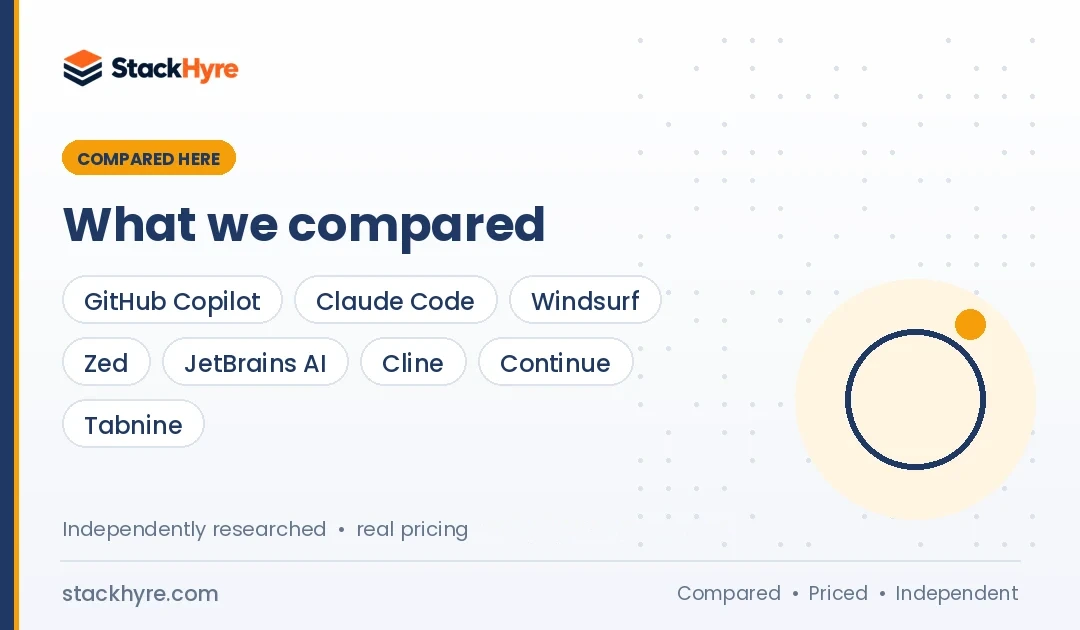
Quick Comparison: 8 Best Cursor Alternatives
| Tool | Best For | Starting Price | Key Feature |
|---|---|---|---|
| GitHub Copilot | Staying in VS Code | Free; Pro $10/user/mo | Works in most major IDEs |
| Claude Code | Terminal-first agent work | Included with Claude Pro, $20/mo monthly | Agent that edits and runs code |
| Windsurf (Devin Desktop) | Closest AI IDE feel | Free; Pro $20/mo | Agentic editor from Cognition |
| Zed | Speed and collaboration | Free; Pro $10/mo | Open-source native editor |
| JetBrains AI | IntelliJ, PyCharm and friends | Check the current price | Junie agent inside JetBrains IDEs |
| Cline | Open source with your own key | Free; pay model costs | Plan and act agent in VS Code |
| Continue | Custom, team-wide assistants | Pay as you go; Team $20/seat/mo | Configurable models and rules |
| Tabnine | Private and on-prem setups | Check the current price | Self-hosted deployment options |
What Makes a Good Cursor Alternative?
A good Cursor alternative gives you strong code completion plus an agent that can plan and edit across many files. It should let you pick your model, show clear pricing for heavy use, and fit the editor your team already uses. For company code, it also needs privacy controls such as no training on your code, admin settings and, for some teams, a self-hosted option.
Cursor bundles several things in one product. It’s worth naming them, because most alternatives replace only some of them.
- The editor. Cursor is a fork of VS Code. Your extensions and settings mostly carry over to other VS Code-based tools.
- Tab completion. Fast inline suggestions as you type.
- Chat and agent mode. An assistant that reads your codebase, edits several files and runs commands.
- Model access. A subscription that bundles usage of models from several labs.
Here’s how I’d frame it. If you love the editor but hate the bill, look at plugins for VS Code. If you want a better agent, look at Claude Code or Cline. If you want a whole new editor, look at Zed or Windsurf.
What Does Cursor Cost in 2026?
Cursor lists five individual tiers on its official pricing page: Free at $0, Plus at $8 a month, Premium at $30, Super at $100 and Ultra at $200, as of November 2026. Teams starts at $30 or more per user a month, and Enterprise is custom.
That ladder tells you something. Light users can get by cheaply. Heavy agent users who run premium models all day end up on the top tiers. If that’s you, compare total spend, not the headline price.
AI Plugins for Your Current Editor
#1 GitHub Copilot: Best for staying in VS Code
Copilot is the safest switch for most teams because it plugs into the editor you already use.
What it does well. Copilot works inside VS Code, Visual Studio, JetBrains IDEs and more. Because Cursor is a VS Code fork, moving back to plain VS Code plus Copilot keeps your keybindings and most extensions. It also ties into GitHub pull requests and issues, which is handy if your code already lives there.
Key features:
- Inline completions and chat in many IDEs
- Agent mode for multi-file edits
- Choice of models from several providers on paid tiers
- Organization policy controls on business plans
Pricing. The GitHub Copilot plans page lists Free at $0, Pro at $10 per user a month, Pro+ at $39 and Max at $100, as of November 2026. Business and Enterprise pricing goes through sales on that page.
Best for: Teams already on GitHub who want AI help without changing editors.
Limitations. Premium model use is metered, so heavy agent work can push you to higher tiers. Some developers find Cursor’s codebase-wide editing feels more tightly built in.
#2 JetBrains AI: Best for IntelliJ, PyCharm and WebStorm users
If your team lives in JetBrains IDEs, a VS Code fork was never the right fit.
What it does well. JetBrains builds AI into its own IDEs, so you keep deep refactoring, debugging and language tools. Its AI overview page describes Junie as its coding agent, now part of JetBrains Air, and lists other agents like Claude Agent, Codex and Copilot as options.
Key features:
- AI chat and completion inside JetBrains IDEs
- Junie agent for multi-step tasks
- Credit-based usage billed at public API rates
- Works with the IDE’s own code analysis
Pricing. JetBrains uses a credit system. The plan list did not load for me, so check the current price on the JetBrains AI plans page.
Best for: Java, Kotlin, Python and .NET teams who already pay for JetBrains tools.
Limitations. Credit pricing takes some work to forecast. And you need a JetBrains IDE, so it won’t suit VS Code users.
#3 Tabnine: Best for private and on-prem setups
Tabnine is the pick I’d look at first when security review is the main hurdle.
What it does well. Tabnine has long focused on private deployment, including options for teams that can’t send code to a public cloud. Its current product pages describe AI agents that can work from Jira issues and check code against issue requirements.
Key features:
- Plugins for major IDEs
- Agents tied to issue trackers like Jira
- Private and self-hosted deployment options
- Admin and governance controls
Pricing. The plan prices did not load for me, so check the current price on Tabnine’s pricing page.
Best for: Regulated companies and enterprises with strict data rules.
Limitations. It’s built for organizations, so solo developers will likely get more for their money elsewhere.
Standalone AI Code Editors
#4 Windsurf (Devin Desktop): Best for the closest AI IDE feel
Windsurf was the most direct Cursor rival, and it now lives under the Devin brand.
What it does well. The old windsurf.com pricing link now redirects to the Devin pricing page, which lists Devin Desktop as part of its plans and refers to the Cognition team. If you want an all-in-one AI editor with an agent built in, it’s the closest match to Cursor’s workflow.
Key features:
- AI-first desktop editor
- Agentic coding across files
- Access to the wider Devin agent platform
- Team plan with per-seat access
Pricing. The Devin page lists Free at $0, Pro at $20 a month and Max at $200 a month, as of November 2026. Teams is $80 a month plus $40 per full developer seat, and Enterprise is custom.
Best for: Developers who like Cursor’s style but want a different agent and pricing model.
Limitations. The rebrand means docs, plan names and features have shifted. Check what’s included before you move a whole team.
#5 Zed: Best for speed and real-time collaboration
Zed is the editor I’d point you to if Cursor feels slow on your machine.
What it does well. Zed is a native editor, not a VS Code fork, and it’s open source. Its pricing page links to the source code on GitHub and notes that its paid controls cover Zed’s hosted services. You can use its hosted AI or connect other model providers.
Key features:
- Fast, native, open-source editor
- Built-in AI agent panel and edit predictions
- Real-time multiplayer editing
- Bring your own model provider
Pricing. Zed lists Personal at $0 forever, Pro at $10 a month with a free trial, and Business at $30 per seat a month, as of November 2026.
Best for: Developers who want a lighter editor and don’t depend on many VS Code extensions.
Limitations. Zed’s extension library is smaller than VS Code’s. If you rely on niche extensions, test them first.
AI Coding Agents
#6 Claude Code: Best for terminal-first agent work
Claude Code is the pick if you mostly want an agent to do the work, not a new editor.
What it does well. Claude Code runs from your terminal and also connects to editors. It reads your repo, edits files and runs commands with your approval. Because it isn’t tied to one editor, you can keep VS Code, JetBrains or Vim and still get agent help.
Key features:
- Agent that plans, edits and runs code
- Works in the terminal and with popular IDEs
- Uses Anthropic’s Claude models
- Included in Claude paid plans
Pricing. The Claude pricing page shows Claude Code included with Pro at $20 a month billed monthly, or $17 a month on an annual plan, and with Max from $100 a month, as of November 2026. The Free plan does not include it.
Best for: Developers comfortable in the terminal who want an agent for larger tasks.
Limitations. You only get Anthropic’s models. And if you want inline tab completion as you type, you’ll pair it with another tool.
#7 Cline: Best open-source agent with your own API key
Cline is my pick if you want full control over which model you pay for.
What it does well. Cline is an open-source extension for VS Code and similar editors. Its pricing page says the open-source extension is free for individual developers, and you pay only for AI inference. You can use keys from OpenAI, Anthropic, Google and others.
Key features:
- Open source, no seat fee for individuals
- Bring your own key from major model providers
- Plan and act modes for multi-step tasks
- Asks before it edits files or runs commands
Pricing. Free for individuals, plus whatever your model provider charges. Enterprise is custom pricing, as of November 2026.
Best for: Developers who want transparency and want to choose, or switch, models freely.
Limitations. Your bill depends on your model usage, so long agent runs on top models can cost more than a flat plan. Set spending limits with your provider.
#8 Continue: Best for custom, team-wide assistants
Continue fits teams that want to define their own rules, models and checks.
What it does well. Continue started as an open-source IDE extension and now offers hosted plans for teams. You can set which models to use and share settings across a team, which helps keep everyone on the same approved setup.
Key features:
- Configurable models and rules
- IDE extensions for VS Code and JetBrains
- Shared team configuration
- Pay-as-you-go option for small users
Pricing. The Continue pricing page lists Starter at $3 per million tokens, pay as you go, and Team at $20 per seat a month with $10 in credits per seat, as of November 2026. Company is custom.
Best for: Platform teams that want to standardize AI coding tools across many developers.
Limitations. It takes more setup than Copilot. You get flexibility, but someone has to own the configuration.
Are There Free or Open-Source Cursor Alternatives?
Yes. Cline and Zed are open source and free to start, and Copilot, Windsurf and Zed all have free tiers. With Cline you still pay for model usage through your own API key. If you want a fully local setup, open-source tools that accept local model servers let you keep code on your own hardware, though local models are usually weaker than top hosted ones.
Pricing models fall into three groups:
- Flat subscriptions with usage limits, like Copilot, Zed and Claude plans.
- Credit or token billing, like JetBrains AI credits and Continue’s Starter tier.
- Bring your own key, like Cline, where you pay the model provider directly.
Flat plans are easier to budget. Token billing is fairer if your use is uneven. Pick based on how predictable your usage is.

How Should You Choose the Right Cursor Alternative?
Start with the editor your team uses and the part of Cursor you’d miss most. Then check how each tool bills heavy use, whether it lets you pick models, and what it does with your code. Run a two-week trial on a real repo with two or three developers before you commit a whole team.
Here’s the checklist I’d use:
- Editor fit. VS Code users have the easiest move. JetBrains users should start with JetBrains AI or Copilot.
- Agent quality on your code. Try the same three tasks in each tool: a bug fix, a small feature and a refactor.
- Model choice. Some tools lock you to one lab. Others let you switch as models improve.
- Cost at your real usage. Look at what heavy users would spend, not just the entry price.
- Privacy and admin controls. Check data retention, training policies and SSO for company use.
Also think about secrets. AI agents read your files and run commands. Keep API keys out of your repo with a proper vault. My guide to secrets management tools covers the options.
How hard is it to migrate off Cursor?
Moving off Cursor is usually easy. Because Cursor is built on VS Code, VS Code itself, Copilot, Cline and Continue all accept the same extensions and similar settings. The harder part is habit. Your team learned Cursor’s shortcuts and rule files, so plan to rewrite project rules for the new tool and give people a week to adjust.
Moving to Zed or a JetBrains IDE takes longer, since you change the whole editor. Budget time to rebuild keybindings and find replacement extensions.
How I Evaluated These Cursor Alternatives
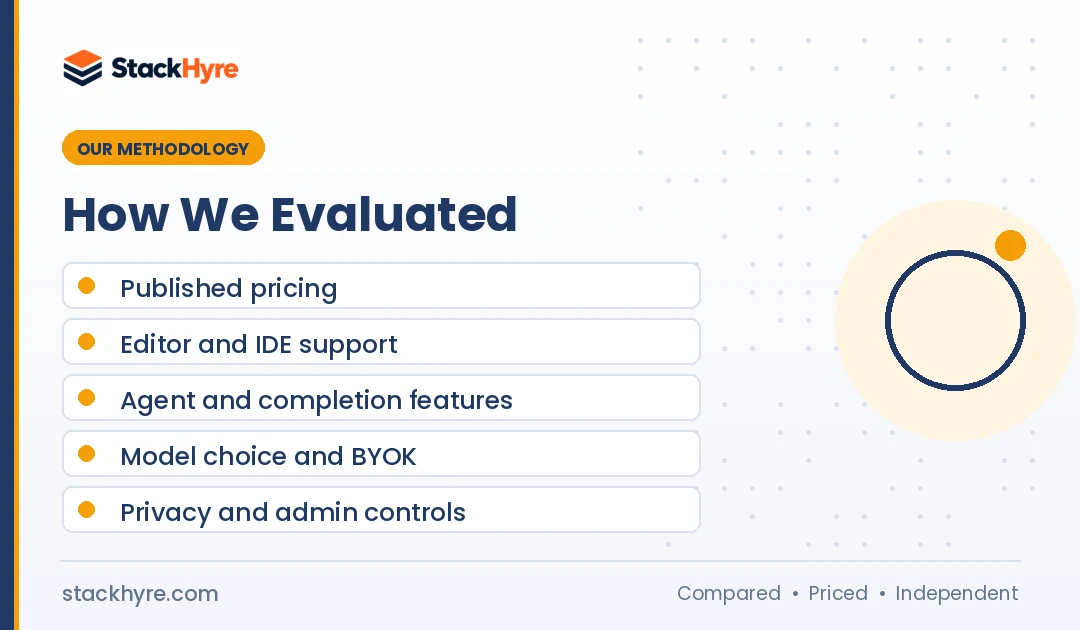
I did not run hands-on benchmarks for this guide. Here’s exactly what I checked, as of November 2026.
- Ranking pages. I read the top pages ranking for “cursor alternatives” and included every tool that appeared on three or more of them, plus open-source picks they missed.
- Vendor pricing pages. Every price comes from the vendor’s own pricing page. Where a page did not load, I say so and link to it.
- Vendor docs and product pages for features, model support and privacy options.
- Independent data from the 2025 Stack Overflow Developer Survey for adoption and trust figures.
- Fit criteria: editor support, agent features, model choice, pricing model, privacy controls and switching effort.
You can read more about how I research and update guides in my editorial policy.
One more data point worth keeping in mind. The same survey found more developers distrust AI output accuracy than trust it. Whatever tool you choose, keep code review and tests in place.
The Bottom Line
For most teams, the best Cursor alternative is GitHub Copilot in VS Code. It’s cheap, familiar and the easiest move. If you want a stronger agent and don’t mind the terminal, pick Claude Code. If you want Cursor’s all-in-one feel with a different engine, try Windsurf under its Devin Desktop name. Pick Zed for speed, JetBrains AI for JetBrains shops, and Cline or Continue if you want open tools and model choice.
My advice: shortlist two, trial them on real work for two weeks, and compare what your heaviest user would pay. If you’re building AI features into your own product, my guide to vector databases is a good next read.
Frequently Asked Questions
What is the best alternative to Cursor?
For most developers, GitHub Copilot in VS Code is the best Cursor alternative. It keeps the same editor base, since Cursor is a VS Code fork, and Pro costs $10 per user a month as of November 2026. If you want a stronger agent for big tasks, Claude Code is the main alternative, and Zed suits people who want a faster editor.
Is there a free alternative to Cursor?
Yes. GitHub Copilot, Zed and Windsurf under the Devin brand all list free tiers as of November 2026. Cline is open source and free for individuals, but you pay your model provider for usage through your own API key. Free tiers have usage limits, so heavy daily users usually end up on a paid plan.
Is Claude Code better than Cursor?
It depends on how you work. Claude Code is a terminal-first agent that suits larger, multi-step tasks and works with any editor. Cursor is a full editor with fast tab completion and many model choices. Many developers use an agent like Claude Code alongside a normal editor, so the choice isn’t always one or the other.
Can I use my Cursor extensions in another editor?
Mostly, yes, if you move to another VS Code-based tool. Cursor is built on VS Code, so VS Code with Copilot, Cline or Continue accepts the same extensions and similar settings. Zed and JetBrains IDEs use their own extension systems, so you’ll need to find replacements there. Cursor-specific rule files will need rewriting for any new tool.
Which Cursor alternative is best for privacy?
Tabnine is built around private and self-hosted deployment, which makes it a strong pick for strict security reviews. Open-source tools like Cline and Continue also help, because you choose the model provider or can point them at models you host. For any tool, read the data retention and training policy before you connect company code.
Related Articles



The StackHyre Editorial Team writes about proxies, web scraping and email infrastructure. We compare providers using published pricing, official documentation and third-party reviews. All content is for educational and informational purposes only.