
TL;DR: If your apps run on one cloud, start with that cloud’s own secrets manager. For dynamic credentials across clouds, pick HashiCorp Vault or its open source fork OpenBao. For a clean developer workflow across every environment, look at Doppler or Infisical. Bitwarden and 1Password fit teams already using them. Prices range from $0.06 per secret a month on Google Cloud to per-user plans from $6, as of November 2026. I compare 9 tools below.
AWS charges $0.40 per secret per month plus $0.05 per 10,000 API calls, as of November 2026. That sounds tiny. But it tells you something about this market.
Storing a secret is cheap. The hard part is everything around it.
Who can read a database password? How does a CI job get an API key without a human pasting it in? What happens when a key leaks and you need to rotate it across 40 services tonight?
That’s what a secrets management tool solves. It keeps API keys, passwords, tokens and certificates out of your code and .env files. It controls who and what can read them. And it logs every access.
The tools split into a few camps. Cloud-native managers built into AWS, Google Cloud and Azure. Self-hosted vaults like HashiCorp Vault and OpenBao. Developer-first SaaS tools like Doppler and Infisical. And password managers that grew secrets features, like Bitwarden and 1Password.
I grouped this list by those camps. If you run workloads on containers, my guides to Kubernetes alternatives and Docker alternatives cover the platform side.
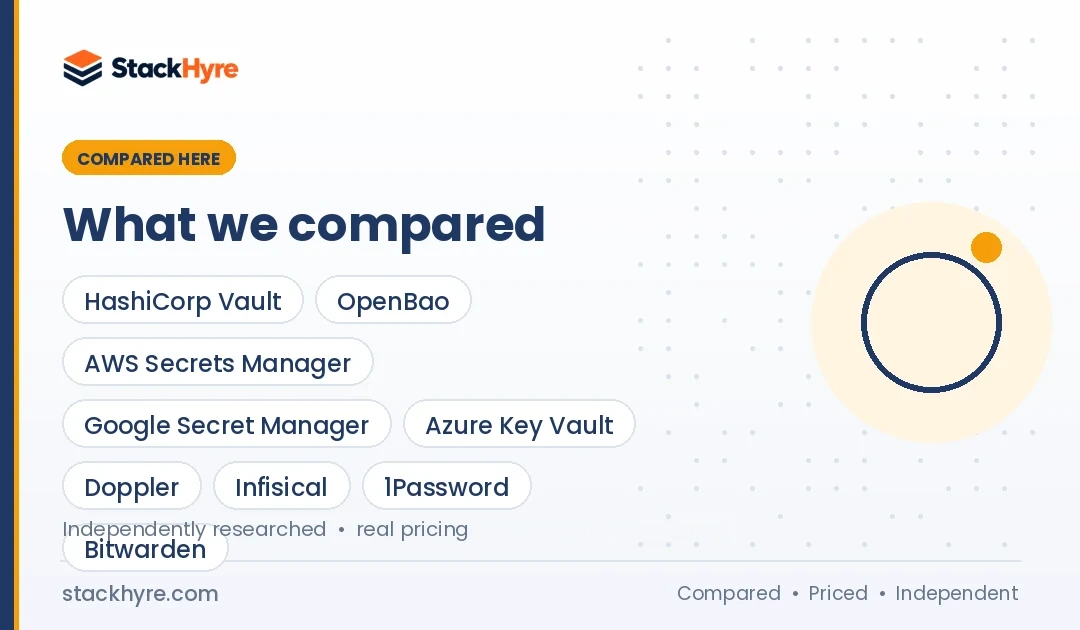
Quick Comparison: 9 Best Secrets Management Tools
| Tool | Best For | Starting Price | Key Feature |
|---|---|---|---|
| HashiCorp Vault | Dynamic secrets across clouds | Check current price; $500 PAYG credit | Dynamic credentials, PKI, encryption |
| AWS Secrets Manager | Apps on AWS | $0.40/secret/mo | Managed rotation for AWS databases |
| Google Secret Manager | Apps on Google Cloud | Free tier; ~$0.06/version/mo | IAM-based access, regional replication |
| Azure Key Vault | Apps on Azure | Per 10,000 transactions | Secrets, keys and HSM in one service |
| Doppler | Syncing secrets to many platforms | 3 free users; $8/extra user | Syncs to clouds and CI tools |
| Infisical | Open source, developer-first | Free; Pro $20/identity/mo | One dashboard across environments |
| Akeyless | Vault as a service | Check current price | Vaultless, distributed key fragments |
| 1Password | Teams already on 1Password | Check current price | Secret references in .env files |
| Bitwarden Secrets Manager | Low-cost team plans | Free; Teams $6/user/mo | Unlimited secrets on every plan |
What Makes a Great Secrets Management Tool?
A great secrets manager encrypts secrets at rest and in transit, gives each app and person only the access it needs, and logs every read. It delivers secrets to local machines, CI and production without copy and paste. It supports rotation, ideally automatic, and it fits your cloud and tooling so developers actually use it.
In practice, I check five things.
- Access control. Fine-grained roles for people and machine identities, tied to your SSO or cloud IAM.
- Delivery. CLI, SDKs, Kubernetes operators and CI integrations. If it’s hard to use, people go back to .env files.
- Rotation. Automatic rotation for databases and cloud keys, or at least easy manual rotation.
- Audit logs. Who read what, when, and how long logs are kept on your plan.
- Hosting and pricing model. Per secret, per user, per identity or self-hosted.
Who Needs a Secrets Management Tool?
Any team that ships software with API keys, database passwords or tokens needs one. That’s almost everyone. The trigger is usually growth: more developers, more environments, more services. Once secrets live in Slack messages, shared docs or committed .env files, you have a leak waiting to happen. A secrets manager gives you one source of truth.
Storage is only half the job. You also need to find secrets that already leaked into code. GitGuardian’s secrets management roundup and Encore’s developer guide both stress running a scanner on your repos and rotating anything that was ever committed.
Best Self-Hosted and Multi-Cloud Vaults
#1 HashiCorp Vault: Best for dynamic secrets across clouds
Vault is the most feature-complete secrets platform, with dynamic secrets, PKI, encryption as a service and a deep policy engine.
What it does well. Vault can create short-lived database and cloud credentials on demand and revoke them automatically. That means a leaked credential often expires before anyone can use it. GitGuardian notes Vault offers dynamic secrets, PKI, data encryption, tokenization and 75+ integrations. You can self-host or use HashiCorp’s managed cloud.
Key features:
- Dynamic, short-lived credentials
- PKI and certificate issuing
- Encryption as a service
- Path-based access policies
- Agent and sidecar for Kubernetes
Pricing. HashiCorp’s pricing page lists Pay-as-You-Go, Flex and Enterprise Self Managed plans, with a $500 credit for new PAYG sign-ups, as of November 2026. Check the current Vault rates there.
Open source note. GitGuardian reports that IBM acquired HashiCorp in February 2025. HashiCorp moved its products to the Business Source License in 2023. If you want a fully open source option, look at OpenBao, a community fork of Vault run under the Linux Foundation with a Vault-compatible API.
Best for: Platform teams who need dynamic credentials across several clouds and on-prem.
Limitations. Vault is complex to run well. You need people who understand unsealing, high availability and policies. For a small team, it’s often more than you need.
#2 Akeyless: Best vault as a service
Akeyless offers Vault-style features as a managed SaaS, built on what it calls Distributed Fragments Cryptography.
What it does well. You get static secrets, dynamic credentials, rotation and just-in-time access without running servers. Cycode’s secrets tools guide explains that Akeyless splits key material so there’s no single master key. It supports hybrid and air-gapped setups through gateways.
Key features:
- Static and dynamic secrets
- Automatic rotation
- Just-in-time access
- Gateways for hybrid and private networks
- Many auth methods and SDKs
Pricing. Akeyless has a free tier and paid plans by quote. Check the current price on Akeyless’s pricing page.
Best for: Companies that want Vault-level features without running Vault.
Limitations. It’s not open source, so you can’t self-host the core. Advanced features need a commercial plan, and public pricing is limited.
Best Cloud-Native Secrets Managers
#3 AWS Secrets Manager: Best for apps on AWS
AWS Secrets Manager is the default choice for workloads running on AWS.
What it does well. Access runs through IAM, which your AWS team already manages. GitGuardian notes it offers zero-code managed rotation for RDS, Aurora, Redshift, DocumentDB and ElastiCache. Lambda and ECS can pull secrets directly. Multi-region replicas cost the same base rate as the primary secret.
Key features:
- IAM-based access control
- Managed rotation for AWS databases
- Multi-region replication
- Native Lambda and ECS integration
- Audit through CloudTrail
Pricing. AWS’s pricing page lists $0.40 per secret per month and $0.05 per 10,000 API calls, as of November 2026. New AWS customers can use free tier credits.
Best for: Teams whose apps run mostly on AWS.
Limitations. Costs add up when you store thousands of secrets. Local development needs its own setup. And it’s less handy if you also run on other clouds.
#4 Google Cloud Secret Manager: Best for apps on Google Cloud
Google Cloud Secret Manager stores secrets in your GCP project with IAM access and version history.
What it does well. Each secret has versions, so you can roll back. Access is controlled by IAM and logged in Cloud Audit Logs. Cloud Run can mount secrets directly. You can choose automatic or user-managed replication across regions.
Key features:
- Secret versioning
- IAM access and audit logs
- Regional replication control
- Customer-managed encryption keys
- Rotation notifications
Pricing. Google’s pricing page lists about $0.06 per active secret version a month and $0.03 per 10,000 access operations. The free tier covers 6 active versions, 10,000 access operations and 3 rotation notifications a month, as of November 2026.
Best for: Teams running on Google Cloud who want the cheapest per-secret rate.
Limitations. You pay per active version, so keeping many old versions adds cost. Rotation sends notifications, but you write the rotation logic yourself.
#5 Azure Key Vault: Best for apps on Azure
Azure Key Vault stores secrets, encryption keys and certificates for Microsoft Azure workloads.
What it does well. It handles three jobs in one service: secrets, keys and certificates. The Premium tier adds HSM-protected keys for stricter compliance. Access ties into Microsoft Entra ID, which most Azure shops already use.
Key features:
- Secrets, keys and certificates
- HSM-protected keys on Premium
- Managed HSM pools
- Automated key rotation
- Entra ID access control
Pricing. Azure’s Key Vault pricing page charges secrets operations per 10,000 transactions, HSM keys per key a month, and Managed HSM pools by the hour. Check the current price there or in the Azure calculator.
Best for: Companies standardized on Microsoft Azure and Entra ID.
Limitations. Pricing has many parts, so estimate with the calculator. It’s not a great fit outside Azure. Developer workflow for local machines takes extra setup.

Best Developer-First Secrets Platforms
#6 Doppler: Best for syncing secrets to many platforms
Doppler is a cloud-agnostic secrets manager focused on a fast, simple developer workflow.
What it does well. You store secrets once in Doppler and sync them to AWS, Vercel, GitHub Actions and many other targets. Developers run doppler run locally and get the same values as everyone else. Setup is fast, which is why Cycode calls it a fit for startups and product teams.
Key features:
- Projects, environments and configs
- Syncs to clouds, CI and hosting platforms
- CLI for local development
- Service tokens for machines
- Activity logs
Pricing. Doppler’s pricing page lists Developer with 3 free users then $8 per extra user a month, Team at $21 per user a month, and custom Enterprise, as of November 2026. Developer keeps activity logs for 3 days. Team keeps them for 90.
Best for: Startups and product teams who deploy to many platforms.
Limitations. It’s SaaS only, so your secrets live in Doppler’s cloud. Dynamic credentials are lighter than Vault’s. Team pricing per user can climb with big teams.
#7 Infisical: Best open source, developer-first option
Infisical is an open source secrets platform with a cloud version and a self-hosted option.
What it does well. One dashboard covers every environment. Developers use infisical run locally, and a Kubernetes operator handles clusters. The code is on GitHub, so you can inspect it. It has also added certificate management and privileged access products.
Key features:
- Secrets across environments in one view
- CLI, SDKs and Kubernetes operator
- Secret syncs to other platforms
- Honey tokens on paid plans
- Cloud or self-hosted
Pricing. Infisical’s pricing page lists Free at $0 with 5 identities and 3 environments. Pro costs $20 per identity a month billed annually, and Advanced costs $40. Enterprise is custom, as of November 2026. Self-hosted pricing differs, so contact sales.
Best for: Developer teams who want open source and a modern workflow.
Limitations. Per-identity pricing counts machines too, so costs can surprise you. Self-hosted paid features need a sales call.
Best Secrets Tools for Teams Already on a Password Manager
#8 1Password: Best for teams already on 1Password
1Password’s secrets management features extend the password manager many companies already use.
What it does well. GitGuardian highlights its .env file references. You commit a reference like op://vault/item/field instead of the real value, and the CLI loads it at runtime. Shell plugins also remove plain-text credentials from local CLI config files. Service accounts let CI jobs read secrets.
Key features:
- Secret references in .env files
- op run CLI for local development
- Service accounts for machines
- Shell plugins for CLI tools
- Kubernetes and CI integrations
Pricing. Developer features come with 1Password business plans. Check the current price on 1Password’s secrets management page.
Best for: Companies already paying for 1Password who want one tool for people and machines.
Limitations. Integration coverage is narrower than Doppler’s or Vault’s. It has no dynamic database credentials. It makes the most sense only if you already use 1Password.
#9 Bitwarden Secrets Manager: Best low-cost team option
Bitwarden Secrets Manager brings Bitwarden’s open source approach to machine secrets, with simple per-user pricing.
What it does well. It’s cheap and clear. Every plan includes unlimited secret storage. Machine accounts give CI jobs and servers their own access. If your team already uses Bitwarden for passwords, setup is quick.
Key features:
- Unlimited secrets on every plan
- Machine accounts for apps and CI
- Projects to group secrets
- CLI and SDKs
- GitHub Actions and other integrations
Pricing. Bitwarden’s Secrets Manager page lists Free for up to 2 users and 3 machine accounts, Teams at $6 per user a month with 20 machine accounts, and Enterprise at $12 per user a month with 50, billed annually, as of November 2026. Extra machine accounts cost $1 each.
Best for: Small and mid-size teams who want low, predictable cost.
Limitations. Fewer advanced features than Vault or Akeyless, like dynamic credentials. Its integration list is shorter than Doppler’s.
How Should You Choose the Right Secrets Management Tool?
Start with where your apps run. On one cloud, use that cloud’s manager, since IAM already controls access. Across clouds with dynamic credentials, use Vault, OpenBao or Akeyless. For the best developer workflow across many platforms, pick Doppler or Infisical. If you already pay for Bitwarden or 1Password, try their secrets features first.
Here’s my process.
- Map where secrets go. Local machines, CI, preview environments and production. Your tool must reach all of them.
- Decide on static or dynamic. Most teams are fine with static secrets and rotation. Dynamic credentials need Vault-style tools.
- Count users and machines. Per-user, per-identity and per-secret models give very different bills. Price your real numbers.
- Check audit log retention. Free plans often keep logs for days, not months. Compliance may require more.
- Plan for leaks. Pair your manager with a repo scanner, and test your rotation process before you need it.
Your secrets also feed your test suites. Keep API tokens out of saved collections. My guide to the best API testing tools covers clients that support environment variables and secret storage.
Pricing models compared
| Model | Examples | Watch out for |
|---|---|---|
| Per secret plus API calls | AWS, Google Cloud | Thousands of secrets or versions add up |
| Per transaction | Azure Key Vault | Many line items to estimate |
| Per user | Doppler, Bitwarden | Big teams multiply the cost |
| Per identity | Infisical | Machines count as identities |
| Open source, self-hosted | OpenBao, Vault Community, Infisical | You run high availability and upgrades |
| Custom quote | Akeyless, Vault Enterprise | Hard to compare without sales |
One more option worth knowing: SOPS keeps encrypted secrets in Git with no server at all. Encore’s guide lists it for GitOps teams. It’s a good fit for small infrastructure repos, but it lacks access logs and rotation.
How I Evaluated These Secrets Management Tools
I did not run security tests or benchmarks. I read each vendor’s pricing page and docs in November 2026, and compared the top-ranking guides from Cycode, Akeyless, Encore, GitGuardian and Atera. I included every tool that appeared in at least three of those pages, and added open source options like OpenBao and Infisical. Vendor guides tend to rank their own product first, so I weighed them against each other.
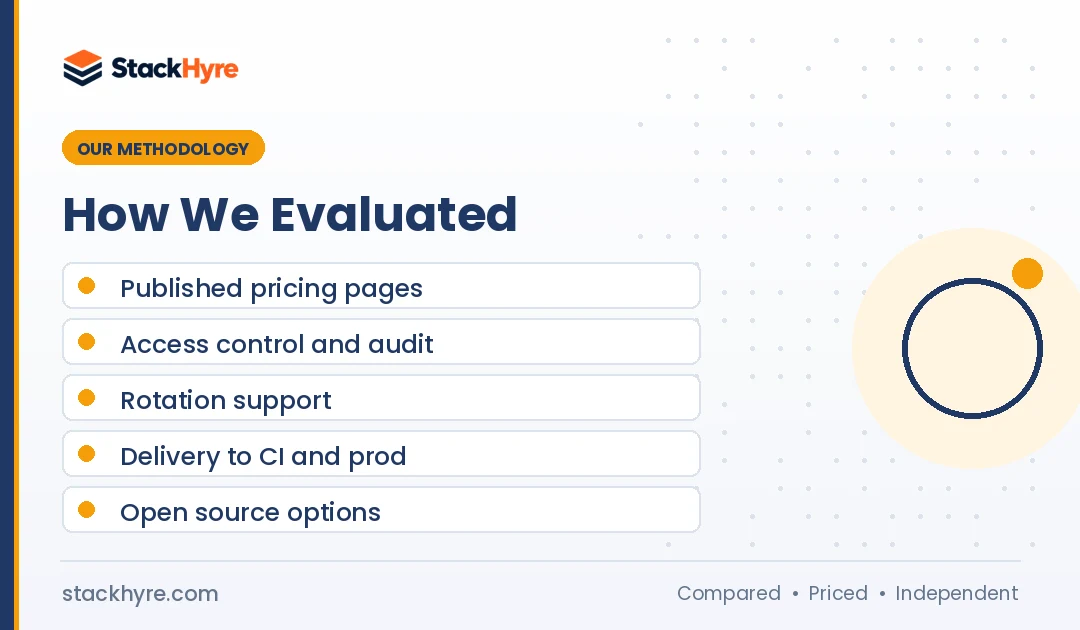
My criteria were:
- Published pricing and how it scales
- Access control and audit logging
- Rotation and dynamic credential support
- Delivery to local, CI and production
- Open source or self-hosted options
Prices change, so confirm on each vendor’s page. My editorial policy explains how I research and update guides.
The Bottom Line
Pick the simplest tool that reaches every place your secrets need to go.
On AWS, Google Cloud or Azure alone, use the built-in manager. It’s cheap and already wired into IAM. If you run across clouds and need short-lived credentials, Vault is the most complete, and OpenBao is the open source path. Akeyless gives you similar power without servers. For developer speed across many platforms, Doppler and Infisical are my picks. And if you already pay for Bitwarden or 1Password, their secrets features may be all you need.
Next step: move one service off .env files this week, and set up a repo scanner. Then review how your API testing tools handle tokens.
Frequently Asked Questions
What is the best secrets management tool in 2026?
It depends on your setup. For apps on one cloud, use AWS Secrets Manager, Google Secret Manager or Azure Key Vault. For dynamic credentials across clouds, HashiCorp Vault or OpenBao. For a fast developer workflow, Doppler or Infisical. For teams already on a password manager, Bitwarden or 1Password secrets features are a simple start.
Is there a free secrets management tool?
Yes. OpenBao is a fully open source fork of Vault. Infisical has a free cloud plan with 5 identities and an open source codebase. Bitwarden Secrets Manager is free for up to 2 users. Doppler’s Developer plan includes 3 free users. Google Secret Manager’s free tier covers 6 active secret versions a month.
What is the difference between a password manager and a secrets manager?
A password manager stores logins for people who type them into websites. A secrets manager stores API keys, tokens and credentials for apps, servers and CI jobs. It focuses on machine access, automation, rotation and audit logs. Some tools, like Bitwarden and 1Password, now offer both in one product.
Is HashiCorp Vault still open source?
HashiCorp moved its products, including Vault, to the Business Source License in 2023, which is source-available rather than open source. IBM later acquired HashiCorp. If you need a true open source option, OpenBao is a community fork of Vault run under the Linux Foundation with a compatible API.
How much does AWS Secrets Manager cost?
AWS Secrets Manager costs $0.40 per secret per month plus $0.05 per 10,000 API calls, as of November 2026. Replicas in other regions are billed at the same base rate. New AWS accounts can use free tier credits. For many secrets, compare this with Google Cloud’s rate of about $0.06 per active version.
Related Articles


The StackHyre Editorial Team writes about proxies, web scraping and email infrastructure. We compare providers using published pricing, official documentation and third-party reviews. All content is for educational and informational purposes only.