
TL;DR: To humanize AI content, edit the draft until it is accurate, specific and useful to a real reader. Fact-check every claim, add knowledge only you have, cut filler, fix the structure and rewrite in your own voice. Humanizer tools can smooth wording but cannot add facts or experience. This guide gives you an 8-step editing method, what Google says about AI content, and where tools help.
In June 2023, a federal judge in New York fined two lawyers and their firm $5,000. They had filed a brief citing court cases that ChatGPT made up, as LawSites reported.
That case is extreme. But it shows the real problem with raw AI drafts. The issue is not that they sound robotic. The issue is that nobody checked them.
So when I say “humanize,” I mean edit. I mean turning a fluent but generic draft into something accurate, specific and worth reading. That is what readers want. It is also what Google says it rewards.
This guide is for marketers, bloggers and business writers who use AI to draft. It is not about passing off AI work as your own in school. If you are a student, follow your institution’s rules.
For the tools behind this process, see my guide to the best AI writing tools. For the final polish, my list of the best AI grammar checkers covers the editors I’d use.
The 8-Step Editing Pass at a Glance
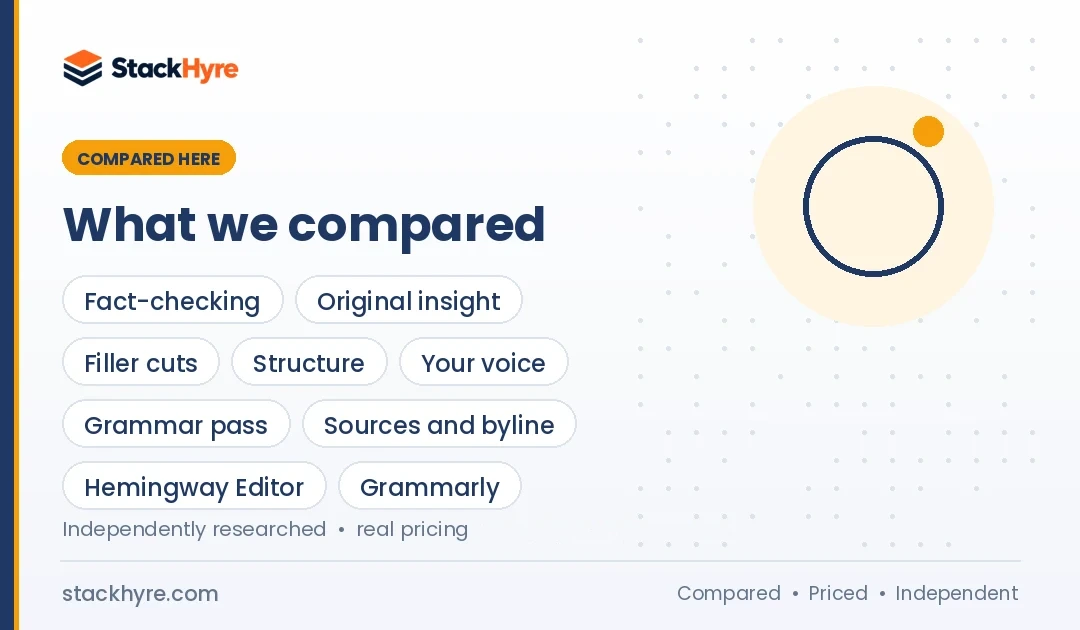
| Step | What You Fix | Why It Matters | Tool That Helps |
|---|---|---|---|
| 1. Write a real brief | Vague prompts | Better input, fewer rewrites | Any AI assistant |
| 2. Fact-check everything | Invented facts, old prices, fake quotes | Trust and accuracy | Primary sources |
| 3. Add what only you know | Generic advice | Original value | Your notes and data |
| 4. Cut filler and AI tells | Padding, hedges, stock phrases | Shorter, sharper copy | Hemingway Editor |
| 5. Fix the structure | Wall-of-text sections | Easy scanning | Your outline |
| 6. Rewrite in your voice | Flat, neutral tone | Sounds like a person | Wordtune, QuillBot |
| 7. Final grammar pass | Errors and clumsy lines | Professional finish | Grammarly, LanguageTool |
| 8. Add sources and a byline | Anonymous, unsourced claims | Credibility | Your CMS |
What Does It Mean to Humanize AI Content?
Humanizing AI content means editing a machine draft until it reads like it came from someone who knows the subject. That involves checking facts, adding real examples and experience, removing filler, and writing in a clear personal voice. The goal is a page that helps the reader. Swapping synonyms to change how text “scores” is not the goal.
Many tools sell “humanizing” as a one-click rewrite. That framing misses the point.
A rewrite changes words. It does not change what the text knows. If a draft has no specific examples, a synonym swap will not add any. If it has a wrong price, a rewrite will keep the wrong price.
Good editing does three jobs. It makes the draft true. It makes the draft specific. And it makes the draft sound like one person talking to another.
Why Does Raw AI Content Read So Flat?
Raw AI drafts read flat because the model predicts the most likely next words, so it drifts toward safe, average phrasing. It hedges, lists things in threes, avoids firm opinions and rarely gives concrete numbers or examples. It can also state wrong facts with full confidence. Readers sense the lack of a real point of view quickly.
Here are the patterns I look for in every AI draft.
- Empty openers. Lines that set the scene but say nothing, such as statements about how fast things change.
- Hedging. “It can be helpful to consider” instead of “Do this.”
- Lists of three. Adjectives and examples grouped in threes by habit, not by need.
- No specifics. “Many businesses” instead of a named example. “Affordable” instead of a price.
- Same sentence length. Every sentence about 20 words, which feels like a drone.
- Confident errors. Plausible facts, quotes or sources that do not exist.
- Stock words. The same handful of buzzwords that show up in every AI article.
None of these are crimes. They just make your page look like every other page on the topic. That is the real cost.
How Do You Humanize an AI Draft, Step by Step?
Work in a fixed order. Start with a detailed brief so the draft is closer to useful. Then fact-check, add your own knowledge and cut filler. Fix the structure, rewrite in your voice, run a grammar pass, and add sources and a byline. Doing facts before style saves time, because you will not polish sentences you later delete.
Step 1: Start With a Real Brief
Most flat drafts start with a flat prompt. “Write a blog post about email marketing” gets you the average of the internet.
Give the AI what a human writer would get. Name the reader. State the one thing they should do after reading. List the points you want covered. Paste in your notes, data or a sample of your past writing.
You will still edit. But you will edit a draft that is pointed in the right direction.
Step 2: Fact-Check Every Claim
This is the step that matters most. Do it before you touch style.
Highlight every number, name, date, price, quote and source in the draft. Then check each one against a primary source. For a product price, that is the vendor’s pricing page. For a law or policy, it is the official text. For a study, it is the paper itself.
If you cannot find a source, cut the claim. Do not keep a stat because it sounds right. The New York lawyers above learned that the hard way.
Step 3: Add What Only You Know
An AI model has not run your business, met your customers or seen your results. You have. That is your edge.
Add real examples from your own work. Add numbers from your own analytics, with permission. Add a clear opinion: what you would pick, what you would skip, and why. Add the mistakes you see people make.
Google’s guide to creating helpful, people-first content asks whether content offers original information, reporting, research or analysis. It also asks whether it adds real value beyond rewriting other sources. This step is where you answer “yes.”
One firm rule: never invent experience. If you did not test something, do not say you did. Write what you actually know.
Step 4: Cut Filler and AI Tells
Now trim. Delete the opening paragraph if it only sets the scene. Delete sentences that repeat the heading. Replace hedges with direct advice.
Swap vague words for specifics. “Affordable” becomes the price. “Many teams” becomes a named type of team. “Improve results” becomes the metric you mean.
A readability tool helps here. Hemingway Editor Plus says it fixes wordy, unclear writing and lets you set a style guide. Use its suggestions as prompts, not orders.
Step 5: Fix the Structure
AI drafts often follow a predictable shape: intro, five even sections, conclusion. Your reader may need something else.
Put the answer first. Use headings that match the questions people ask. Break long sections into steps or short lists. Add a table if you are comparing options. Cut any section that does not help the reader do the job.
A good test: could someone skim only your headings and first sentences and still get the main point? If not, restructure.
Step 6: Rewrite in Your Own Voice
Read the draft aloud. Anywhere you would not say it that way, change it.
Vary sentence length. Use short sentences for key points. Start a sentence with “But” or “So” when that is how you talk. Use “you” and “I.” Take a position.
Rewriters can help with single awkward sentences. Wordtune and QuillBot both offer tone options, and you can compare them in my guides to Wordtune alternatives and QuillBot alternatives. But do not run the whole draft through a rewriter. You will swap one generic voice for another.
Step 7: Run a Final Grammar Pass
Once the content is right, clean up the mechanics. A grammar checker catches typos, agreement errors and clumsy phrasing that you stop seeing after several reads.
Grammarly, LanguageTool and ProWritingAid all work well for this. If you want to compare them, my list of Grammarly alternatives covers the trade-offs. Reject any suggestion that changes your meaning or flattens your voice.
Step 8: Add Sources, a Byline and Disclosure Where It Fits
Link every stat to its source with a clear anchor. Add a real author name and a short bio. Show when the page was last updated.
Google’s helpful content guidance covers this under “Who, How, and Why.” It suggests clear bylines where readers expect them. It also suggests explaining how content was made, including AI use, where readers would reasonably wonder. It warns against deceptive authorship, such as invented names or false credentials.

Do AI Humanizer Tools Actually Work?
Humanizer tools can smooth clunky phrasing and vary sentence structure, which helps readability. They cannot fact-check, add your experience or fix a weak argument. Many are marketed as ways to beat AI detectors, which is the wrong target. Use them on single passages you have already edited, then read the result closely, because rewrites can change meaning.
Several mainstream tools now include a humanize feature. QuillBot Premium includes a humanizer and a Humanize paraphrase mode. Wordtune also lists a Humanize AI tool. These are fine for loosening stiff wording.
But I’d steer you away from editing for a detector score at all. AI detectors are not reliable enough to be your quality bar.
OpenAI itself pulled its own AI text classifier. Its announcement page says that, as of July 20, 2023, the tool was no longer available due to its low rate of accuracy. On OpenAI’s test set, it flagged only 26% of AI-written text as likely AI-written. It also wrongly labeled 9% of human-written text.
Detectors can also be unfair to real people. A Stanford study, “GPT detectors are biased against non-native English writers”, found detectors consistently misclassified non-native English writing as AI-generated. Stanford HAI reports that 61.22% of TOEFL essays by non-native students were flagged as AI. The same detectors were near-perfect on essays by US-born eighth graders.
So the honest standard is simple. Edit for the reader. A page that is accurate, specific and useful does its job, however it was drafted.
What Does Google Say About AI-Generated Content?
Google says it rewards high-quality content however it is produced, and that appropriate use of AI is not against its guidelines. What breaks its rules is using automation, including AI, mainly to manipulate search rankings. Its spam policies name “scaled content abuse,” which includes generating many pages with AI without adding value for users.
Google set out this position in its February 2023 post, “Google Search’s guidance about AI-generated content”. The focus is on the quality of the content, not how it was made.
The line is drawn in Google’s spam policies. Scaled content abuse is when many pages are generated mainly to manipulate rankings. One listed example is using generative AI tools to generate many pages without adding value for users.
That is why the 8 steps above matter for SEO too. Fact-checking, original insight and clear authorship are exactly what separate useful AI-assisted pages from scaled spam. For a fuller breakdown, read my guide on whether Google penalizes AI content.
How I Evaluated the Advice in This Guide
This guide is built on published sources, not on hands-on tests. Here is what I relied on.
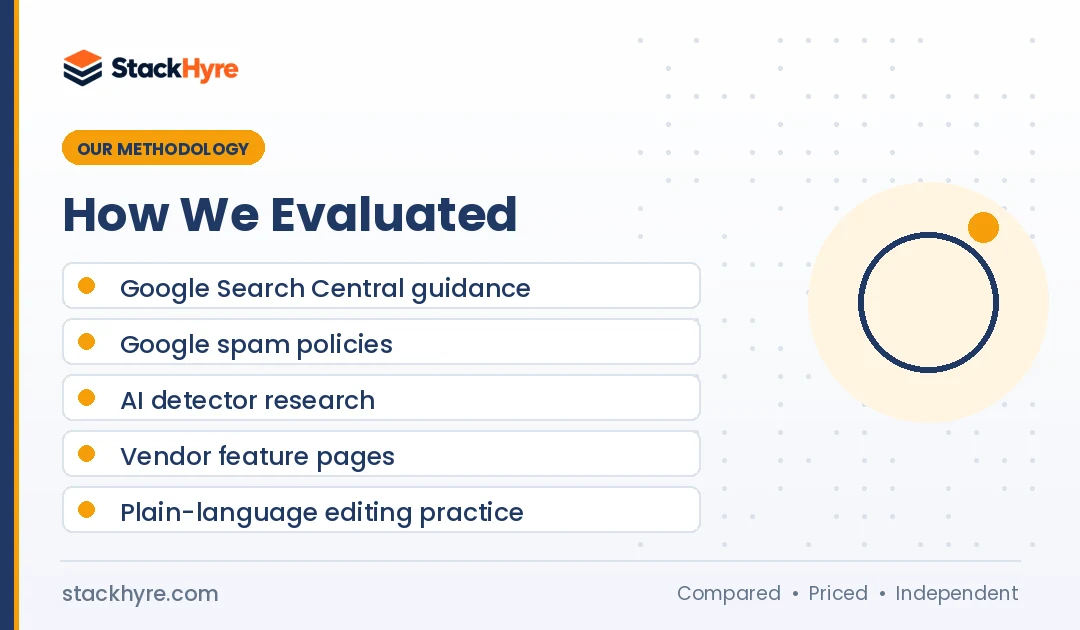
- Google’s own documentation: its February 2023 AI content guidance, its helpful content guide, and its spam policies on scaled content abuse.
- Research on AI detectors: OpenAI’s note on retiring its classifier and the Stanford study on detector bias.
- Vendor pages: QuillBot, Wordtune and Hemingway feature pages for what their tools say they do.
- Reported cases: press coverage of real-world harm from unchecked AI output.
- Standard editing practice: plain-language principles such as short sentences, active voice and answer-first structure.
I link every factual claim to its source so you can check it. My editorial policy explains how I update pages when guidance changes.
The Bottom Line
Humanizing AI content is just good editing applied to a machine draft. Check the facts. Add what only you know. Cut the filler. Fix the structure. Rewrite in your own voice. Then add sources and a real byline.
Tools can help at the edges. A readability checker finds bloated sentences. A rewriter fixes an awkward line. A grammar checker catches typos. None of them can make a page true or original. That part is your job.
If you do it well, you get pages that readers trust and that fit Google’s guidance. Start with Step 2 on your next draft, since fact-checking pays off most. For editing tools to support the process, see my picks for the best AI grammar checkers.
Frequently Asked Questions
What is the fastest way to humanize AI content?
The fastest useful method is a focused three-part pass. First, fact-check every number, name and quote. Second, add one or two real examples or opinions from your own work. Third, cut filler and read the piece aloud to fix stiff lines. That takes longer than a one-click rewrite, but it actually improves the page.
Can Google detect AI-generated content?
Google has not said it ranks pages by whether AI wrote them. Its February 2023 guidance says it focuses on content quality, not how content is produced. What it acts on is spam, such as using AI to generate many pages without adding value for users. Focus on making each page useful and accurate.
Are AI humanizer tools safe to use?
For rewording passages you have already edited, they are fine. Just read the output carefully, because rewrites can change meaning or introduce errors. They do not add facts or experience, so they cannot fix a thin draft. Avoid using them to misrepresent who wrote something, especially where school or workplace rules apply.
Are AI detectors accurate?
Evidence suggests they are not reliable enough to trust alone. OpenAI retired its own classifier in July 2023 for low accuracy, after it caught only 26% of AI text and flagged 9% of human text. A Stanford study found detectors flagged 61.22% of essays by non-native English writers as AI-generated.
Should I disclose that I used AI to write content?
Google’s helpful content guidance suggests disclosing AI use where readers would reasonably wonder how the content was made. It also recommends clear bylines and warns against fake authors or credentials. Many publishers add a short note in their editorial policy. Follow any rules your industry, clients or platform set.
Related Articles



The StackHyre Editorial Team writes about proxies, web scraping and email infrastructure. We compare providers using published pricing, official documentation and third-party reviews. All content is for educational and informational purposes only.