
TL;DR: My top QuillBot alternatives are Wordtune for quick sentence rewrites, LanguageTool for cheap multilingual rephrasing, and Claude or ChatGPT when you need to rework whole sections. Grammarly and ProWritingAid fit if grammar matters more than paraphrasing. Paid plans run from about $5 to $20 a month as of October 2026. This guide compares eight tools on rewrite quality features, limits and price.
QuillBot’s free paraphraser stops at 100 words per run. You also get only two modes, Standard and Fluency, according to QuillBot’s Premium page.
That cap is the main reason people go looking for something else. The other reasons are price, privacy and the wish for rewrites that sound less mechanical.
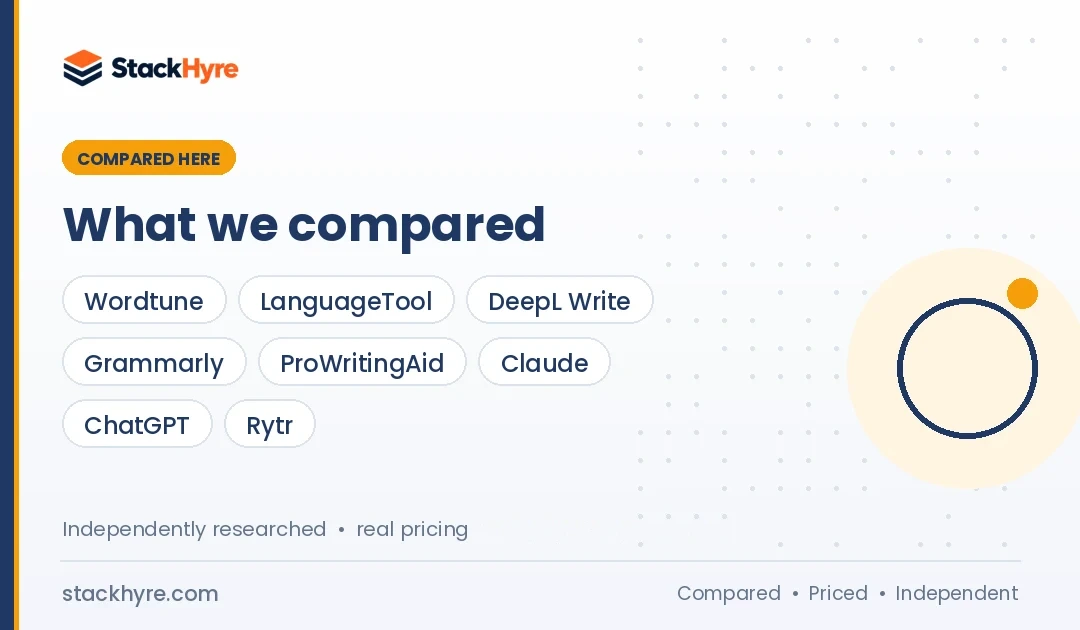
I compared eight tools that can stand in for QuillBot. Some are pure rewriters. Some are grammar checkers with rewrite buttons. Two are general AI assistants that can rephrase anything you paste in.
If you want the wider picture first, my guide to the best AI writing tools covers every category. For editing tools specifically, see my roundup of the best AI grammar checkers.
One note first. A paraphraser changes wording, not ownership. If you rewrite someone else’s ideas, you still need to cite them.
Quick Comparison: The Best QuillBot Alternatives
| Tool | Best For | Starting Price | Key Feature |
|---|---|---|---|
| Wordtune | Sentence-level rewrites | Free; paid from $4.89/mo billed yearly | Casual and formal tone switch |
| LanguageTool | Multilingual writers on a budget | Free; Premium $69.90/yr | 30+ languages, unlimited AI rephrasing on Premium |
| DeepL Write | Natural phrasing for non-native writers | Free; check DeepL’s pricing page | Style and tone choices |
| Grammarly | Grammar first, rewrites second | Free; Pro listed at $12/mo | Full-sentence rewrites and tone changes |
| ProWritingAid | Long-form and fiction writers | Free; $10/mo yearly or $399 lifetime | Unlimited Rephrases on Premium |
| Claude | Reworking whole sections | Free; Pro $20/mo | Follows detailed style instructions |
| ChatGPT | General rewriting plus research | Free; check ChatGPT’s pricing page | Projects and custom GPTs on paid plans |
| Rytr | Cheap all-in-one drafting | Free; Lite $9/mo | Reword, shorten and expand in 22 tones |
Why Do People Look for QuillBot Alternatives?
Most people switch because of limits, not quality. QuillBot’s free plan caps each paraphrase at 100 words and locks most modes behind Premium. Others want stronger grammar help, better tone control, more languages, or a general AI assistant that can rewrite whole sections. A few simply want one tool that does drafting and editing together.
Here is what QuillBot Premium gives you, so you know what you are replacing. QuillBot lists Premium at $8.33 per month billed annually. It adds unlimited modes, custom modes, a humanizer, an AI detector, a summarizer and a plagiarism check of 25,000 words a month.
The paraphrasing tool page names the paid modes: Formal, Simple, Creative, Academic, Expand, Shorten, Humanize and Custom. QuillBot also says it can rephrase in 20+ languages.
So QuillBot is not a weak product. It is a bundle. The right alternative depends on which part of that bundle you actually use.
- You mostly rewrite single sentences. Wordtune or DeepL Write will feel faster.
- You write in more than one language. LanguageTool is the cheapest strong option.
- You care about grammar and style first. Grammarly or ProWritingAid.
- You rework full paragraphs or sections. Claude or ChatGPT.
- You also need first drafts. Rytr covers both on a small budget.
Best Dedicated Rewriters
These three tools do what QuillBot’s paraphraser does: take a sentence and give you better versions. They differ in limits, language support and how much control you get.
#1 Wordtune: Best for sentence-level rewrites
Wordtune is the closest like-for-like swap if you rewrite one sentence at a time.
What it does well. You highlight a sentence and pick from a list of rewrites. Wordtune’s site says you can switch between casual and formal tones with one click. It also offers shorten and expand options, plus prompts that suggest examples or a counterpoint. The tool comes from AI21 Labs and claims 10M+ users.
Key features:
- Context-based rewrite suggestions for any selected sentence
- Casual and formal tone switching
- Summarizer for text and video
- Grammar and spelling checks
- Chrome and Edge extensions plus an iOS app
Pricing. As of October 2026, Wordtune’s plans page lists a free Basic plan with 10 rewrites and AI suggestions per day. Advanced costs $6.99 monthly or $4.89 a month billed yearly, with 30 rewrites a day. Unlimited costs $9.99 monthly or $6.99 a month billed yearly.
Best for: Emails, social posts and short copy where you want a few phrasing options fast.
Limitations. The daily rewrite caps on free and Advanced plans are tight if you edit long documents. It is built for sentences, not for restructuring a whole article.
#2 LanguageTool: Best for multilingual writers on a budget
LanguageTool is a grammar checker first, but its AI rephrasing is the cheapest unlimited option I found.
What it does well. It checks grammar, style and spelling in more than 30 languages, per LanguageTool’s Premium page. That matters if you write in English and also in German, French, Spanish or Portuguese. QuillBot Premium corrects grammar in 6 languages, according to its own Premium page.
Key features:
- AI sentence rephrasing, 3 per day free and unlimited on Premium
- Grammar, style and spelling checks in 30+ languages
- Browser extensions and desktop add-ins
- Free plan checks up to 2,000 characters per text field
Pricing. As of October 2026, LanguageTool Premium costs $24.90 monthly, $49.90 per quarter, $69.90 per year ($5.83 a month) or $119.80 for two years ($4.99 a month).
Best for: Writers who switch languages and want rephrasing plus grammar in one cheap plan.
Limitations. The free plan allows only 3 AI rephrases a day. The monthly price is steep, so the yearly plan is the one that makes sense.
#3 DeepL Write: Best for natural phrasing
DeepL Write comes from the team behind the DeepL translator, and it shows in how natural the suggestions feel.
What it does well. DeepL’s Write page says it fixes spelling, grammar and punctuation. It also offers word and sentence alternatives and lets you choose a writing style and tone. I like it most for non-native English writers who want text to sound fluent without sounding stiff.
Key features:
- Grammar, spelling and punctuation fixes
- Word and sentence alternatives on click
- Writing style and tone options
- Free to try in the browser
Pricing. DeepL Write has a free version. Paid access is bundled into DeepL’s Pro plans, so check the current price on DeepL’s pricing page.
Best for: Professionals writing in a second language who want clean, natural sentences.
Limitations. It has no named paraphrase modes like QuillBot’s Academic or Creative. It also has no summarizer or citation generator.
Best Grammar-First Editors With Rewrite Tools
If QuillBot’s grammar checker is the part you actually rely on, a dedicated editor will serve you better. Both tools below now include rewrite features too.
#4 Grammarly: Best for grammar first, rewrites second
Grammarly is the default choice for clean, correct writing across almost every app you use.
What it does well. The free plan catches errors and shows your tone. Grammarly’s plans page says Pro adds full-sentence rewrites, tone adjustment, plagiarism and AI-text detection, and 2,000 AI prompts per member per month. The free plan includes 100 AI prompts a month.
Key features:
- Grammar, spelling and clarity suggestions
- Rewrite full sentences with a click on Pro
- Tone detection and adjustment
- Plagiarism and AI-text detection on Pro
Pricing. As of October 2026, Grammarly lists Pro at $12 a month on its plans page. Check the billing term there before you buy. Enterprise is quote-based.
Best for: Business writers who want error-free text first and the occasional rewrite.
Limitations. It has no menu of paraphrase modes. Pro costs more than QuillBot Premium. If you are torn between the two, my QuillBot vs Grammarly comparison breaks down which job each one does best.
#5 ProWritingAid: Best for long-form writers
ProWritingAid suits people who edit chapters and long reports, not just single sentences.
What it does well. Its Rephrase feature rewrites a sentence to be formal or informal, longer or shorter, or more fluent. ProWritingAid’s pricing page says it can even add sensory details, which fiction writers will like. The free plan gives 10 Rephrases a day, and paid plans are unlimited.
Key features:
- Rephrase in formal, informal, shorter, longer or more fluent styles
- In-depth style and readability reports
- Unlimited Rephrases on paid plans
- Lifetime licence option
Pricing. As of October 2026, Premium costs $30 monthly, $120 a year ($10 a month) or $399 once for lifetime access. Premium Pro costs $36 monthly, $144 a year or $699 lifetime.
Best for: Novelists, students writing long theses within their school’s rules, and report writers who want deep style feedback.
Limitations. The interface is busy. If you only want quick paraphrasing, it is more tool than you need. My ProWritingAid vs Grammarly breakdown covers the lifetime plan in detail.
Best General AI Assistants for Rewriting
A chat assistant is not a paraphraser by design. But it can rewrite a full section to your exact instructions, which no mode button can match.
#6 Claude: Best for reworking whole sections
Claude is my pick when a draft needs more than new words. It is good when the structure, length and voice all need to change.
What it does well. You can paste a page and ask for a rewrite at a set reading level. You can also fix the voice and keep key terms. It handles long inputs and follows multi-part instructions well. You can also paste your own style notes and ask it to stick to them.
Key features:
- Rewrites to detailed, plain-English instructions
- Works on long documents in one pass
- Can explain why it changed something
- Free plan available
Pricing. As of October 2026, Claude’s pricing page lists a free plan. Pro costs $20 billed monthly or $17 a month billed annually ($200 up front). Max starts from $100 a month.
Best for: Marketers and bloggers who restructure drafts, not just reword them.
Limitations. There is no one-click mode menu or browser-wide extension like QuillBot’s. You have to write a clear prompt. Like any AI model, it can introduce errors, so check facts after a rewrite.
#7 ChatGPT: Best for rewriting plus research
ChatGPT is the most familiar option, and its free plan is enough for light rewriting.
What it does well. It rewrites, shortens and changes tone on request, much like Claude. ChatGPT’s pricing page shows that paid plans add projects, custom GPTs and expanded deep research. A custom GPT lets you save one rewrite style and reuse it every time.
Key features:
- Rewrites to any instruction you give
- Search and file uploads
- Projects and custom GPTs on paid plans
- Word, Excel and Google Sheets extensions, with fuller access on Plus
Pricing. ChatGPT has a free plan and paid Go, Plus and Pro tiers. Check the current price on ChatGPT’s pricing page, since it shows prices by region.
Best for: People who want one assistant for rewriting, research and brainstorming.
Limitations. Rewrites can drift from your meaning if your prompt is vague. OpenAI’s page notes the Go plan may include ads.
Best Budget All-in-One Writer
#8 Rytr: Best for cheap drafting and rewriting
Rytr is a low-cost AI writer that also edits, so it can replace QuillBot and a drafting tool at once.
What it does well. Rytr’s homepage says it can continue, expand, shorten, reword or improve text in your voice or one of 22 tones. It offers 40 use cases such as emails, ads, product copy and blog sections. Its browser extension works on selected text in any editor.
Key features:
- Reword, shorten, expand and improve selected text
- 22 tones plus a personal voice option
- 40 writing use cases
- Browser extension for Gmail, Slack and LinkedIn
Pricing. As of October 2026, Rytr’s pricing page lists a free plan with 10,000 characters a month. Lite costs $9 a month with unlimited characters. Personal costs $19 and Pro costs $49 a month.
Best for: Freelancers and small businesses who need first drafts and rewrites on one small bill.
Limitations. It has no grammar engine as deep as LanguageTool or Grammarly. The 10,000-character free allowance goes fast.

How Should You Choose the Right QuillBot Alternative?
Start with the job you do most. If you rewrite single sentences, pick a rewriter like Wordtune or DeepL Write. If grammar matters most, pick Grammarly, ProWritingAid or LanguageTool. If you rework whole sections, use Claude or ChatGPT. Then check daily limits, language support and yearly price before you commit.
Here is how I’d work through the decision.
1. Count your volume. Daily caps matter more than headline price. Wordtune’s free plan gives 10 rewrites a day. LanguageTool’s free plan gives 3 AI rephrases. ProWritingAid’s gives 10. If you edit every day, a free plan will frustrate you within a week.
2. Check languages. If you write outside English, LanguageTool and DeepL Write should be on your shortlist. Confirm your language on the vendor’s site before you pay.
3. Decide on one tool or two. Many writers pair a chat assistant for big rewrites with a grammar checker for the final pass. That combo often beats a single paraphraser.
4. Compare yearly cost. Monthly prices look small but add up. LanguageTool drops from $24.90 a month to $5.83 a month on the yearly plan. ProWritingAid’s lifetime plan pays off if you will use it for years.
5. Read the privacy terms. If you paste client or company text, check how each vendor stores and uses it. ChatGPT’s pricing page, for example, notes that content may be used to train models with an opt-out available.
6. Keep your own judgment in the loop. Every paraphraser can shift meaning. Read the output against the original, every time. If you are polishing AI drafts in general, my guide on how to humanize AI content walks through a full editing pass.
If you want sentence-level tools only, my list of Wordtune alternatives goes deeper on rewriters.
How I Evaluated These QuillBot Alternatives
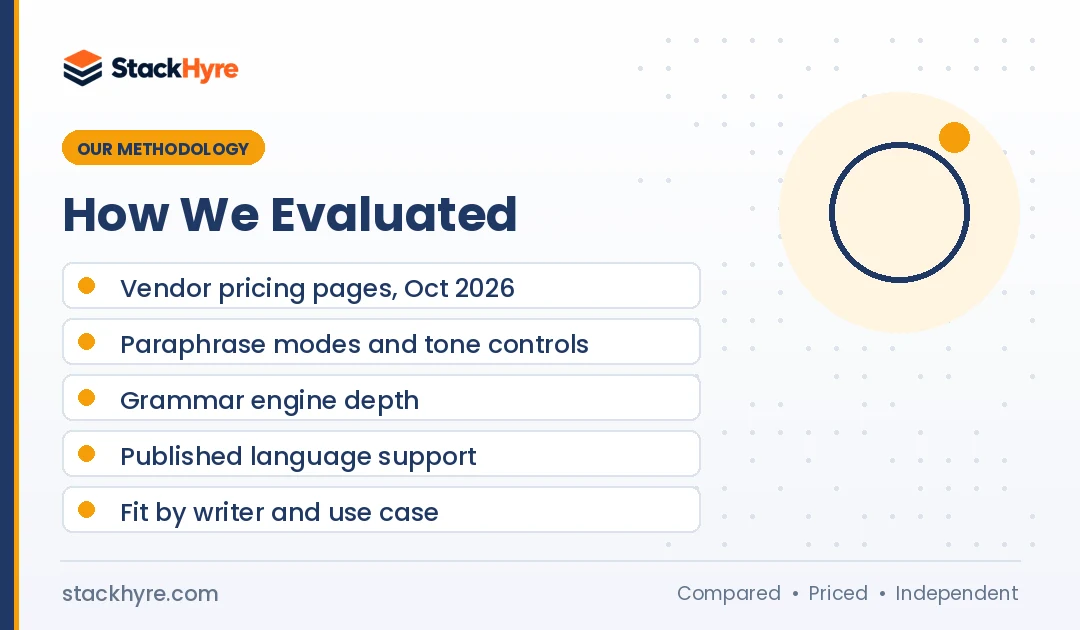
I did not run lab tests on these tools. I compared them using public information that you can check yourself.
- Published pricing. I read each vendor’s own pricing page in October 2026. Where a vendor hides prices or shows them by region, I say so and link to the page.
- Rewrite features. I compared paraphrase modes, tone controls, daily limits and whether each tool can rewrite full sections.
- Grammar depth. I noted which tools are grammar engines first and which treat grammar as an add-on.
- Language support. I used the language counts each vendor publishes.
- Fit by use case. I matched each tool to the writer it serves best, based on its docs and feature lists.
There are no affiliate links in this article. You can read more in my editorial policy.
The Bottom Line
QuillBot is a solid bundle, but you may not need the whole bundle. Match the tool to your main task.
For quick sentence rewrites, I’d choose Wordtune. For multilingual writing on a budget, LanguageTool Premium on a yearly plan is hard to beat. For full-section rewrites, Claude or ChatGPT will do more than any mode button.
If grammar is your real priority, Grammarly or ProWritingAid will serve you better than a paraphraser. Rytr makes sense if you also need cheap first drafts.
Your next step: try your top two picks on the same paragraph. Keep the one that changes your meaning least. Then see how it stacks up in my full list of the best AI grammar checkers.
Frequently Asked Questions
What is the best free alternative to QuillBot?
For free use, I’d pick Wordtune or ChatGPT. Wordtune’s free plan gives 10 rewrites and AI suggestions per day, which covers light editing. ChatGPT’s free plan can rewrite longer passages to your instructions. LanguageTool’s free plan is better if you need grammar checks in several languages, though it allows only 3 AI rephrases daily.
Is there a QuillBot alternative without a word limit?
Several paid plans remove daily caps. Wordtune Unlimited, LanguageTool Premium and ProWritingAid Premium all offer unlimited rewrites or rephrases on their paid tiers, per their pricing pages. Rytr Lite offers unlimited characters for $9 a month. General assistants like Claude and ChatGPT have usage limits that vary by plan rather than a fixed word cap.
Can ChatGPT replace QuillBot?
For most rewriting, yes. ChatGPT can paraphrase, shorten, expand and change tone if you ask clearly. It lacks QuillBot’s one-click mode menu, synonym slider and citation generator. If you like pressing a button rather than writing prompts, a dedicated rewriter like Wordtune will feel faster.
Is paraphrasing with an AI tool plagiarism?
Paraphrasing someone else’s ideas without credit is still plagiarism, whatever tool you use. The fix is simple: cite the original source. In school, follow your institution’s rules on AI tools, since many set their own policies. For business writing, use rewriters to improve your own drafts, not to repackage other people’s work.
Which QuillBot alternative is best for non-native English writers?
I’d start with DeepL Write or LanguageTool. DeepL Write focuses on making text sound fluent and natural, with style and tone options. LanguageTool checks grammar in more than 30 languages and offers unlimited AI rephrasing on Premium. Both help you write clearly without changing what you mean.
Related Articles



The StackHyre Editorial Team writes about proxies, web scraping and email infrastructure. We compare providers using published pricing, official documentation and third-party reviews. All content is for educational and informational purposes only.