
TL;DR: For teams with high-value accounts, my pick is Multilogin. GoLogin is the best value, with a free plan and paid plans from $4.50 a month billed yearly. Dolphin Anty suits media buyers. Paid plans run from about $9 to $300+ per month. I compare 7 antidetect browsers on price, profiles, automation and team tools, plus which proxies to pair with them.
Your browser gives away more than you’d think. In a landmark EFF study, 83.6% of 470,161 browsers had a unique fingerprint, even without cookies.
That fingerprint is built from small details: your screen size, fonts, graphics card, time zone, language and more. Websites stitch them into an ID that follows you from session to session.
So if you run ten client accounts from one laptop, every account shares that ID. A proxy changes your IP address, but it doesn’t change your fingerprint. Platforms can still tie the accounts together.
Antidetect browsers fix that. Each profile gets its own fingerprint, cookies and storage, so it looks like a separate device. Give each profile its own proxy and the accounts stay apart.
Below I compare the best antidetect browsers for agencies, media buyers, ecommerce sellers and developers. For proxies to pair with them, see my best proxy providers guide. If you also automate data collection, my web scraping proxy hub covers every related use case.
Quick Comparison: Best Antidetect Browsers in 2026
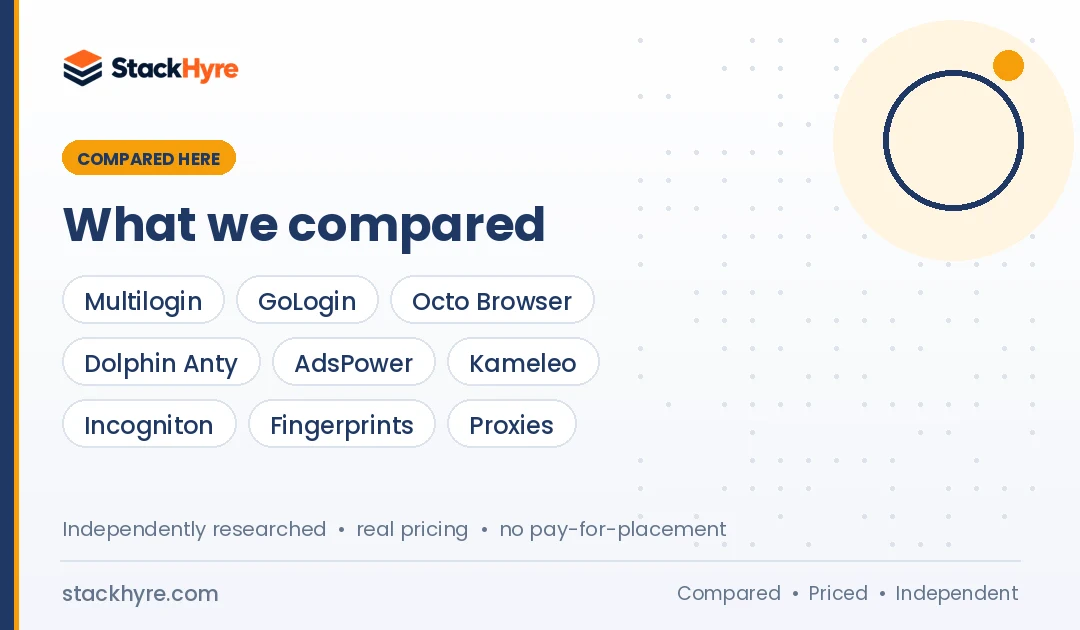
| Browser | Best For | Starting Price | Key Feature |
|---|---|---|---|
| Multilogin | High-value accounts | Free plan; Pro from $149/year | Two browser engines plus cloud phones |
| GoLogin | Best value | Free plan; $9/month or $4.50/month yearly | 7-day full trial |
| Octo Browser | Teams wanting fast engine updates | About €10/month (3 profiles) | Unlimited team members on Advanced |
| Dolphin Anty | Media buyers | Free plan; $10/month for 60 profiles | Scenario builder and API |
| AdsPower | No-code automation | Free plan (2 profiles) | RPA robot workflows |
| Kameleo | Developers and QA | Free plan; €59/month Startup | Selenium, Puppeteer and Playwright SDKs |
| Incogniton | Beginners | Free plan; from $13.99/month | 10 free profiles for 2 months |
What Is an Antidetect Browser?
An antidetect browser runs many isolated profiles, each with its own fingerprint, cookies, local storage and proxy. To a website, each profile looks like a different person on a different device. People use them to manage several accounts, test ads in other regions, run QA on geo-targeted sites and keep client work separate.
Most antidetect browsers are built on Chromium. A few also have a Firefox-based engine. Multilogin, for example, offers Mimic, based on Chromium, and Stealthfox, based on Firefox.
The browser covers the device side. The proxy covers the network side. You need both for full separation.
Antidetect browsers are legal tools in most places, but they don’t change platform rules. Use them for real accounts and legitimate work, follow each site’s terms and check your local laws.
What Makes a Great Antidetect Browser?
A great antidetect browser makes fingerprints that are consistent, not random. The time zone, language and location have to match the proxy, and the browser engine has to stay close to the latest Chrome version. You also want team roles, profile sharing, an automation API and fair pricing per profile. A free plan or trial lets you test it on your own sites first.
Consistency beats randomness. A profile that claims to be a Mac but reports a Windows graphics card looks fake.
Engine freshness counts too. An old Chrome version stands out, because real users update automatically.
Fingerprint checker results vary. In ScrapingBee’s 2026 tests, GoLogin passed Pixelscan, Iphey and CreepJS in one session, while Dolphin Anty got flagged. Other published tests disagree on some browsers, so always test on your own target sites.
Best Antidetect Browsers for Teams and Agencies
#1 Multilogin: Best for High-Value Accounts
Multilogin is the long-standing premium option, with two browser engines, cloud phones and bundled proxy traffic.
What it does well. Multilogin puts browser profiles, proxy traffic and Android cloud phones in one plan. Its pricing page says cloud phones run Android versions 10 to 16 with access to 300+ social and mobile apps. That’s handy if you manage both web and app accounts.
Key features:
- Mimic (Chromium) and Stealthfox (Firefox) browser engines
- Android cloud phones billed by the minute
- Premium proxy traffic included in paid plans
- API access on Pro and Business plans
Pricing. As of October 2026, Multilogin’s pricing page lists a free plan with 5 cloud profiles, a one-time 200 MB proxy bonus and 30 cloud-phone minutes. Pro plans start at $149 per year, and Business starts at $320 per year. The page says yearly billing includes a 35% discount.
Best for: Agencies and ecommerce teams protecting accounts that are costly to lose.
Limitations. The free plan has no API access. The pricing page shows some figures that don’t line up, like team seats on Pro, so confirm details with sales.
#2 GoLogin: Best Value
GoLogin gives you strong features at one of the lowest entry prices, plus a real free plan.
What it does well. GoLogin is cheap to start and easy to learn. It has a free plan, a 7-day trial of every feature and a 7-day return window on paid plans, per GoLogin’s pricing page. ScrapingBee calls it the only major provider with a true native Android app.
Key features:
- Free plan with 3 profiles
- REST API on all paid plans
- Cloud browser launches
- Desktop and Android apps that sync profiles
Pricing. As of October 2026, Professional costs $9/month, or $4.50/month billed yearly, for 10 to 100 profiles. Business costs $99/month, or $49.50/month yearly, for 300 or 500 profiles. Enterprise is $179/month for 1,000 profiles.
Best for: Freelancers and small teams that want good fingerprints at a low price.
Limitations. The free plan leaves out profile sharing and team members. Team member limits on paid plans aren’t clear on the pricing page.
#3 Octo Browser: Best for Teams Wanting Fast Engine Updates
Octo Browser is a paid-only tool known for keeping its engine current.
What it does well. Octo scales from a handful of profiles to very large teams. In GoLogin’s October 2026 comparison, Octo was one of two browsers already on the latest stable Chrome version on test day. That’s a competitor’s test, so I treat it as one data point.
Key features:
- Plans up to 100,000 profiles
- Unlimited team members on Advanced, per its FAQ
- API access from the Base plan
- Monthly, 3-month, 6-month and yearly billing
Pricing. As of October 2026, Octo’s pricing page lists Lite at 10 per month for 3 profiles and Starter at 29 for 30 profiles. Base costs 79 for 200 profiles, and Advanced costs 329. Yearly billing lowers each price. The page didn’t show a currency symbol when I checked, and third-party reviews quote euros, so confirm before you pay.
Best for: Growing teams willing to pay for a premium, current engine.
Limitations. There’s no free plan, and the pricing page didn’t mention a free trial. API access isn’t available on Lite or Starter.
Best Antidetect Browsers for Media Buying and Automation
#4 Dolphin Anty: Best for Media Buyers
Dolphin Anty is built around ad account teams and affiliate marketers.
What it does well. Dolphin Anty gives you lots of profiles for a low price. Its Starter plan covers up to 60 profiles. It also has a scenario builder for repeat tasks and API support on paid plans, per Dolphin Anty’s pricing page.
Key features:
- Free plan with up to 5 profiles
- Scenario builder for automation
- Local and remote API with Selenium, Puppeteer and Playwright support
- Proxy manager for HTTP, SOCKS4, SOCKS5 and SSH
Pricing. As of October 2026, Starter is $10/month for 60 profiles. Base is $89/month for 100 profiles, Team is $159/month for 300 profiles and Enterprise is $299/month. Extra users cost $10 to $25 each per month. Yearly billing cuts prices by 40%.
Best for: Affiliate and media buying teams running many ad accounts.
Limitations. Starter allows just one user. ScrapingBee’s tests flagged Dolphin Anty on Pixelscan and Iphey, so check fingerprints on your own sites.
#5 AdsPower: Best for No-Code Automation
AdsPower is the one I’d pick if you want to automate tasks without writing code.
What it does well. AdsPower comes with an RPA robot and custom workflows, so you can record actions once and repeat them across profiles. ScrapingBee recommends it if you want built-in automation without paying extra.
Key features:
- RPA robot with custom workflows
- Free plan with 2 profiles
- 7-day free trial of all features
- Team members with set permissions
Pricing. AdsPower’s pricing page lists Free, Professional, Business and Enterprise plans, with discounts of 15% quarterly and 40% yearly. I couldn’t read the plan prices on the page, so check the current price on AdsPower’s pricing page.
Best for: Ecommerce sellers and marketers who repeat the same steps across many accounts.
Limitations. The free plan has only 2 profiles and no team members. GoLogin’s competitor test told users to check time zone and language on every AdsPower profile.
#6 Kameleo: Best for Developers and QA Teams
Kameleo is made for people who drive browsers with code.
What it does well. Kameleo has a local API with Python, JavaScript and C# SDKs, plus support for Selenium, Puppeteer and Playwright, per Kameleo’s pricing page. It also emulates mobile browsers, which helps when you test mobile versions of sites.
Key features:
- SDKs for Python, JavaScript and C#
- Emulated mobile browser profiles
- Unlimited local profiles on all plans
- Unlimited team seats on paid plans
Pricing. As of October 2026, the free plan includes 2 concurrent browsers, 100 cloud profiles and 300 minutes of use. Startup costs €59/month for 10 concurrent browsers, and Business costs €299/month for 100. Yearly billing is about 25% cheaper.
Best for: Developers, QA testers and scraping teams running automated sessions.
Limitations. Pricing is based on concurrent browsers, which costs more than profile-based plans if you work by hand. The free plan caps usage at 300 minutes.
Best Antidetect Browser for Beginners
#7 Incogniton: Best Free Start for Beginners
Incogniton has the most generous free start of anything here.
What it does well. New users get 10 browser profiles free for the first 2 months, per Incogniton’s pricing page. After that, the free plan keeps 3 profiles. So you get time to learn without paying.
Key features:
- 10 free profiles for 2 months, then 3
- Selenium, Puppeteer and REST API on Entrepreneur and above
- Team seats on Professional and Custom
- Option to buy extra seats on Entrepreneur
Pricing. As of October 2026, the pricing cards list Starter Plus at $13.99/month for 10 profiles and Entrepreneur at $20.99/month for 50. Professional costs $55.99/month for 150. All three are billed every 6 months. The comparison table on the same page shows higher monthly prices, so confirm before you buy.
Best for: Beginners and small sellers trying out multi-account work.
Limitations. The free plan leaves out the synchronizer, team management and automation. Prices on the page don’t match each other.
Which Proxies Work Best With Antidetect Browsers?
Give every browser profile its own sticky residential, mobile or static ISP proxy, and match the profile’s time zone and language to the proxy’s location. Don’t use rotating IPs on logged-in profiles, since a new IP every few minutes looks suspicious. Datacenter proxies are fine for testing, but platforms spot them easily on real accounts.
Here’s how I’d pair them:
- High-value social or ad accounts: Mobile proxies. See my mobile proxy picks.
- Most client accounts: Sticky residential proxies. My residential proxy comparison lists the top providers.
- Long-term brand accounts: Static ISP proxies that never change.
- Social media management: My guide to the best proxies for social media covers accounts per IP and platform rules.
Most antidetect browsers accept HTTP and SOCKS5 proxies. NodeMaven is one option built for this pairing. Proxyway notes it comes from the team behind Multilogin, and its pricing page lists sticky sessions up to 24 hours and a $3.50 trial.
Pick a proxy vendor that sources IPs ethically. In July 2026, the FBI seized domains tied to NetNut after reports linked it to a botnet. My advice: avoid NetNut.

How Should You Choose the Right Antidetect Browser?
Start with how many profiles and team members you need, then compare cost per profile. Decide whether you need an API, mobile or Android support, and a Firefox-based engine. Then use a free plan or trial to test fingerprints on the sites you actually use, since published checker results often disagree.
Here’s the checklist I’d use:
- Profile count. Price each plan per profile at your real volume, not the entry tier.
- Team features. Look at seat limits, extra seat costs and profile sharing.
- Automation. Confirm API access and Selenium, Puppeteer or Playwright support on your plan.
- Fingerprint quality. Test with Pixelscan, Iphey or CreepJS through your own proxy.
- Proxy support. Make sure the browser handles your proxy protocol. My SOCKS5 proxy guide helps if you need that format.
How I Evaluated These Antidetect Browsers
I didn’t run my own fingerprint lab tests for this guide. I compared published pricing pages, product docs, free plan and trial terms, and independent and competitor test results, and I note where they disagree. All prices come from vendor pages as of October 2026.
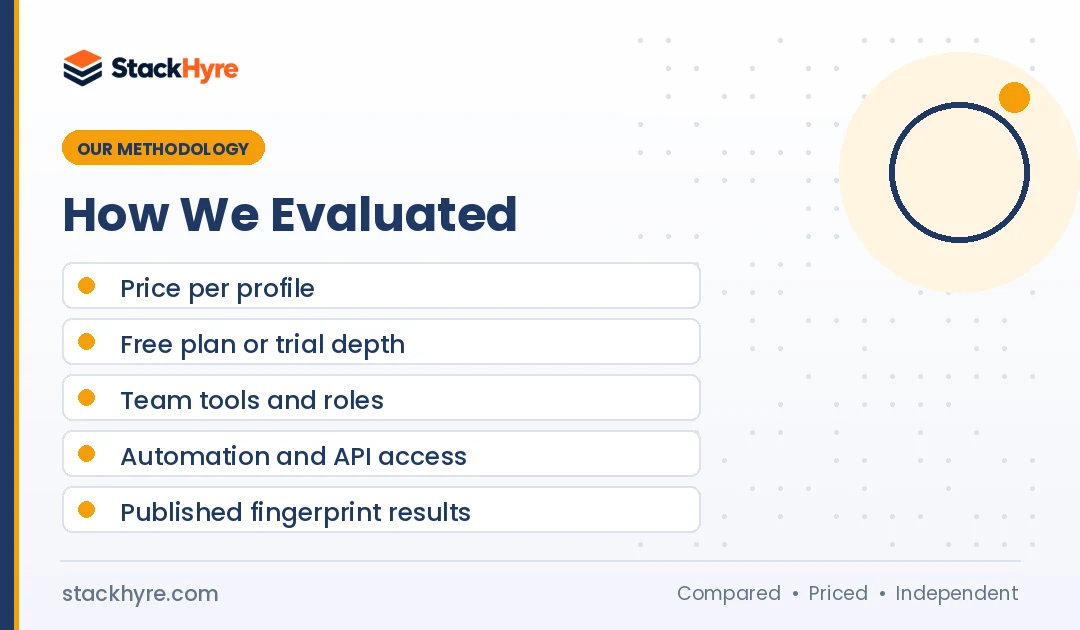
I rated each browser on:
- Price per profile: Entry cost and cost at 50 to 300 profiles.
- Free plan or trial: How much you can test before paying.
- Team tools: Seats, roles and profile sharing.
- Automation: API access and framework support.
- Published fingerprint results: Third-party checker outcomes, with sources named.
When a test came from a vendor that competes with the browser it reviewed, I say so. Read my editorial policy for more on how I work.
The Bottom Line
For most people, GoLogin is the best place to start. It has a free plan, a 7-day trial and paid plans from $4.50 a month billed yearly. If your accounts are high value, Multilogin’s two engines, cloud phones and bundled proxy traffic are worth the higher cost. Media buyers will feel at home in Dolphin Anty, and AdsPower is the easiest way to automate without code.
Developers should look at Kameleo, and beginners get the most free room with Incogniton. Octo Browser is a solid paid choice for teams that want a current engine.
Whichever one you pick, give every profile its own matched proxy. Next, compare proxy vendors in my proxy provider rankings.

Frequently Asked Questions
What is the best antidetect browser in 2026?
For teams managing high-value accounts, I’d pick Multilogin, thanks to its Chromium and Firefox engines, cloud phones and bundled proxy traffic. GoLogin is the best value, with a free plan and paid plans from $4.50 a month billed yearly. The right pick depends on your profile count, team size and automation needs.
Are antidetect browsers legal?
Antidetect browsers are legal software in most countries. Businesses use them for agency account management, ad verification, QA testing and privacy. What matters is how you use them. Creating fake accounts, committing fraud or breaking platform terms can get you banned or into legal trouble. Follow each site’s rules and check the laws where you operate.
Do I need a proxy with an antidetect browser?
Yes. An antidetect browser changes your device fingerprint, but every profile still shares your real IP address unless you add a proxy. Platforms can link accounts by IP. Give each profile its own sticky residential, mobile or static ISP proxy, and match the profile’s time zone and language to the proxy’s location.
Is there a free antidetect browser?
Several antidetect browsers have free plans. As of October 2026, Multilogin offers 5 cloud profiles, Dolphin Anty up to 5 profiles, GoLogin 3 profiles and AdsPower 2 profiles. Incogniton gives you 10 profiles for the first 2 months, then 3. Kameleo’s free plan includes 300 minutes of use. Free plans usually leave out API access and team features.
How do websites detect antidetect browsers?
Websites look for mismatches and leaks. Common signs are a time zone that doesn’t match the IP and a graphics card that doesn’t fit the claimed device. Old browser versions, WebRTC leaks and headless automation flags give profiles away too. Good antidetect browsers keep these signals consistent. Testing profiles on Pixelscan, Iphey or CreepJS helps you catch problems early.
Related Articles



Daniel Brooks writes about proxies, web scraping and email infrastructure at StackHyre. He compares providers on published pricing, documentation and independent benchmarks so you can pick the right setup without overpaying.