
TL;DR: Oxylabs is my top mobile proxy pick for large projects, with a 20M+ IP pool and carrier targeting. Decodo and NodeMaven are the best value, from about $2.20 to $2.25 per GB at volume. Dedicated mobile ports from IPRoyal start near $130 per month. I compare 8 providers below on price, pool, targeting, rotation and sourcing. Prices are as of October 2026.
Most web traffic now comes from phones. Statcounter puts mobile at 58.99% of worldwide web traffic in September 2026.
That’s why mobile IPs are so hard for websites to block. A carrier IP looks like a normal person on a phone.
Mobile proxies route your requests through real 3G, 4G or 5G connections. They cost more than other proxy types. For some jobs, they’re the only thing that works.
The hard part is picking a provider. Pricing models vary a lot. Some sell traffic per GB. Others rent you a dedicated phone or modem by the month. Pool sizes and targeting options differ too.
I compared published pricing, documentation and policies for 8 mobile proxy providers. For the wider market, see my best proxy providers overall or my guide to types of proxies.
Below you’ll find a quick comparison, a full breakdown of each provider and a buying checklist.
Quick Comparison: Best Mobile Proxy Providers in 2026
| Provider | Best For | Starting Price | Key Feature |
|---|---|---|---|
| Oxylabs | Large, global projects | $7.50/GB, down to $3.50/GB | 20M+ mobile IPs, 140+ countries |
| Bright Data | Enterprise compliance | No public mobile price | 7M+ mobile IPs, ASN and ZIP targeting |
| SOAX | Fine rotation control | $5/GB (Sandbox, tier 1 geos) | One rate for residential and mobile |
| Decodo | Best overall value | From $2.25/GB | 10M+ mobile IPs, 160+ locations |
| NodeMaven | Long sessions | About $2.20/GB on the largest plan | Sticky sessions up to 24 hours |
| Proxidize | Low per-GB cost | From $2/GB | 30-day refund window |
| IPRoyal | Dedicated mobile ports | $5.20 to $6.80/GB, or $130/month per port | Carrier list per country |
| Rayobyte | High-volume US traffic | $3/GB, down to $0.95/GB | US carrier IPs, sold via sales |

What Makes a Great Mobile Proxy Provider?
A great mobile proxy provider gives you real carrier IPs, clear per-GB or per-port pricing, and control over rotation. It lets you target by country, city and carrier or ASN. It also tells you where its IPs come from. I’d put ethical sourcing ahead of price, because a seized network takes your projects down with it.
Mobile IPs work well because of how carriers build their networks. Carriers put many phone users behind a small set of public IPs. This setup is called Carrier-Grade NAT, and RFC 6598 reserves a shared address block for it.
Since thousands of real people share each public IP, websites are slow to block it. Blocking one mobile IP could lock out many paying customers.
Here’s what I looked for in each provider:
- Real carrier IPs. The pool should come from actual mobile networks, not relabeled residential traffic.
- Targeting. Country is the minimum. Carrier and ASN targeting help with ad checks and app testing.
- Rotation control. You want both rotating IPs and sticky sessions that hold one IP for a while.
- Clear pricing. Per-GB rates should be public. Dedicated ports should show a monthly price.
- Protocols. HTTP and HTTPS are standard. SOCKS5 support is a plus.
- Sourcing and trust. Providers should explain consent and run customer checks.
That last point isn’t theory. In July 2026, KrebsOnSecurity reported the FBI seizure of NetNut’s domains. Security firms had linked NetNut to a botnet of malware-infected devices. I don’t recommend NetNut, and if you still run work there, move it elsewhere.
Best Mobile Proxies for Large-Scale Projects
#1 Oxylabs: Best for large, global mobile projects
Oxylabs pairs one of the largest advertised mobile pools with deep targeting and long sessions.
What it does well. Oxylabs says its mobile pool holds 20M+ real mobile IPs across 140+ countries. The same page lists about 4.4 million US mobile IPs. You can target by country, state, city, coordinates and ASN. Sessions can hold one IP for up to 24 hours with a single extra parameter.
Key features:
- Targeting by continent, country, state, city, coordinates and ASN
- Sticky sessions up to 24 hours
- HTTP, HTTPS, HTTP3 and SOCKS5 support
- One subscription that covers every Oxylabs product
Pricing. In October 2026, Oxylabs moved to a single subscription for all products. Plans start at $30, $100 and $500 per month, with Enterprise from $2,500. Mobile traffic costs $7.50 per GB at low volume, falling to $3.50 per GB above 714 GB. New users get $5 in welcome credits. Ask sales whether unused balance carries over before you commit.
Best for: Data teams and agencies that need many countries, carrier-level targeting and long sessions.
Limitations. Small users pay $7.50 per GB, which is steep. The new subscription model also takes some getting used to.
#2 Bright Data: Best for enterprise compliance
Bright Data is the safe choice if your company has legal and security reviews.
What it does well. Bright Data lists 7M+ mobile IPs with city, ASN and ZIP targeting. Its FAQ describes them as real rotating 3G, 4G and 5G connections. The company lists ISO 27001, SOC 2 and SOC 3 certifications. Its residential network requires a KYC check, which helps keep abusers out.
Key features:
- City, ASN and ZIP code targeting for mobile
- Session parameters to keep or rotate an IP
- Company-wide security certifications
- Pay-as-you-go available across proxy types
Pricing. Bright Data doesn’t publish a mobile rate on its pricing page. Its FAQ says pay-as-you-go covers mobile, but no figure is shown. Check the current price on Bright Data’s mobile pricing page or ask sales.
Best for: Larger companies that need audits, certifications and a vendor their legal team already knows.
Limitations. With no public mobile price, budgeting is hard. The dashboard has a lot of options, so expect a learning curve.
#3 SOAX: Best for fine rotation control
SOAX charges one rate across residential and mobile, with flexible rotation rules.
What it does well. SOAX says you can rotate IPs per request, by request count, by time or on error. You can also lock requests to one node. It supports HTTP, HTTPS and SOCKS5. SOAX claims over 191 million residential and mobile IPs combined, with no mobile-only figure.
Key features:
- Rotation by request count, time or error
- Targeting by country, region, city, ISP and ASN
- HTTP, HTTPS and SOCKS5
- Same per-GB rate for residential and mobile traffic
Pricing. SOAX prices by plan and by the geo tier of the IP. As of October 2026, the free Sandbox plan charges $5 per GB for tier 1 locations. The $200 Builder plan drops that to $3 per GB. The $500 Team plan charges $2.20 per GB. ASN and ZIP targeting start on the $1,500 Scale plan. There’s no free trial.
Best for: Developers who want precise rules for when an IP changes.
Limitations. Geo tiers make cost harder to predict. SOAX also no longer lists ISP or datacenter proxies, so you may need a second vendor.
Best Value Mobile Proxies for Growing Teams
#4 Decodo: Best overall value
Decodo, the former Smartproxy, has one of the lowest advertised mobile rates from a large provider. For most small teams, this is where I’d start.
What it does well. Decodo lists 10M+ mobile IPs across 160+ locations. Its dashboard is simple, so small teams can get going fast. Its help docs show sticky sessions of up to 24 hours on its residential network. Check whether the same limit applies to your mobile plan.
Key features:
- 10M+ mobile IPs in 160+ locations
- Rotating and sticky session types
- Simple dashboard and setup guides
- 14-day refund window on first self-service purchases, with conditions
Pricing. As of October 2026, Decodo lists mobile proxies from $2.25 per GB. That’s a starting rate, so check which plan size it applies to. Refunds need a request within 14 days and limited traffic use.
Best for: Small and mid-size teams that want a known brand at a fair per-GB price.
Limitations. The pricing page shows a starting rate, not a full mobile tier table. Carrier targeting details are thinner than at Oxylabs.
#5 NodeMaven: Best for long sessions and clean IPs
NodeMaven is built around IP quality and long-lived sessions.
What it does well. NodeMaven runs an IP quality filter on every plan. It says this filter gives a 95% IP clean rate and a 99.54% average success rate. Those are vendor claims, not independent results. Sticky sessions last up to 24 hours. Unused traffic rolls over to the next billing period.
Key features:
- IP quality filter on all plans
- Sticky sessions up to 24 hours
- Traffic rollover between billing periods
- Up to 10% cashback on traffic, per NodeMaven
Pricing. As of October 2026, mobile traffic starts at about $2.20 per GB, but only on the largest plan. The lowest monthly plan is $8.50 for 2 GB. A $3.50 paid trial includes 750 MB for residential and mobile use.
Best for: Account managers and testers who need one IP to stay put for hours.
Limitations. The headline price needs a big plan. Small buyers pay a lot more per GB.
#6 Proxidize: Best for low per-GB cost
Proxidize sells mobile and residential traffic by the GB, with some of the lowest entry rates I found.
What it does well. Proxidize lists mobile proxies from $2 per GB, one of the lowest starting rates here. Its refund policy is clear. You get 30 days to ask for a refund, as long as you used less than 10 GB.
Key features:
- Mobile traffic from $2 per GB
- Residential proxies from $1 per GB
- 30-day refund window under 10 GB of use
- Plans sold per GB or per proxy
Pricing. As of October 2026, mobile starts at $2 per GB on Proxidize’s pricing page. There’s no free tier. Per-proxy monthly prices aren’t listed, so ask sales if you want a dedicated port.
Best for: Budget buyers who still want real mobile IPs.
Limitations. The pricing page doesn’t list protocols or rotation settings for mobile. ISP and datacenter products are still marked as coming soon.
Best for Dedicated Ports and US Volume
#7 IPRoyal: Best for dedicated mobile ports
IPRoyal sells both rotating mobile traffic and dedicated mobile proxies you rent by time.
What it does well. IPRoyal lists carriers by country on its mobile proxy page. Examples include T-Mobile and Verizon in the US, and Vodafone and Three in the UK. It claims 4.5M+ mobile IPs. Dedicated plans reserve IPs for you and let you switch IPs within a location.
Key features:
- Named carriers per country
- Rotating per-GB plans with unlimited threads
- Dedicated proxies by day or month
- HTTP, HTTPS and SOCKS5
Pricing. As of October 2026, rotating mobile traffic costs $6.80 per GB at 2 GB. It falls to $5.20 per GB at 100 GB. Dedicated proxies start at $10.11 per day or $130 per month. Dedicated plans have a 30 GB daily data limit per proxy.
Best for: Anyone who wants one mobile IP reserved for a single account or app test.
Limitations. Per-GB rates are higher than Decodo or NodeMaven. The listed carrier coverage is narrower than the biggest pools.
#8 Rayobyte: Best for high-volume US traffic
Rayobyte sells US mobile traffic at steep volume discounts through its sales team.
What it does well. Rayobyte has some of the lowest per-GB mobile rates at scale. Its page says mobile IPs come from US carrier networks today. Sales can add other countries for a project. You can use sticky or rotating sessions.
Key features:
- US carrier IPs, other countries on request
- Sticky and rotating sessions
- Large monthly bandwidth bundles
- Free signup with no credit card
Pricing. As of October 2026, the Professional plan costs $250 per month for 83 GB, or $3 per GB. The Corporate plan costs $2,500 for 2,632 GB, or $0.95 per GB. Bandwidth expires after 30 days. Mobile plans go through sales, with no self-serve trial.
Best for: US-focused teams with steady, high monthly volume.
Limitations. Only US carriers are listed. The page doesn’t let you pick specific carriers.
Are Mobile Proxies Worth the Extra Cost Over Residential?
Mobile proxies are worth it when a site trusts phone traffic more than home traffic. They also pay off when you test mobile apps and ads. For general scraping, residential proxies usually cost less and work just as well. My advice: start with residential, and move to mobile only for the targets that keep blocking you.
Compare the two at the same vendor. Oxylabs charges $6 per GB for small residential plans and $7.50 per GB for small mobile plans. That gap shrinks at volume. SOAX charges the same rate for both.
Mobile makes the most sense for these jobs:
- Checking mobile ads and app store listings by carrier
- Running accounts on apps that expect phone traffic
- Testing how a site behaves on a carrier network
- Reaching targets that block most residential ranges
For everything else, my guide to the best residential proxies will save you money.
How Should You Choose the Right Mobile Proxy?
Pick a mobile proxy by matching the pricing model to your traffic. Go per-GB if you send many short requests across many IPs. Go with a dedicated port if one account needs one stable IP for days. Then check carrier targeting, session length, protocols and the provider’s sourcing policy before you pay.
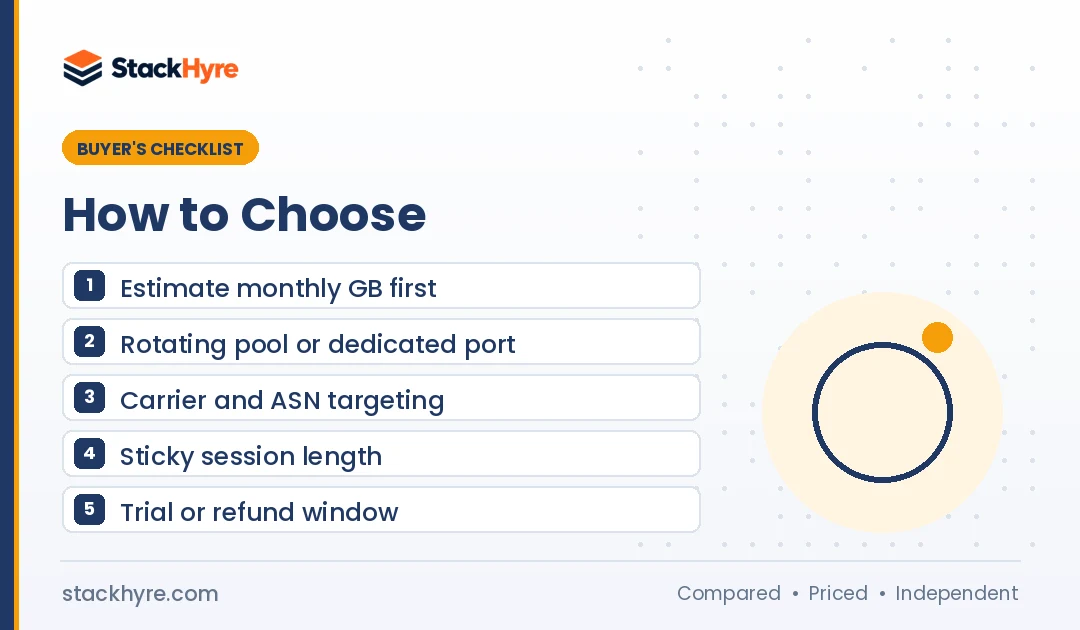
1. Estimate your monthly traffic. Per-GB prices drop fast with volume. At IPRoyal, 50 GB at $5.60 per GB costs $280. At Rayobyte, $250 buys 83 GB. If you’re a small buyer, compare entry tiers, not headline rates. Most people overpay by looking only at the headline.
2. Decide between rotating and dedicated. Rotating plans share a large pool. Dedicated plans give you one modem or SIM. My guide to rotating vs static proxies explains the tradeoff in detail.
3. Check targeting depth. Ad verification and app testing often need carrier or ASN targeting. Not every plan includes it. At SOAX, ASN targeting starts on the Scale plan.
4. Plan around session length. Mobile IPs change when carriers reassign them. Proxyway notes that carriers eventually rotate even “static” mobile IPs. Build your setup to handle reconnects.
5. Use a trial or refund window. NodeMaven has a $3.50 trial. Oxylabs gives $5 in credits. Proxidize and Decodo offer refunds with limits. My roundup of proxy free trials lists more options. Try your real targets before you scale.
6. Respect platform rules. Mobile proxies are popular for social media work. Many platforms ban automated or multi-account use in their terms. Read the rules and follow local law. My guide to proxies for social media goes deeper on this.
How I Evaluated These Mobile Proxy Providers
I didn’t run my own speed tests for this guide. Instead, I compared what each provider publishes and checked it against independent sources. I followed my editorial policy throughout.
I scored each provider on five areas:
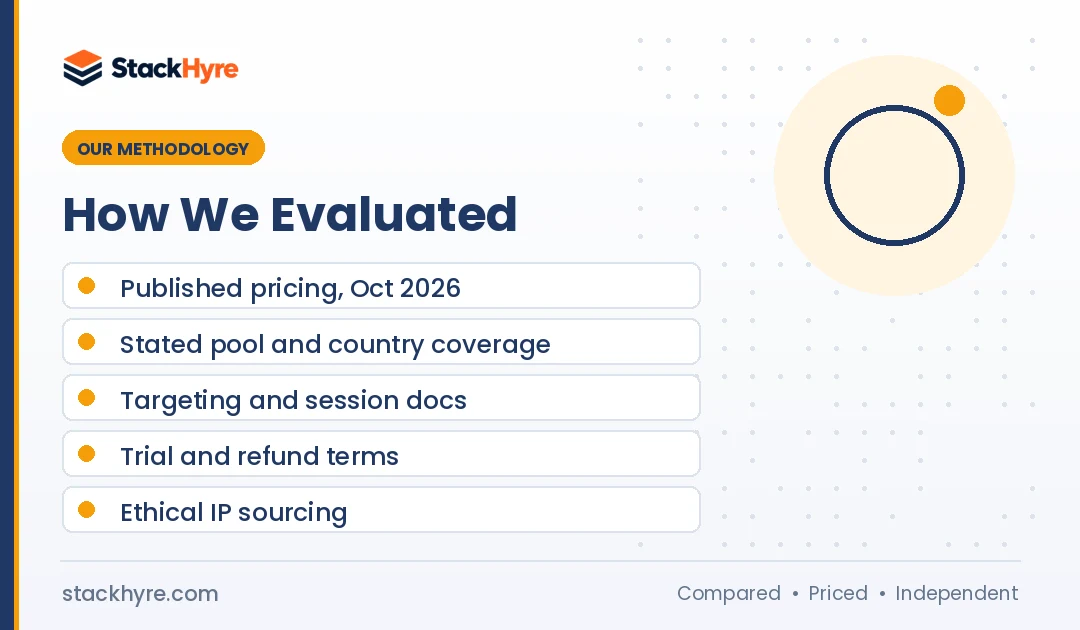
- Pricing clarity. I read each pricing page in October 2026 and noted entry and volume rates.
- Pool and coverage. I recorded each vendor’s stated mobile pool and country count, labeled as vendor claims.
- Targeting and sessions. I went through the docs for carrier, ASN and city targeting and sticky session limits.
- Trial and refund terms. I noted free credits, paid trials and refund conditions.
- Sourcing and trust. I checked compliance claims and news reports, including the NetNut seizure.
Pool sizes and success rates come from the vendors themselves. Treat them as marketing claims until you see results on your own targets.
Mobile IPs are also my go-to for checking how ads render on real carrier networks. My guide to the best proxies for ad verification compares providers for that job.
The Bottom Line
Oxylabs is my top pick for large mobile projects. It pairs a 20M+ IP pool with ASN targeting and 24-hour sessions. Bright Data fits enterprises that need certifications, though you’ll have to ask for a price.
For value, Decodo and NodeMaven lead, with starting rates near $2.20 to $2.25 per GB. Proxidize is the budget pick at $2 per GB. IPRoyal fits when you want a dedicated mobile port for one account.
Start small. Use a trial or the smallest plan, try your real targets, then scale. If mobile is more than you need, my proxy pricing guide shows cheaper options by type.

Frequently Asked Questions
What is a mobile proxy?
A mobile proxy sends your traffic through a real phone or SIM on a 3G, 4G or 5G network. The website sees a carrier IP address instead of your own. Because carriers share each public IP among many users, websites rarely block these addresses. That makes mobile proxies useful for ad checks, app testing and strict targets.
How much do mobile proxies cost?
As of October 2026, per-GB mobile plans range from about $2 to $7.50 per GB at entry level. Volume buyers can pay under $1 per GB with some providers, such as Rayobyte’s Corporate plan. Dedicated mobile ports cost more, with IPRoyal starting at $130 per month per proxy. Always check current vendor pricing pages.
Are mobile proxies better than residential proxies?
Mobile proxies are harder to block, but they cost more and can be slower. Residential proxies handle most scraping and price checks at a lower price. Use mobile proxies for strict targets, mobile ad checks and apps that expect carrier IPs. Use residential proxies for everything else.
Can I choose a specific mobile carrier?
Some providers let you target by carrier or ASN. Oxylabs offers ASN targeting, and IPRoyal lists named carriers per country, such as T-Mobile and Verizon in the US. SOAX includes ASN targeting on its Scale plan and above. Check each provider’s docs, because carrier targeting isn’t on every plan.
Are mobile proxies legal to use?
Using mobile proxies is legal in most countries when the provider sources IPs with user consent. What you do through the proxy also has to follow the law and each website’s terms. Stay away from providers with unclear sourcing. In July 2026, the FBI seized NetNut’s domains after security firms linked it to a botnet.
Related Articles



Daniel Brooks writes about proxies, web scraping and email infrastructure at StackHyre. He compares providers on published pricing, documentation and independent benchmarks so you can pick the right setup without overpaying.