
TL;DR: LaunchDarkly is still the safest enterprise pick, but most teams don’t need it. I’d start with PostHog or Statsig if you want flags plus analytics, Flagsmith or Unleash if you need open source and self hosting, and ConfigCat if you want flat, predictable pricing. Paid plans run from about $40 a month to custom contracts, as of November 2026. I cover nine tools and how to choose.
Feature flags let you ship code without turning it on. You deploy on Tuesday, release to 5% of users on Wednesday, and flip it off in seconds if errors spike. No rollback, no hotfix.
The idea isn’t new. Pete Hodgson’s article on Martin Fowler’s site split toggles into release, experiment, ops and permission types years ago. What changed is the tooling. You can now get flags free from half a dozen vendors, and pricing models vary wildly.
That’s the trap. One tool bills per seat, another per request, another per monthly active user, another per “service connection.” The same app can cost $0 on one and hundreds a month on another.
For this guide I read the top ranking roundups and kept the tools that appeared on three or more. Then I checked every vendor’s pricing page in November 2026 and read their docs. I did not run my own load tests. If you’re also cleaning up your release pipeline, my guide to the best API testing tools pairs well with this one.
Quick Comparison: The Best Feature Flag Tools in 2026
| Tool | Best For | Starting Price | Key Feature |
|---|---|---|---|
| LaunchDarkly | Enterprise release control | Free; Foundation pay as you go | Mature targeting and governance |
| Statsig | Flags plus experiments | Free; Pro $150/mo | Unlimited flag checks |
| PostHog | Startups wanting one platform | Free up to 1M requests | Flags, analytics, replays together |
| Flagsmith | Open source with a cloud option | Free; Start-Up $40/mo yearly | Self-host, cloud or private cloud |
| Unleash | Self hosting at scale | Open source free; $75/seat/mo | Popular open source core |
| GrowthBook | Warehouse native experiments | Free; Pro $40/seat/mo | Stats engine on your data |
| ConfigCat | Predictable flat pricing | Free; Pro $110/mo | Unlimited seats and MAUs |
| Split by Harness | Harness CI/CD users | Check the current price | Feature impact monitoring |
| Flipt | GitOps teams | Open source free | Flags stored in Git |
What Makes Great Feature Flag Tools?
Great feature flag tools evaluate flags locally in the SDK, so a vendor outage never breaks your app. They offer percentage rollouts, user targeting, audit logs and fast kill switches. They also price in a unit you can predict. Good ones add approvals, stale flag cleanup and experiment analysis on top.
My checklist:
- Local evaluation. The SDK should cache rules and keep working if the vendor goes down.
- Targeting. Segments, percentage rollouts and rules by user attributes.
- Governance. Audit logs, approvals and role based access once more than a few people touch flags.
- Flag hygiene. Some way to find and remove stale flags. Old flags become tech debt fast.
- SDK coverage for every language and platform you ship.
- A pricing unit you can forecast. Seats, requests, MAUs or connections. Pick the one that matches how you grow.
Who Needs Feature Flag Tools?
Any team that deploys more than once a week benefits. Flags separate deploy from release, so you can merge unfinished work behind a flag and keep trunk clean. They also give on call engineers a kill switch that’s faster than a rollback.
If you only ship once a month and have five users, a config file might do. But once you run A/B tests, sell plan based features or deploy daily, a real tool pays for itself.
Best Feature Flag Tools for Enterprises
#1 LaunchDarkly: Best for enterprise release control
LaunchDarkly is the most established dedicated feature management platform, and its governance tools show it.
What it does well. Targeting, approvals, audit trails and SDK coverage are all mature. It now also bundles session replay, error capture, traces and logs, so release data and its impact sit together. The free Developer plan has unlimited seats.
Key features:
- Advanced targeting and percentage rollouts
- Approvals, audit logs, SSO and SCIM on Enterprise
- Release monitoring with replays, errors and traces
- AI config controls for LLM features
Pricing. Per the LaunchDarkly pricing page as of November 2026, Developer is free with 1 project and 3 environments. Foundation is pay as you go: 5 free service connections then $10 each billed yearly, and 1K free client-side MAU then $8.33 per 1K yearly. LaunchDarkly’s own example puts 10 connections and 2K MAU at $58.33 a month billed yearly. Enterprise is custom.
Best for: Larger engineering orgs that need approvals, audit logs and strong SLAs.
Limitations. Metered pricing across several units is hard to forecast. Costs can climb fast with big client-side user counts. It is not open source.
#2 Split by Harness: Best for Harness CI/CD users
Split is now part of Harness and ties flags to feature impact data and the Harness delivery platform.
What it does well. Its strength has always been measuring what a flag did to your metrics. Inside Harness, flags connect to pipelines, so a rollout can be part of the deploy flow.
Key features:
- Feature flags with impact monitoring
- Experimentation and metric alerts
- Integration with Harness CI/CD
- Enterprise governance controls
Pricing. Harness doesn’t show a simple public price table for Split. Check the current price on Harness’s pricing page.
Best for: Teams already on Harness for builds and deploys.
Limitations. Less appealing if you don’t use Harness. Pricing usually means a sales call.
Best Feature Flag Tools for Product and Growth Teams
#3 Statsig: Best for flags plus experiments
Statsig combines flags, experiments and product analytics, and it doesn’t charge for flag checks.
What it does well. Flag and config checks are unlimited on every plan. You pay for metered events, which are mostly experiment exposures and logged events. That’s a good deal if you flag heavily but only experiment on some features.
Key features:
- Unlimited flag and config checks
- Experimentation with metric lifts
- Product analytics and session replay
- Warehouse native option on Enterprise
Pricing. The Statsig pricing page lists Developer as free with 2M metered events a month and 50,000 session replays. Pro is $150 a month with 5M events, then $0.05 per 1K events. Enterprise is custom, with SSO, RBAC and HIPAA eligibility.
Best for: Product teams that want flags and experiments in one tool.
Limitations. The “metered event” definition takes some reading. Teams that only want simple on/off flags may find it more than they need.
#4 PostHog: Best for startups that want one platform
PostHog bundles feature flags with analytics, session replay, surveys and error tracking.
What it does well. The free tier is generous and resets every month. Because flags live next to analytics and replays, you can see exactly how a rollout changed behavior. You can set billing limits per product, which protects against surprise bills.
Key features:
- Flags, experiments, analytics and replays in one tool
- Per product billing limits
- Unlimited team members on the free plan
- Open source codebase
Pricing. Per the PostHog pricing page as of November 2026, the free plan includes 1M feature flag requests a month, plus allowances for other products. Pay as you go keeps the same free allowance and charges only for usage above it. Check the per request rate on that page for your volume.
Best for: Startups that want flags and analytics without buying three tools.
Limitations. If you only want flags, the rest of the platform is extra weight. Enterprise governance is lighter than LaunchDarkly’s.
#5 GrowthBook: Best for warehouse native experiments
GrowthBook is an open source flag and experiment platform that runs its stats on your own data warehouse.
What it does well. Instead of shipping events to a vendor, GrowthBook queries the warehouse you already have. Your data team keeps one source of truth. Flags, experiments and traffic are unlimited on every plan.
Key features:
- Warehouse native experiment analysis
- Unlimited flags, experiments and traffic
- Open source self-hosted edition
- Cloud or self-hosted Enterprise
Pricing. The GrowthBook pricing page lists Cloud Starter as free for up to 3 users and 1 project. Pro is $40 per seat per month for up to 30 users. The open source self-hosted edition is free. Enterprise is custom. Cloud overage for CDN requests is $10 per additional million.
Best for: Teams with a data warehouse and a data team that cares about stats.
Limitations. Per seat pricing gets expensive for big teams. You need a warehouse to get the full value.
Best Open Source and Self-Hosted Feature Flag Tools
#6 Flagsmith: Best open source tool with a cloud option
Flagsmith is an open source flag service you can run in its cloud, your cloud or on premises.
What it does well. You get the same product whichever way you deploy. That makes it easy to start on cloud and move in house later if compliance asks. Remote config and segments are built in.
Key features:
- Open source core
- Cloud, self-hosted or private cloud deployment
- Remote config and segments
- A/B testing support
Pricing. Per the Flagsmith pricing page, Free is $0 with 50,000 requests a month and 1 seat. Start-Up is $40 a month billed yearly or $45 monthly, with 1,000,000 requests and 3 seats. Scale-Up is $250 a month yearly or $300 monthly, with 5,000,000+ requests and 5 seats. Enterprise is custom. Paid plans have a 14-day trial.
Best for: Teams that want open source with the option of paid hosting and support.
Limitations. Seat limits on the lower plans are tight. Request based pricing means busy client apps can push you up a tier.
#7 Unleash: Best for self hosting at scale
Unleash is one of the most widely used open source feature flag projects, with a paid enterprise layer on top.
What it does well. The open source edition is solid for self hosting. Its Edge proxy design keeps flag evaluation close to your apps, which matters at scale. Paid plans include unlimited flags, projects and environments.
Key features:
- Open source core on GitHub
- Cloud, self-hosted or hybrid on Enterprise
- SSO, RBAC and audit logs on paid plans
- Unleash Edge for low latency evaluation
Pricing. The Unleash pricing page lists Pay-As-You-Go at $75 per seat per month, with a 5-seat minimum for self hosting and a 14-day trial. Cloud includes 53M requests a month, then $5 per additional million. Custom Enterprise is quote based. The open source edition is free.
Best for: Platform teams that want to own the infrastructure.
Limitations. $75 per seat is high once you move off open source. Self hosting means you run upgrades and uptime.
#8 Flipt: Best for GitOps teams
Flipt is an open source, Git native flag platform that stores flag definitions in your repositories.
What it does well. Flags go through pull requests like any other code. Review, history and rollback come from Git itself. If your team already runs everything through GitOps, this feels natural.
Key features:
- Flags stored and versioned in Git
- Self-hosted, single binary deployment
- OpenFeature compatible
- Open source core
Pricing. The open source edition is free on Flipt’s GitHub repository. For any paid tier, check the current price on Flipt’s website.
Best for: Infrastructure minded teams that want flags as code.
Limitations. Non engineers may find a Git workflow awkward. Fewer built in experiment features than Statsig or GrowthBook.
Best Feature Flag Tool for Predictable Pricing
#9 ConfigCat: Best for flat, predictable pricing
ConfigCat is a hosted flag service with flat plans and no per seat or per MAU charges.
What it does well. Every plan includes unlimited seats, service connections, MAUs and flag reads. You pay by plan size, mostly by number of flags. That makes budgeting simple.
Key features:
- Unlimited seats and MAUs on all plans
- Percentage rollouts and targeting rules
- Many SDKs
- Dedicated hosting option
Pricing. The ConfigCat pricing page lists Forever Free with 10 flags and 2 environments. Pro is $110 a month for 100 flags. Smart is $325 a month for unlimited flags. Enterprise is $900 a month and Dedicated is $4,500 a month. Annual billing lowers the monthly rate.
Best for: Small and mid size teams that hate metered bills.
Limitations. The free plan’s 10 flags fill up fast. It is not open source, and experiment analysis is basic.
How Should You Choose the Right Feature Flag Tool?
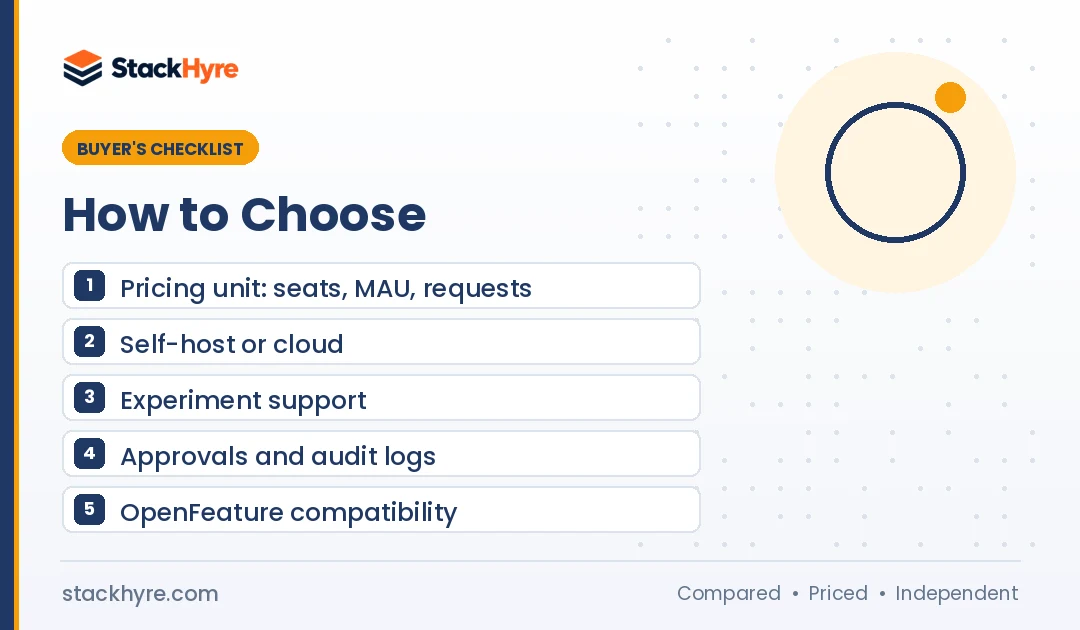
Start with how you grow. If your headcount grows fastest, avoid per seat pricing. If your user count grows fastest, avoid per MAU pricing. Then decide if you need experiments, self hosting or enterprise governance. That usually narrows nine tools down to two.
Work through these:
- Pricing unit. LaunchDarkly meters connections and MAUs. Statsig meters events. PostHog and Flagsmith meter requests. GrowthBook and Unleash charge per seat. ConfigCat sells flat plans.
- Self hosting. Need data on your servers? Look at Flagsmith, Unleash, GrowthBook or Flipt.
- Experiments. Statsig, GrowthBook and PostHog have the strongest experiment tooling here.
- Governance. Approvals, audit logs and SSO matter once many people change flags.
- OpenFeature support. The OpenFeature standard gives you a vendor neutral SDK, which makes switching easier later.
- Secrets and config. Flags are not a secrets store. Keep API keys in a proper vault. My guide to the best secrets management tools covers that.
And plan for cleanup. Set an owner and an expiry date on every release flag. The tool won’t save you from a codebase full of dead toggles.
How I Evaluated These Feature Flag Tools
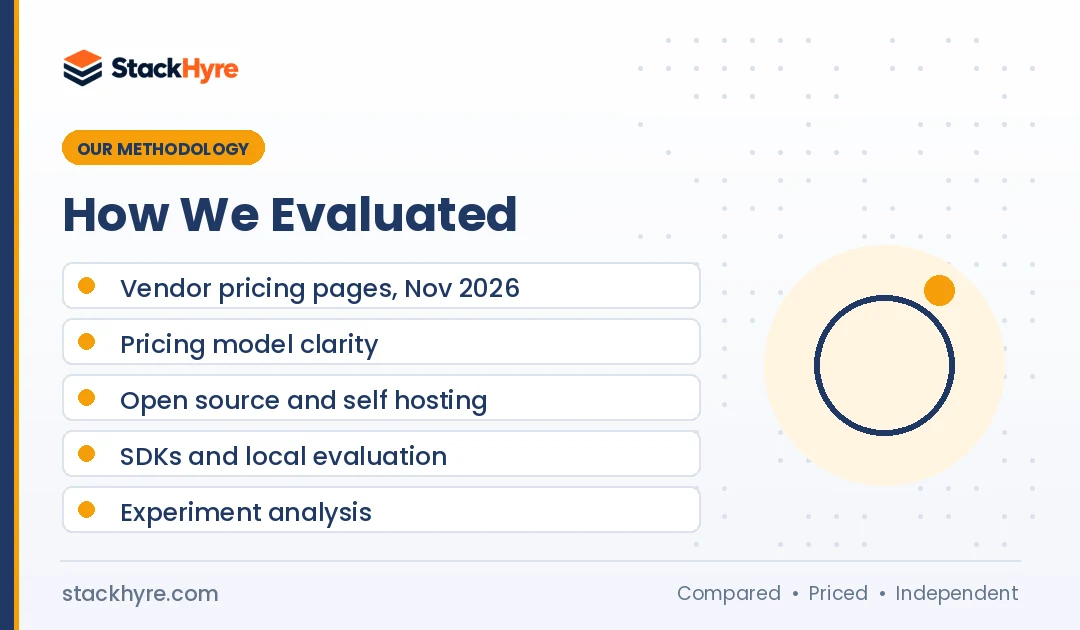
This list comes from research, not my own load tests. I read the top ranking pages for “best feature flag tools” and included every tool that appeared on three or more. I added Flipt because GitOps teams keep asking about it.
For each tool I looked at:
- Published pricing on the vendor’s own page in November 2026, or a note to check the current price when I couldn’t confirm it.
- Pricing model: seats, requests, MAUs, events or flat plans.
- Deployment: open source license, self hosting and cloud options.
- Docs for targeting, SDKs, local evaluation and governance.
- Experiment support and how analysis works.
Vendor claims are labeled as the vendor’s. My full process is in the editorial policy.
The Bottom Line
LaunchDarkly is the enterprise default, and it’s earned that spot. But most teams can save money elsewhere. PostHog is my pick for startups that want flags and analytics together. Statsig is better if experiments drive your roadmap. Flagsmith and Unleash are the strongest open source picks, and ConfigCat is the easiest to budget for.
My advice: pick the pricing unit that grows slowest for your business, start on a free tier, and use OpenFeature so you can switch later. Then tighten the rest of your pipeline with the best API testing tools.
Frequently Asked Questions
What is a feature flag tool?
A feature flag tool lets you turn features on or off in production without a new deploy. You wrap code in a flag, then control who sees it from a dashboard. You can roll out to a percentage of users, target segments, run experiments and kill a broken feature in seconds. It separates deploying code from releasing it.
What is the best free feature flag tool?
For a hosted free tier, PostHog includes 1M flag requests a month and Statsig includes unlimited flag checks with 2M metered events. For self hosting, Unleash, Flagsmith, GrowthBook and Flipt all have free open source editions. LaunchDarkly’s Developer plan is free too, but limited to one project and three environments.
Is LaunchDarkly worth the price?
LaunchDarkly is worth it for large teams that need approvals, audit logs, SSO and strong support. Its targeting and SDKs are mature. For small teams, the metered pricing on service connections and client-side MAUs can be hard to forecast. Tools like PostHog, Flagsmith or ConfigCat often cost less for simple use cases.
Can I self host feature flags?
Yes. Unleash, Flagsmith, GrowthBook and Flipt all offer open source editions you can run on your own servers. Self hosting keeps user data in house and avoids per request fees. The tradeoff is that you handle upgrades, scaling and uptime. Paid enterprise editions of these tools add SSO, RBAC and support.
What is OpenFeature?
OpenFeature is an open, vendor neutral standard for feature flag SDKs. You write your flag checks against the OpenFeature API and plug in a provider for your chosen tool. If you switch vendors later, you change the provider instead of rewriting every flag check. Many popular flag tools support it.
Related Articles


The StackHyre Editorial Team writes about proxies, web scraping and email infrastructure. We compare providers using published pricing, official documentation and third-party reviews. All content is for educational and informational purposes only.