

TL;DR: The best Sentry alternatives in 2026 are GlitchTip for a cheap, open-source drop-in that speaks the Sentry API, Rollbar for fast error grouping, Bugsnag for mobile stability scores, and Raygun for flat crash reporting tiers. New Relic, Datadog and Better Stack suit teams that want errors inside a wider monitoring stack. Paid plans run from about $15 to $120 a month, as of November 2026.
Sentry is the default error tracker for a reason. It’s good, it supports almost every language, and the free plan is generous for one person.
But the limits show up fast once a team grows. Sentry’s pricing page lists the free Developer plan at one user and 5k errors a month, as of November 2026. Team costs $26 a month on annual billing, or $29 monthly, with 50k errors. Business is $80 a month annually, or $89 monthly.
Those prices are fair. The problem is volume. One noisy release can burn through a month of quota in an afternoon. And the free plan has no API access or third-party integrations, which most teams need.
So people look around. Some want a lower bill. Some want to self-host. Others want error tracking inside the monitoring tool they already pay for.
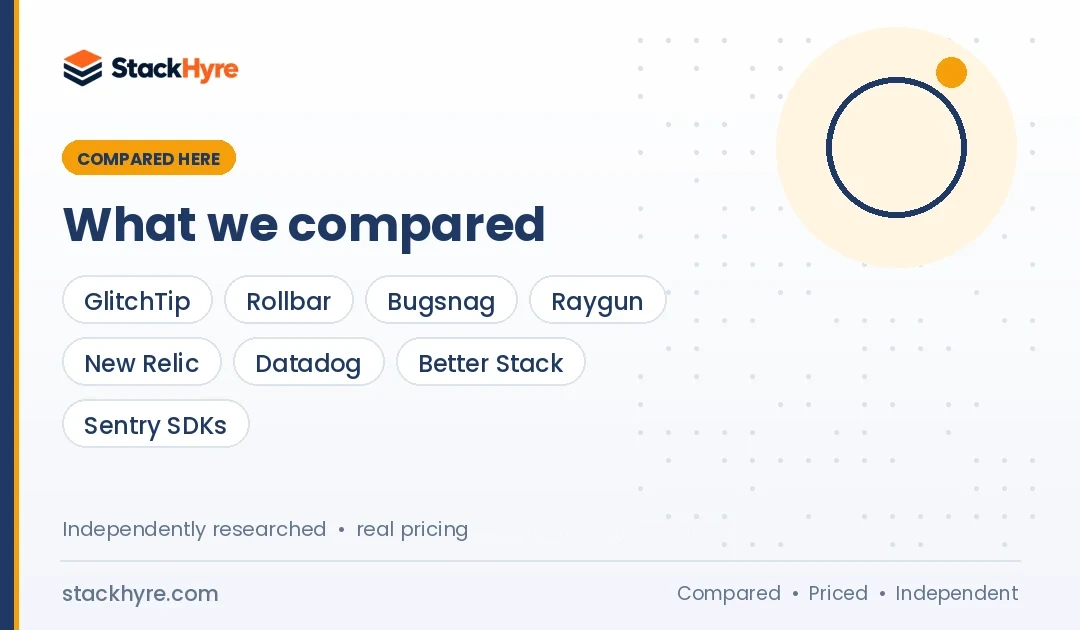
I compared 7 Sentry alternatives on pricing model, SDK coverage, self-hosting options and how hard the switch is. If errors are only one part of your monitoring bill, my guide to Datadog alternatives covers the full observability side.
Quick Comparison: 7 Best Sentry Alternatives
| Tool | Best For | Starting Price | Pricing Model |
|---|---|---|---|
| GlitchTip | Open-source, Sentry API compatible | Free self-host; hosted $15/mo | Per event tier |
| Rollbar | Error grouping and deploy tracking | Free up to 5,000 occurrences | Per occurrence tier |
| Bugsnag | Mobile app stability | Free up to 7.5K events | Per event and span tier |
| Raygun | Simple flat tiers | $40/mo annual | Per error tier plus overage |
| New Relic | Errors inside full APM | Free with 100 GB/mo | Per GB plus per user |
| Datadog | Teams already on Datadog | Check pricing | Per product meter |
| Better Stack | Errors plus logs and uptime | Free tier | Per GB plus per responder |
What Makes a Good Sentry Alternative?
A good Sentry alternative catches errors in every language you ship, groups them into clean issues, and tells you which release caused them. It should alert the right person without spam, show a full stack trace with context, and bill in a way that stays predictable when a bad deploy floods you with events. A self-hosted path is a bonus.
Here’s what I’d check first.
- SDK coverage. Your frontend, backend and mobile apps all need supported SDKs. Gaps here kill a migration.
- Grouping quality. Bad grouping turns one bug into 400 issues. Good grouping keeps your inbox readable.
- Quota behavior. Ask what happens when you hit the limit. Some tools drop events, some bill overage.
- Release tracking. You want to see which deploy introduced a regression.
- Data control. If you handle sensitive data, self-hosting or region choice may matter more than price.
Sentry also offers a self-hosted version on GitHub. It’s worth knowing about, but it’s a heavy stack to run. Most small teams find a lighter option easier.
Open-Source and Low-Cost Sentry Alternatives
#1 GlitchTip: Best for a cheap, open-source Sentry swap
GlitchTip is the closest thing to “Sentry, but simpler and cheaper.”
What it does well. The GlitchTip pricing page describes it as an open source, Sentry API compatible error tracking platform. That’s the big win. In many cases you point your existing Sentry SDK at a new DSN and keep going. Check the GlitchTip docs for your language before you commit, though. It also bundles uptime monitoring, so one small tool covers two jobs.
Key features:
- Sentry API compatible ingestion
- Error grouping and alerts
- Uptime monitoring
- Self-host for free, with code on GitLab
- Hosted plans if you don’t want to run it
Pricing. GlitchTip’s pricing page lists a free hosted tier up to 1,000 events a month, as of November 2026. Small is $15 a month for up to 100k events. Medium is $50 for up to 500k, and Large is $250 for up to 3 million. Annual billing is discounted.
Best for: small teams and side projects that like Sentry’s workflow but not its bill, and anyone who wants a simple self-hosted tracker.
Limitations. It has far fewer features than Sentry. Don’t expect deep performance tracing, session replay or polished AI debugging. If you rely on those, GlitchTip will feel thin.
#2 Better Stack: Best for errors, logs and uptime in one place
Better Stack bundles error tracking with logs, uptime checks and on-call.
What it does well. If you’re paying for Sentry, a log tool and an uptime tool separately, Better Stack can fold all three into one bill. The interface is clean and quick to learn. Its free tier is a real starting point, not just a trial.
Key features:
- Error tracking alongside log search
- Uptime monitors and status pages
- On-call scheduling and incident alerts
- Traces and metrics on the same platform
Pricing. Better Stack’s pricing page lists a free tier with 10 monitors, 1 status page, 3 GB each of logs and traces kept 3 days, and 30 GB of metrics, as of November 2026. Responder licenses are $29 a month on annual billing or $34 monthly. Telemetry is billed per GB, so check which rate applies to your plan.
Best for: small and mid-size teams that want to cut tool count and get alerts, logs and errors under one login.
Limitations. Error tracking isn’t its oldest product. Teams with complex mobile crash needs may find dedicated tools deeper. Per-GB pricing also needs watching if your logs are noisy.
Dedicated Error Tracking Tools
#3 Rollbar: Best for error grouping and deploy tracking
Rollbar has been doing error tracking almost as long as Sentry, and it shows.
What it does well. Rollbar’s strength is grouping. It works hard to turn a flood of raw errors into a short list of real issues. It ties errors to deploys, so you can see when a release made things worse. Its free plan also allows unlimited projects and users, which beats Sentry’s one-user free plan.
Key features:
- Automatic error grouping
- Deploy and version tracking
- Session replays on supported plans
- Unlimited projects and users, even on free
- 14-day trial of the Advanced plan
Pricing. Rollbar’s pricing page lists a free plan with 5,000 occurrences and 1,000 replays a month and 30 days of retention, as of November 2026. Essentials and Advanced scale from 10K to 50M occurrences, with 90 and 180 days of retention. The page didn’t show fixed prices for those tiers when I checked, so check the current price on Rollbar’s pricing page for your volume. Annual billing gives two months free.
Best for: web and backend teams that ship often and want clean issue lists tied to releases.
Limitations. Rollbar is focused on errors. If you also want APM or logs in the same tool, you’ll need something else alongside it.
#4 Bugsnag: Best for mobile app stability
Bugsnag, owned by SmartBear, is the pick I see most often for mobile teams.
What it does well. Bugsnag frames errors around stability. You get a clear view of how many users and sessions were crash free, which is the number mobile product teams care about. It also pairs errors with performance spans, so you can see slow screens next to crashes.
Key features:
- Stability scores per release
- Strong iOS, Android, React Native and Flutter support
- Performance spans alongside errors
- Release and feature flag context
Pricing. Bugsnag’s pricing page lists a free plan with 1 user, 7.5K events, 1M spans and 7 days of retention, as of November 2026. Select and Preferred plans scale by monthly events and spans, from 50k events up to 3M. The page shows “starting at” figures rather than full price points, so check the current price on Bugsnag’s pricing page for your mix.
Best for: mobile and cross-platform app teams that report on crash-free users to product leads.
Limitations. The free plan is tight, with one user and 7 days of history. Pricing gets harder to estimate when you add spans on top of events.
#5 Raygun: Best for simple, flat pricing tiers
Raygun keeps its tiers easy to read, which I like.
What it does well. Raygun splits Crash Reporting, Real User Monitoring and APM into separate products. You buy only what you use. The tiers are clear, and overage is a published per-error rate, so a bad week has a known cost.
Key features:
- Crash Reporting with full stack traces
- Real User Monitoring for frontend speed
- APM with traces
- Published overage rates
Pricing. Raygun’s pricing page lists Crash Reporting Basic at $60 a month, or $40 on annual billing, for 100,000 errors, as of November 2026. Team is $120 monthly or $80 annually for 200,000 errors. Business is $600 monthly or $400 annually for 1,000,000. Extra errors cost $0.001 each. APM starts at $120 a month, or $80 annually, for 100,000 traces.
Best for: teams with steady, high error volume who want a predictable bill and published overage.
Limitations. There’s no free plan, only a trial. At low volume, GlitchTip or Sentry’s Team plan costs less.
Full Observability Platforms With Error Tracking
#6 New Relic: Best for errors inside full APM
New Relic gives you error tracking as one part of a full monitoring platform.
What it does well. Errors Inbox pulls errors from APM, browser and mobile into one view. Because the same platform holds traces and logs, you can jump from an error to the slow query behind it. The free tier is large enough for real use.
Key features:
- Errors Inbox across apps, browser and mobile
- APM, logs and traces in one place
- OpenTelemetry support
- Usage-based pricing on data ingested
Pricing. New Relic’s pricing page lists 100 GB a month free, then $0.40 per GB on the original data option, as of November 2026. Core users are $49 a month. Full platform users on Standard are $10 for the first and $99 for each extra, up to 5.
Best for: teams that want to replace Sentry and an APM tool with one platform.
Limitations. User seats add up fast. If you only need error tracking, it’s more platform than you need.
#7 Datadog: Best if you already run Datadog
Datadog Error Tracking makes the most sense when Datadog already holds your metrics and traces.
What it does well. Errors land next to your APM traces, logs and infrastructure data. That context is hard to beat when you’re debugging a production incident at 2 a.m. You skip one more vendor and one more login.
Key features:
- Error grouping from APM, RUM and logs
- Linked traces, logs and host metrics
- Deep integration catalog
- Strong dashboards and alerting
Pricing. Datadog bills each product on its own meter. Check the current price on Datadog’s pricing page for Error Tracking, APM and RUM before you estimate.
Best for: teams already paying for Datadog APM who want to drop a separate error tool.
Limitations. It’s rarely the cheap option. If cost is why you’re leaving Sentry, Datadog probably won’t fix that.

How Should You Choose the Right Sentry Alternative?
Start with why you’re leaving. If it’s cost at low volume, try GlitchTip. If it’s mobile crash reporting, look at Bugsnag. If it’s tool sprawl, pick a platform like New Relic or Better Stack. Then check SDK support for every app you ship, compare how each tool handles quota overruns, and run both tools side by side for a week.
Here’s how I’d break it down by situation.
| Your Situation | My Pick | Why |
|---|---|---|
| Small team, tight budget | GlitchTip | Sentry API compatible, $15/mo hosted |
| Mobile apps first | Bugsnag | Stability scores per release |
| Fast shipping web team | Rollbar | Grouping tied to deploys |
| High, steady volume | Raygun | Flat tiers, published overage |
| Want one monitoring platform | New Relic | 100 GB free, APM included |
| Already on Datadog | Datadog | Errors next to traces and logs |
| Want errors, logs and uptime | Better Stack | One bill for three jobs |
How hard is it to migrate off Sentry?
It depends on where you go. GlitchTip is the easiest move because it accepts the Sentry API. Rollbar, Bugsnag and Raygun need their own SDKs, so you’ll touch every app’s setup code. Platforms like New Relic or Datadog usually mean installing an agent too.
My advice: migrate one service first. Send errors to both tools for a week. Compare grouping, alert noise and missed events. Then roll out to the rest.
Don’t forget source maps and debug symbols. Frontend and mobile stack traces are useless without them, and each tool uploads them differently.
Should you self-host error tracking?
Self-hosting makes sense if you must keep error data on your own servers, or your volume is huge. But it isn’t free. You pay in servers, upgrades and someone’s time. For most teams under a few million events a month, a hosted plan costs less once you count that time.
How I Evaluated These Sentry Alternatives
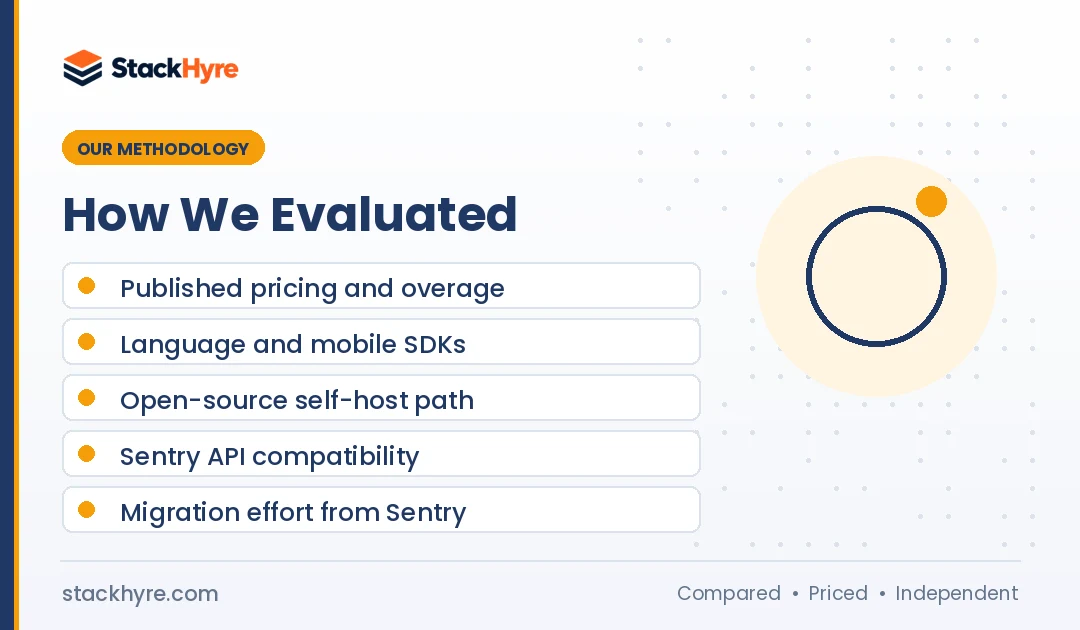
I didn’t run a lab test. I compared each tool using public information, and I’m upfront about that. You can read more in my editorial policy.
- Published pricing. I read each vendor’s pricing page in November 2026 and noted the free tier, entry plan and overage rules.
- Coverage. I checked which platforms and languages each tool supports, with weight on web, backend and mobile.
- Self-hosting. I noted which tools are open source or can run on your own servers.
- Migration effort. I looked at whether you can reuse Sentry SDKs or must replace them.
- Fit. I matched each tool to the team type it suits best, rather than ranking on a single score.
Prices change often. Check each vendor’s page before you buy.
The Bottom Line
Sentry is still a strong tool, and for many teams the Team plan is fine. But if you’re leaving, pick based on the reason.
For the cheapest swap with the least code change, go with GlitchTip. For mobile, Bugsnag. For clean grouping on fast-moving web apps, Rollbar. If you’d rather have one platform for errors, traces and logs, New Relic’s free 100 GB is the easiest place to start.
Run any new tool alongside Sentry for a week before you cut over. If you’re reviewing the rest of your stack too, see my guides to Grafana alternatives for dashboards and Postman alternatives for API testing.
Frequently Asked Questions
What is the best free alternative to Sentry?
GlitchTip is the best free Sentry alternative for most small teams. It’s open source, you can self-host it for free, and its hosted free tier covers up to 1,000 events a month. Because it’s Sentry API compatible, you can often keep your existing SDK. Rollbar’s free plan is also strong, with 5,000 occurrences a month and unlimited users.
Is there an open-source alternative to Sentry?
Yes. GlitchTip is the best-known open-source option, and it accepts events through the Sentry API. Sentry itself also publishes a self-hosted version on GitHub, though it’s a large stack to run and maintain. For broader open-source observability that includes errors, some teams pair OpenTelemetry with tools like SigNoz or Grafana.
Is Rollbar better than Sentry?
Rollbar isn’t better across the board, but it wins on some points. Its free plan includes unlimited users and projects, while Sentry’s free plan allows one user. Many teams also like Rollbar’s grouping and deploy tracking. Sentry has wider features, including tracing, session replay and logs, so it suits teams that want more in one tool.
How much does Sentry cost per month?
Sentry’s pricing page lists a free Developer plan for one user with 5k errors a month, as of November 2026. The Team plan costs $26 a month on annual billing or $29 monthly, with 50k errors. Business costs $80 a month annually or $89 monthly. Enterprise pricing is custom. Extra events cost more, so check the page for current rates.
Can I switch from Sentry without changing my code?
Sometimes. GlitchTip accepts the Sentry API, so you can often keep your Sentry SDK and change only the DSN. Check its docs for your language first. Rollbar, Bugsnag, Raygun, New Relic and Datadog use their own SDKs or agents, so you’ll need to update setup code in each app. Plan to re-upload source maps and debug symbols too.
Related Articles

The StackHyre Editorial Team writes about proxies, web scraping and email infrastructure. We compare providers using published pricing, official documentation and third-party reviews. All content is for educational and informational purposes only.