

TL;DR: If you already run Postgres, start with pgvector, because it’s free and you skip a new vendor. For a managed service, Pinecone is the easiest and starts at $20 a month on Builder. Qdrant and Weaviate are my picks for open source with a cloud option, and Milvus or Zilliz Cloud for billion scale. Prices are as of November 2026. I compare eight options and show how to choose.
Every RAG app, semantic search box and AI agent with memory needs somewhere to store embeddings. That’s the job of a vector database. It finds the stored vectors closest to a query vector, fast.
The choice used to be easy because there were only a few tools. Now there are dozens. Even general databases joined in. Postgres has the pgvector extension, which supports HNSW and IVFFlat indexes on vectors up to 2,000 dimensions, and up to 4,000 with half precision vectors.
So the real question isn’t “which vector database is fastest?” It’s “do I need a separate vector database at all?” For many teams, the honest answer is no.
For this guide I read the top ranking roundups and kept every database that showed up on three or more. I checked each vendor’s pricing page in November 2026 and went through the docs. I did not run my own benchmarks. If your app data sits in MongoDB, also read my guide to MongoDB alternatives, since Atlas Vector Search changes that decision.
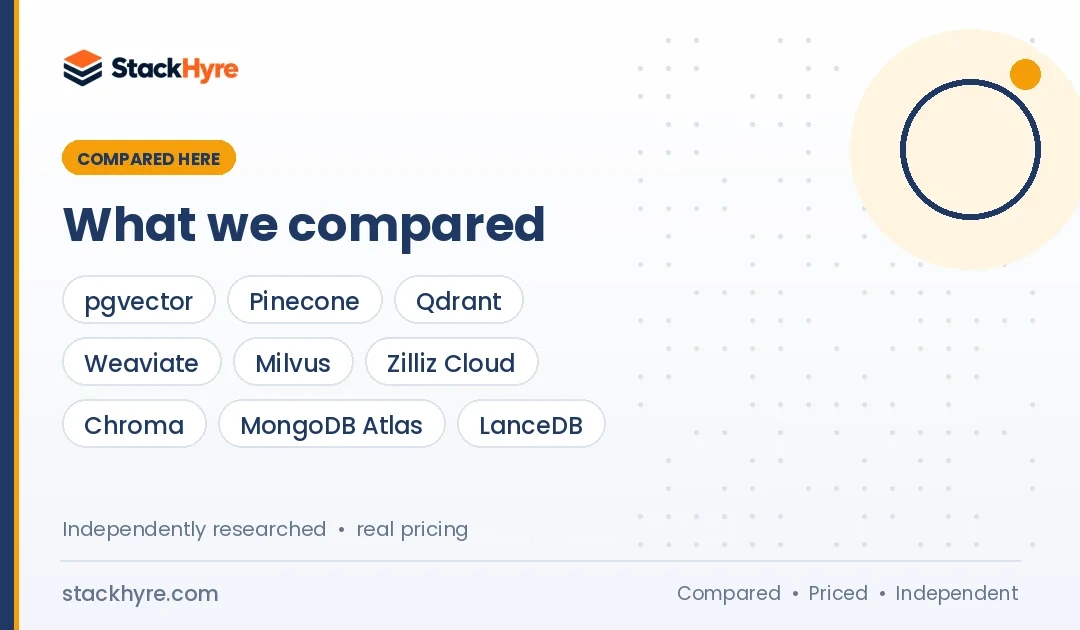
Quick Comparison: The Best Vector Databases in 2026
| Database | Best For | Starting Price | Key Feature |
|---|---|---|---|
| pgvector | Teams already on Postgres | Free extension | Vectors next to relational data |
| Pinecone | Fully managed, zero ops | Free; Builder $20/mo | Serverless with built in inference |
| Qdrant | Open source performance | Free tier; usage based | Rust engine, rich filtering |
| Weaviate | Hybrid search | Free; Flex from $45/mo | Vector plus keyword search |
| Milvus and Zilliz Cloud | Billion scale workloads | Free; usage based | Distributed architecture |
| Chroma | Prototypes and small apps | Free; Team $250/mo | Simple developer API |
| MongoDB Atlas Vector Search | Teams on MongoDB | Check the current price | Vectors in your document store |
| LanceDB | Embedded and multimodal | Open source free | Runs in process on object storage |
What Makes a Great Vector Database?
A great vector database returns accurate nearest neighbors fast, even with metadata filters applied. It supports approximate indexes like HNSW, scales without painful re-indexing, and offers hybrid keyword plus vector search. It also prices in a way you can predict, and lets you leave if you need to.
Here’s what I weigh:
- Filtered search. Real queries say “similar docs, but only this tenant and this year.” Some engines slow down or lose recall with filters.
- Hybrid search. Pure vector search misses exact terms like product codes. Keyword plus vector fixes that.
- Index options. HNSW for speed and recall, plus quantization or disk based indexes for cost.
- Multi tenancy. Key for SaaS apps that keep each customer’s data apart.
- Ops burden. Managed, self-hosted, or embedded. Each moves the work to a different place.
- Pricing model. Storage, reads and writes, vCPU and RAM, or per vector. Model your real workload.
Do You Need a Dedicated Vector Database?
Probably not if you have under a few million vectors and already run Postgres or MongoDB. pgvector or Atlas Vector Search keep vectors next to your app data, with one backup plan and one bill. A dedicated vector database earns its place at high scale, high query rates, or when you need advanced filtering and hybrid search.
My rule of thumb: start in the database you already have. Move to a dedicated engine when you can point to a specific limit you’ve hit, like latency, recall under filters, or index build time.
Best Vector Search in a Database You Already Run
#1 pgvector: Best for teams already on Postgres
pgvector is an open source Postgres extension that adds vector types and similarity search to the database you already use.
What it does well. Your embeddings live in the same rows as your app data. You can join, filter and run transactions with plain SQL. Most managed Postgres services support it, so there’s often nothing new to buy.
Key features:
- HNSW and IVFFlat indexes
- vector, halfvec, bit and sparsevec types
- Exact and approximate search
- Full SQL, joins and ACID transactions
Pricing. The extension itself is free and open source on pgvector’s GitHub page. You pay only for the Postgres compute and storage you run it on.
Best for: Startups and SaaS apps with up to a few million vectors that want one database.
Limitations. HNSW indexes are limited to 2,000 dimensions for the standard vector type. HNSW builds use a lot of memory, and very large or very high QPS workloads may outgrow a single Postgres box. If you’re weighing Postgres against other SQL options, see my MySQL alternatives guide.
#2 MongoDB Atlas Vector Search: Best for teams on MongoDB
Atlas Vector Search adds vector indexes to MongoDB Atlas, so embeddings sit inside your documents.
What it does well. You query vectors with the same aggregation pipeline you already use. Metadata filtering uses fields you already store. Search nodes can be scaled apart from the main cluster, which keeps search load off your writes.
Key features:
- Vector search in the aggregation pipeline
- Pre filtering on document fields
- Hybrid search with Atlas Search
- Dedicated search nodes
Pricing. Vector Search is billed as part of Atlas, with extra cost for dedicated search nodes. Check the current price on MongoDB’s Atlas pricing page.
Best for: Teams whose app data already lives in MongoDB Atlas.
Limitations. The fullest feature set is on Atlas. Costs are harder to model than flat vector pricing. If you’re rethinking MongoDB itself, my MongoDB alternatives guide covers the options.
Best Managed Vector Databases
#3 Pinecone: Best fully managed option
Pinecone is a purpose built, fully managed vector database with no servers to run.
What it does well. You create an index and start writing. Scaling, replication and upgrades are Pinecone’s problem. It also bundles embedding models, reranking and an Assistant API, so a small RAG app can run on one vendor.
Key features:
- Serverless indexes on AWS, Azure and GCP
- Built in embedding and reranking models
- Namespaces for multi tenancy
- BYOC, private endpoints and HIPAA on Enterprise
Pricing. Per the Pinecone pricing page as of November 2026, Starter is free with up to 2 GB storage, 2M writes and 1M reads a month. Builder is a flat $20 a month with up to 10 GB. Standard has a $50 monthly minimum, then storage at $0.33 per GB per month and reads from $16 per million. Enterprise has a $500 monthly minimum and a 99.95% uptime SLA.
Best for: Teams that want production vector search without any database ops.
Limitations. It is closed source, so there’s no self-hosted escape hatch outside Enterprise BYOC. Read heavy workloads can get expensive at per million rates.
#4 Chroma: Best for prototypes and small apps
Chroma is an open source embedding database with a very simple API and a managed cloud.
What it does well. You can go from pip install to working search in a few lines. It’s a common default in tutorials and LLM frameworks. Chroma Cloud adds usage based hosting without changing your code.
Key features:
- Simple Python and JavaScript clients
- Runs in memory, local or in the cloud
- Metadata and full text filtering
- Usage based cloud pricing
Pricing. The Chroma pricing page lists Starter at $0 a month plus usage, with $5 in free credits. Team is $250 a month plus usage, with $100 in credits. Usage rates are $2.50 per GiB written, $0.33 per GiB per month stored and $0.09 per GiB returned. Enterprise is custom.
Best for: Prototypes, internal tools and small RAG apps.
Limitations. Fewer advanced tuning and scaling options than Qdrant or Milvus for very large self-hosted deployments.
Best Open Source Vector Databases
#5 Qdrant: Best open source for performance and filtering
Qdrant is an open source vector database written in Rust, with a managed cloud and hybrid deployment options.
What it does well. Filtering is a core strength. Qdrant applies payload filters during the search, not only after it, which helps recall on narrow queries. Quantization options help cut memory costs at scale.
Key features:
- Rich payload filtering
- Scalar, product and binary quantization
- Sparse vectors for hybrid search
- Managed, hybrid and private cloud options
Pricing. The Qdrant pricing page lists a free forever tier with a single node, 0.5 vCPU, 1 GB RAM and 4 GB disk. Standard is usage based, billed hourly for vCPU, memory and storage, with a 99.5% uptime SLA. Premium has a minimum spend. The open source engine is free to self host.
Best for: Teams that want open source, strong filtering and the choice to self host.
Limitations. No simple dollar price table, so you’ll need the calculator. Self hosting at scale means you run clustering and backups.
#6 Weaviate: Best for hybrid search
Weaviate is an open source vector database known for strong hybrid search and built in model integrations.
What it does well. Hybrid search, mixing BM25 keyword scores with vector scores, works out of the box. Modules connect to embedding providers, so Weaviate can create vectors for you. Native multi tenancy suits SaaS apps.
Key features:
- Hybrid BM25 plus vector search
- Built in vectorizer modules
- Multi tenancy
- Weaviate Embeddings and Query Agent services
Pricing. Per the Weaviate pricing page, Free is $0 with 1 cluster and 100,000 objects. Flex starts at $45 a month, pay as you go, with vector dimensions from $0.00465 per 1M and storage from $0.12 per GiB. Premium is a prepaid contract; the FAQ says it starts from $400 a month. The open source engine is free to self host.
Best for: Search heavy apps where exact keyword matches matter as much as meaning.
Limitations. Pricing by vector dimensions takes some math. Memory use can be high on large self-hosted clusters without compression.
#7 Milvus and Zilliz Cloud: Best for billion scale
Milvus is an open source, distributed vector database, and Zilliz Cloud is the managed version from its creators.
What it does well. Milvus separates storage and compute, so it scales out across many nodes. It supports several index types, including disk based and GPU indexes. Zilliz Cloud offers tiered storage for cheaper cold data.
Key features:
- Distributed, cloud native architecture
- Many index types, including GPU and disk based
- Hybrid and multi vector search
- Serverless and dedicated cloud clusters
Pricing. The Zilliz pricing page lists a Free plan with 5 GB storage and up to 5 collections. Standard starts from $0 a month on Serverless or $126 a month on Dedicated. Enterprise starts from $197 a month. Dedicated clusters run from $63 per million vectors per month performance optimized, or from $5 on tiered storage, based on 768 dimension vectors. Milvus itself is free and open source.
Best for: Large workloads with hundreds of millions to billions of vectors.
Limitations. Self-hosted Milvus has many moving parts. It’s more than you need for a small app.
#8 LanceDB: Best embedded and multimodal option
LanceDB is an open source, embedded vector database built on the Lance columnar format.
What it does well. It runs inside your process, like SQLite, and can store data on local disk or object storage like S3. That keeps costs low and makes it handy for multimodal data such as images and video embeddings.
Key features:
- Embedded, serverless by design
- Stores data on object storage
- Vector, full text and SQL style filtering
- Python, TypeScript and Rust clients
Pricing. The open source library is free on LanceDB’s GitHub repository. For LanceDB Cloud or Enterprise, check the current price on LanceDB’s website.
Best for: Data and ML teams, local apps and multimodal pipelines.
Limitations. Embedded mode isn’t built for many concurrent writers. The managed offering is younger than Pinecone’s.
How Should You Choose the Right Vector Database?
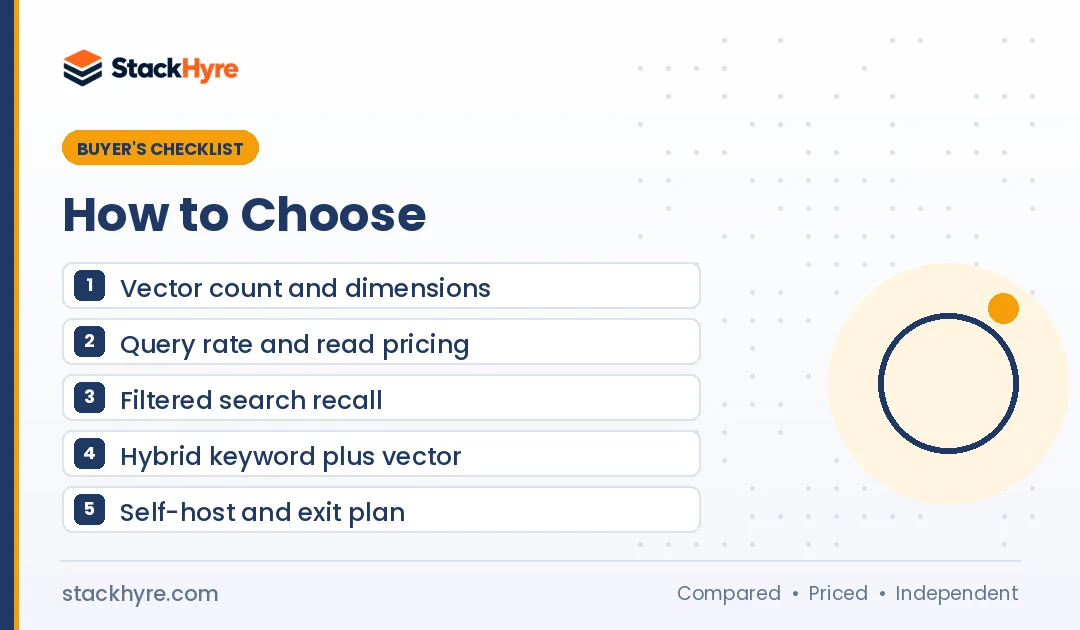
Start with scale and ops. Under a few million vectors, use pgvector or the vector search in your current database. If you want zero ops, pick Pinecone. If you want open source with a cloud option, pick Qdrant or Weaviate. At very large scale, look at Milvus or Zilliz Cloud.
Then check these:
- Vector count and dimensions. 1M vectors at 1,536 dimensions is a very different bill from 1B.
- Query rate. Read pricing like Pinecone’s per million reads matters most at high QPS.
- Filters. Test your real filtered queries. Recall can drop under tight filters on some engines.
- Hybrid search. If users search product codes or names, you need keyword plus vector.
- Data residency. Need your own cloud? Look at self-hosted open source, Qdrant Hybrid Cloud, Zilliz BYOC or Pinecone BYOC.
- Exit plan. Open source engines let you move from cloud to self hosting without a rewrite.
Also watch the whole pipeline. Retrieval quality problems often look like model problems. Tracing tools from my guide to the best LLM observability tools show which chunks your app retrieved for each answer.
How I Evaluated These Vector Databases
I built this list from research, not my own benchmarks. I read the top ranking pages for “best vector database” and included every option that appeared on three or more. I also added LanceDB, which keeps coming up for embedded and multimodal use.
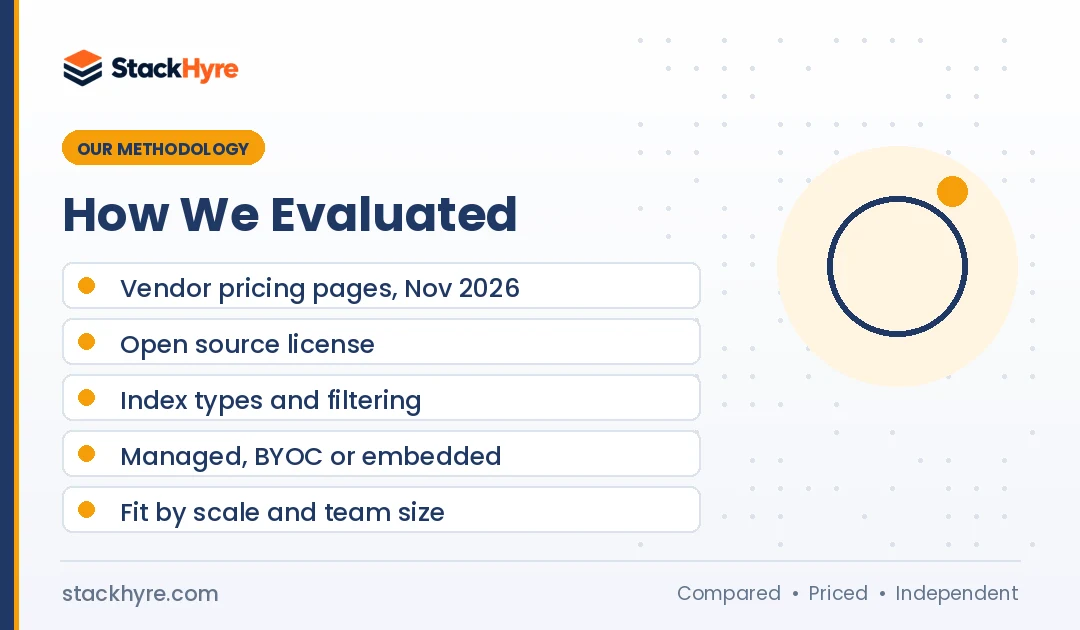
For each database I checked:
- Published pricing on the vendor’s page in November 2026, or a note to check the current price when I couldn’t confirm a figure.
- Open source license and self hosting options.
- Index types, filtering and hybrid search from the official docs.
- Deployment models: managed, serverless, BYOC or embedded.
- Fit by team size and scale.
Vendor claims about speed and scale are the vendor’s own. See my editorial policy for how I research and update guides.
The Bottom Line
The best vector database for most teams is the database they already run. pgvector is free, mature and good enough for millions of vectors. If you want a separate service with no ops, Pinecone is the easiest start at $20 a month. Qdrant and Weaviate are the best open source picks with cloud options, and Milvus or Zilliz Cloud win at billion scale.
My advice: prototype in what you have, measure filtered recall and latency on your real data, then move only if you hit a limit. If your app runs on MongoDB, read my MongoDB alternatives guide before you add another database.
Frequently Asked Questions
What is a vector database?
A vector database stores embeddings, which are lists of numbers that capture the meaning of text, images or audio. It finds the stored vectors closest to a query vector using approximate nearest neighbor indexes like HNSW. That powers semantic search, RAG, recommendations and agent memory. Many also store metadata so you can filter results.
Is pgvector good enough for production?
Yes, for many apps. pgvector supports HNSW and IVFFlat indexes and runs on most managed Postgres services. It handles millions of vectors well and keeps embeddings next to your app data. It can struggle at very high scale or query rates, and HNSW indexes for the standard vector type cap at 2,000 dimensions.
What is the best free vector database?
pgvector, Qdrant, Weaviate, Milvus, Chroma and LanceDB are all open source and free to self host. For managed free tiers, Pinecone Starter, Qdrant’s free cluster, Weaviate Free, Zilliz Free and Chroma Starter all let you build without paying. Free cloud tiers have tight storage and throughput limits, so they suit prototypes best.
Pinecone or Qdrant: which should I pick?
Pick Pinecone if you want a fully managed service with no infrastructure work and built in embedding models. Pick Qdrant if you want open source, strong filtered search and the option to self host or move clouds. Pinecone is simpler to start. Qdrant gives you more control and an easier exit if pricing changes.
Do I need a vector database for RAG?
You need vector search, but not always a separate vector database. For small and mid size RAG apps, pgvector or MongoDB Atlas Vector Search is often enough. A dedicated vector database makes sense at large scale, high query rates, or when you need advanced filtering, hybrid search or multi tenancy built in.
Related Articles

The StackHyre Editorial Team writes about proxies, web scraping and email infrastructure. We compare providers using published pricing, official documentation and third-party reviews. All content is for educational and informational purposes only.