
TL;DR: For most developers I’d pick Resend for the cleanest modern DX, Postmark for fast transactional delivery with strict stream separation, and Amazon SES for the lowest cost at scale. SendGrid and Mailgun still fit teams that want mature APIs and big ecosystems. Free tiers run from 100 to 3,000 emails a month, and paid plans start around $15 a month as of October 2026.
Email rules got stricter for every app that sends mail. Since February 1, 2024, Google requires all senders to Gmail to keep spam rates in Postmaster Tools below 0.3%, and bulk senders need SPF, DKIM and DMARC. Microsoft followed in May 2025.
So a nice SDK is not enough anymore. You need clean authentication, clear bounce data and webhooks you can trust.
I compared 9 email APIs on developer experience: SDKs, docs, templates, webhooks, local testing and the real price once you leave the free tier. I read the pricing pages and docs for each one. I didn’t run my own send tests, so I label vendor claims as vendor claims.
This guide is the developer hub inside my best transactional email services for SaaS roundup. If you’re a developer picking a sending stack, you’re in the right place. Need SMTP instead of an HTTP API? Jump to my SMTP relay services guide.
Quick Comparison: Best Email APIs for Developers in 2026
| Provider | Best For | Starting Price | Key Feature |
|---|---|---|---|
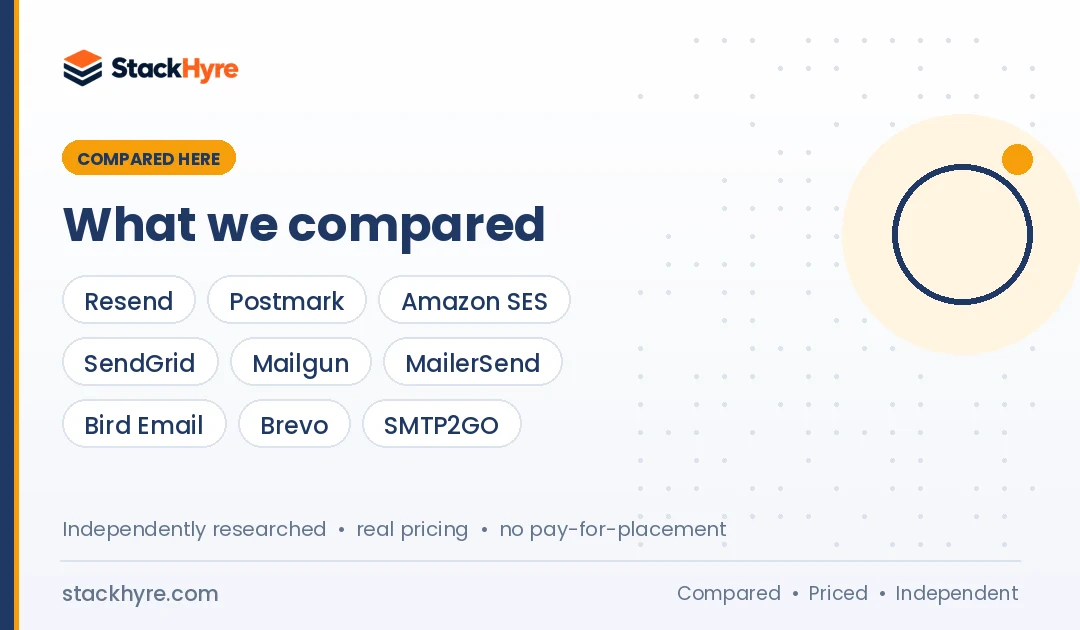
| Resend | Modern JS and React teams | Free 3,000/month, Pro $20/month | React Email and simple SDKs |
| Postmark | Fast, reliable transactional mail | Free 100/month, Basic $15/month | Separate message streams |
| Amazon SES | Lowest cost at high volume | $0.10 per 1,000 emails | Pay per use inside AWS |
| SendGrid (Twilio) | Large ecosystem and integrations | 60-day trial, Essentials $19.95/month | Free sandbox mode |
| Mailgun (Sinch) | API depth and inbound routing | Free 100/day, Basic $15/month | Logs and routing rules |
| MailerSend | Small teams that want a UI too | Free 500/month, Hobby $7/month | SMTP relay on every plan |
| Bird Email (SparkPost) | Multichannel apps on one balance | Free 1,000/month, from $0.35 per 1,000 | Shared balance across channels |
| Brevo | Apps that also need marketing email | Free 300/day | Unlimited log retention |
| SMTP2GO | Simple setup with 24/7 support | Free 1,000/month, Starter $10/month | Spam filter and render testing |
What Makes a Great Email API for Developers?
A great email API gets a message from your code to the inbox with little friction. It has official SDKs for your language, clear docs, a test mode that doesn’t hit real inboxes, signed webhooks for bounces and complaints, and logs you can search. Pricing should stay predictable as volume grows, with no surprise fees for the features you need.
Most providers deliver mail fine on day one. The differences show up later, when a password reset goes missing and you need logs.
So I weigh DX features in this order:
- Time to first send. How fast you go from signup to a real email, including domain verification.
- Test tooling. Sandbox modes, test addresses and simulators that keep test traffic out of real inboxes.
- Events. Webhooks for delivered, bounced, complained and opened, with retries.
- Logs. How many days of searchable activity you get on your plan.
- Templates. Server-side templates or code-first options like React Email.
Best Email APIs for Modern Developer Experience
#1 Resend: Best for modern JavaScript and React teams
Resend is the email API built by the team behind React Email, and it shows in how simple the docs feel.
What it does well. Resend keeps the surface area small. You get a clean REST API, quickstarts and a short path to your first send. Its docs list quickstarts for Node.js, Next.js, PHP, Laravel, Python, Ruby, Go, Rust, Elixir, Java and .NET. The killer feature for front-end teams is React Email, a set of components for building emails in React and TypeScript. React Email renders to HTML, so you can use it with other providers too.
Key features:
- Test addresses like delivered@resend.dev, bounced@resend.dev and complained@resend.dev to simulate outcomes
- Webhooks for email events
- SMTP access on smtp.resend.com for tools that can’t call an API
- Domain management in the dashboard
Pricing. As of October 2026, Resend’s pricing page lists a free plan with 3,000 emails a month (100 a day), Pro at $20 a month for 50,000 emails and Scale at $90 a month for 100,000. Overage is $0.90 per 1,000 on paid plans. A dedicated IP is a $30 a month add-on for Scale customers sending over 3,000 emails a day.
Best for: Next.js, Node and TypeScript teams who want to write emails as components and ship fast.
Limitations. Data retention is 30 days on every listed plan. The free tier’s 100-a-day cap is tight once real users sign up. And it’s a younger company than SendGrid or Mailgun, so the integration ecosystem is smaller.
#2 Postmark: Best for fast, reliable transactional email
Postmark focuses on transactional mail and keeps it apart from bulk sends. It’s owned by ActiveCampaign, which acquired Postmark and DMARC Digests from Wildbit.
What it does well. Postmark splits traffic into message streams. Its developer docs say transactional and broadcast messages travel on different IP infrastructure. That protects your password resets from a bad marketing send. The docs are some of the clearest I’ve read, with a full bounce API, webhooks and inbound parsing.
Key features:
- Official libraries for TypeScript, Node.js, Python, Ruby, Rails, .NET, Java and PHP, plus a CLI and WordPress plugin
- Sandbox mode and a way to generate fake bounces for testing
- Webhooks for delivery, bounce, spam complaint, open, click and inbound events
- Templates API with validation, so you can test templates before you send
Pricing. As of October 2026, Postmark’s pricing page shows a free developer tier of 100 emails a month. Paid plans start with 10,000 emails at $15 (Basic), $16.50 (Pro) or $18 (Platform). Overage runs $1.80, $1.30 or $1.20 per 1,000. Dedicated IPs start at $50 a month per IP, for senders of 300,000+ emails a month on Pro or higher.
Best for: SaaS apps where login codes, receipts and alerts must land fast every time.
Limitations. It costs more per email than SES or Bird at high volume. The 100-email free tier is for testing only. And Postmark is strict about what counts as transactional, so don’t plan to push cold or bulk mail through it.
Best Email APIs for Scale and Cost
#3 Amazon SES: Best for lowest cost at high volume
Amazon SES is the raw, cheap pipe. You trade polish for price.
What it does well. If you already run on AWS, SES fits right in. You use the same IAM, SDKs and billing. It also has a mailbox simulator for testing bounces and complaints without hurting your reputation.
Key features:
- Access through every AWS SDK and the SES v2 API
- SMTP on ports 25, 587 or 2587 with STARTTLS, or 465 and 2465 with TLS Wrapper
- Standard or managed dedicated IPs
- Virtual Deliverability Manager as a paid add-on
Pricing. As of October 2026, Amazon SES charges $0.10 per 1,000 emails, plus $0.12 per GB of attachments. A standard dedicated IP is $24.95 a month. New AWS accounts can get up to $200 in Free Tier credits that apply to SES.
Best for: High-volume apps and AWS-native teams who can build their own logging and dashboards.
Limitations. New accounts start in a sandbox. The SES sandbox limits you to 200 messages per 24 hours, 1 per second, and only verified recipients. You also get no hosted template editor worth the name, and log search means wiring events into CloudWatch, SNS or your own store.
#4 Bird Email (formerly SparkPost): Best for multichannel apps
SparkPost now lives inside Bird. MessageBird bought SparkPost in 2021, and the company now trades as Bird.
What it does well. Bird puts email, SMS, WhatsApp and voice behind one API and one balance. The Bird email pricing page says SDKs, a CLI, an MCP server and a mail sandbox are included on every plan. Existing SparkPost customers keep their accounts.
Key features:
- Email API and SMTP relay on all plans, including Free
- Inbound email, templates and scheduled sending
- Up to 10 dedicated IP add-ons and IP pools on the Scale plan
- Published API rate limits per plan
Pricing. As of October 2026, Bird lists a free plan with 1,000 emails a month and 50 a day. Paid plans are deposits that become spendable balance: Startup is $15 a month at $0.40 per 1,000 emails, Growth is $250 at $0.45, and Scale is $1,000 at $0.35. Unused balance carries forward.
Best for: Apps that send email plus SMS or WhatsApp and want one vendor and one bill.
Limitations. The deposit model takes a minute to understand. Startup has no dedicated IP option and a Send API rate of 30 per minute. Older SparkPost tutorials may not match the current product.
Best Email APIs for Mature Ecosystems
#5 SendGrid: Best for large ecosystems and integrations
SendGrid is the long-time default, owned by Twilio since Twilio completed the acquisition in February 2019.
What it does well. Nearly every framework, CMS and no-code tool has a SendGrid connector. That makes it easy to slot in. Its sandbox mode validates Mail Send requests without delivering them, and no credits are consumed. That’s handy in CI.
Key features:
- Dynamic templates with a visual editor
- Event Webhook and Inbound Parse
- SMTP on smtp.sendgrid.net with “apikey” as the username
Pricing. As of October 2026, SendGrid’s Email API pricing offers a 60-day free trial at up to 100 emails a day. Essentials starts at $19.95 a month and Pro at $89.95 a month. Pro includes one dedicated IP.
Best for: Teams that need many prebuilt integrations, or already pay Twilio for SMS.
Limitations. There’s no permanent free plan anymore, only the trial. Searchable email activity is just 3 days on Essentials and 7 on Pro unless you buy more history. Shared IPs on lower plans mean your reputation partly depends on other senders.
#6 Mailgun: Best for API depth and inbound routing
Mailgun is a developer-first API owned by Sinch, which completed its acquisition of Mailgun’s parent Pathwire in December 2021.
What it does well. Mailgun has deep API coverage. You get sending, routing rules for inbound mail, suppression management and event logs. It suits teams that want fine control over each step.
Key features:
- Inbound routes that forward parsed mail to your endpoints
- Stored templates and batch sending
- Webhooks for delivery and engagement events
- A test mode flag (o:testmode) that accepts messages without delivering them
Pricing. As of October 2026, Mailgun’s pricing page lists a free plan at 100 emails a day, Basic from $15 a month for 10,000, Foundation at $35 for 50,000 and Scale at $90 for 100,000. Log retention is 1 day on Free and Basic, 5 days on Foundation and 30 days on Scale. Extra dedicated IPs cost $59 a month each.
Best for: Backend teams that need inbound parsing and fine control over routing.
Limitations. Watch the test mode. Mailgun’s docs say you are charged for messages sent in test mode. And 1-day logs on the lower plans make debugging painful.
Best Email APIs for Small Teams and Mixed Needs
#7 MailerSend: Best for small teams that want a UI too
MailerSend pairs a clean API with a friendly dashboard that non-developers can use.
What it does well. The MailerSend site lists drag-and-drop, HTML and rich-text editors plus SDKs for Node.js, Python, Java, Laravel, PHP, Go and Ruby. Non-developers can edit templates in the builder while you call the API. That split saves you from editing HTML every time marketing wants a new footer.
Key features:
- Email API and SMTP relay on every plan, including Free
- Drag-and-drop, rich text and HTML template editors
- Webhooks and inbound routing
- Official SDKs for seven languages and frameworks
Pricing. As of October 2026, MailerSend’s pricing page lists a free plan with 500 emails a month and a Hobby plan at $7 a month for 5,000 emails, with $1.50 per extra 1,000. Higher plans add more volume and longer activity retention.
Best for: Small SaaS teams where a designer or PM owns the email templates.
Limitations. Activity retention is just 1 day on Free and Hobby. Dedicated IPs are only for Enterprise accounts sending over 100,000 emails a week.
#8 Brevo: Best for apps that also need marketing email
Brevo (formerly Sendinblue) is a full marketing platform that also offers transactional email through API and SMTP.
What it does well. If your team wants product email and newsletters in one account, Brevo covers both. The Brevo pricing FAQ says all plans include transactional features, including REST APIs, SMTP, outbound webhooks and unlimited log retention.
Key features:
- REST API and SMTP relay
- Outbound webhooks
- Unlimited log retention per Brevo’s FAQ
- CRM, SMS and marketing automation in the same account
Pricing. As of October 2026, Brevo’s free plan lets approved accounts send up to 300 emails a day. Paid transactional volumes aren’t listed in plain text on the page, so check the current price on Brevo’s pricing page before you budget.
Best for: Early-stage startups that want marketing and transactional email under one login.
Limitations. It’s built for marketers first, so the developer docs feel less focused. Mixing both mail types in one account needs care.
#9 SMTP2GO: Best for simple setup with round-the-clock support
SMTP2GO started as an SMTP relay and now offers a full HTTP API as well.
What it does well. The SMTP2GO site lists 24/7 support at no extra cost, automatic SPF and DKIM handling, spam filter testing and render previews in common email clients.
Key features:
- SMTP relay and REST API
- Bounce and complaint reports
- Spam filter and render testing
- Offices in New Zealand, Australia, the UK and the US
Pricing. As of October 2026, SMTP2GO’s pricing page lists a free plan with 1,000 emails a month, Starter at $10 a month for 10,000 and Professional at $75 a month for 100,000. Dedicated IPs come with Professional and above.
Best for: Teams that want a simple relay plus an API, with real humans on support.
Limitations. The developer tooling is plainer than Resend or Postmark. You won’t find a code-first template system like React Email.
How Should You Choose the Right Email API?
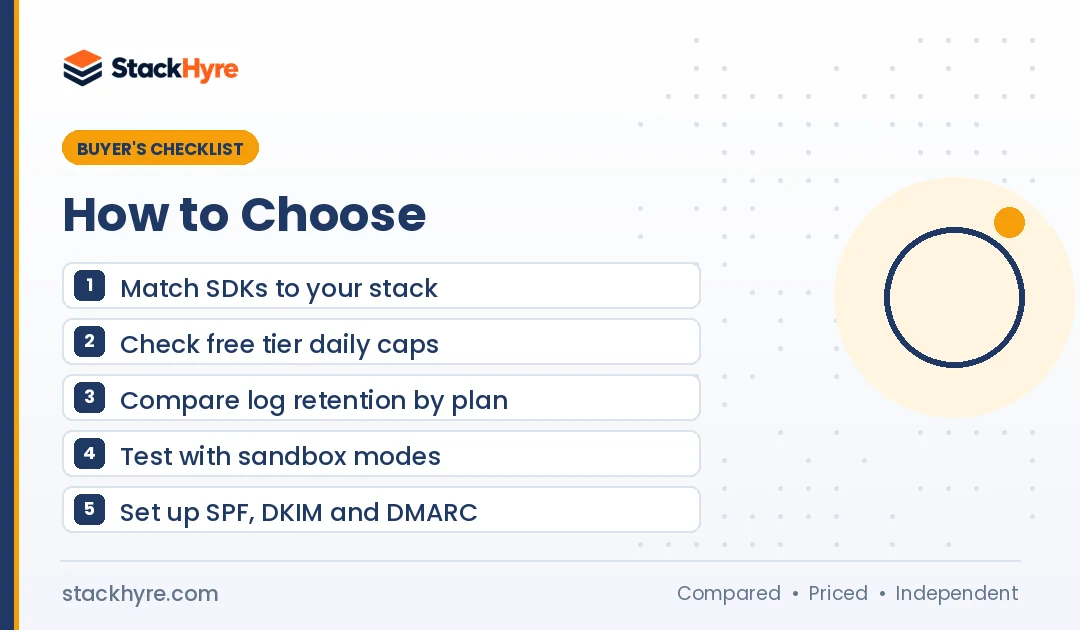
Pick the email API that matches your stack, your volume and how much tooling you want to build yourself. Start with your language and framework, then check free tier limits, log retention and webhook quality. At low volume, DX matters most. Past a few hundred thousand emails a month, price per 1,000 and dedicated IP options start to drive the decision.
Here’s how I’d think about it:
- You’re on Next.js or Node. Start with Resend. React Email alone saves hours of HTML table work.
- Transactional mail is business critical. Look at Postmark first. Stream separation is built into the product.
- You send millions and live in AWS. SES is hard to beat on price. Budget time to build logs and dashboards.
- You need inbound email. Mailgun and Postmark both have strong inbound parsing.
- Non-developers own templates. MailerSend or Brevo give them a visual editor.
Don’t skip the deliverability basics. Since May 5, 2025, Outlook requires SPF, DKIM and DMARC for domains sending over 5,000 emails a day to Outlook.com, Hotmail and Live addresses. Microsoft now rejects mail that fails. My email deliverability guide walks you through the DNS setup.
Also clean your sign-up data. A real-time email verification API on your sign-up form stops typos before they reach your sender reputation.
For a full checklist, read how to choose a transactional email service.
Which Email API Has the Best Local Testing Tools?
Resend, SendGrid, Postmark and Amazon SES give you the most useful built-in testing. Resend has test addresses for delivered, bounced and complained outcomes. SendGrid’s sandbox mode validates requests for free. Postmark has sandbox servers and fake bounces. SES has a mailbox simulator. Mailgun’s test mode works but is billed.
For local work, I’d also run an SMTP catcher on your laptop. Mailpit is a free, open-source email testing tool that catches mail from your dev server and shows it in a web UI.
My preferred setup has three layers:
- Local: an SMTP catcher so nothing leaves your machine.
- CI: the provider’s sandbox or test addresses to validate payloads.
- Staging: a real send to seed inboxes you control, checking SPF, DKIM and DMARC headers.
Are Email API Free Tiers Good Enough for Production?
Free tiers are fine for side projects and early beta apps, but most break down fast in production. Daily caps of 50 to 300 emails can block password resets during a launch spike. Short log retention makes debugging hard. Treat a free tier as a test bed, and budget for a paid plan before real users arrive.
Free tiers as of October 2026:
| Provider | Free Allowance | Catch |
|---|---|---|
| Resend | 3,000/month | 100/day cap |
| SMTP2GO | 1,000/month | Monthly cap |
| Bird Email | 1,000/month | 50/day cap |
| MailerSend | 500/month | 1-day activity retention |
| Brevo | 300/day | Account approval needed |
| Mailgun | 100/day | 1-day logs |
| Postmark | 100/month | Testing only |
| SendGrid | 100/day for 60 days | Trial, not a free plan |
| Amazon SES | AWS Free Tier credits | Sandbox until approved |
For a full cost model at 10,000, 100,000 and 1 million emails, see my transactional email pricing breakdown.
Should You Use an Email API or SMTP Relay?
Use an HTTP API when you control the code, and SMTP relay when you don’t. APIs give you structured errors, batch sends, templates and idempotent retries. SMTP is the universal fallback for WordPress, legacy apps and tools that only speak SMTP. Most providers here offer both on the same account, so you don’t have to choose one forever.
Keep product mail apart from newsletters, even on one provider. My transactional vs marketing email guide explains why that split matters for deliverability and the law.
How I Evaluated These Email APIs
I compared each provider on published information only. I read the pricing pages, developer docs, API references and testing guides. I didn’t run my own send or inbox placement tests, and I don’t claim results I didn’t see. Prices are from vendor pages as of October 2026.
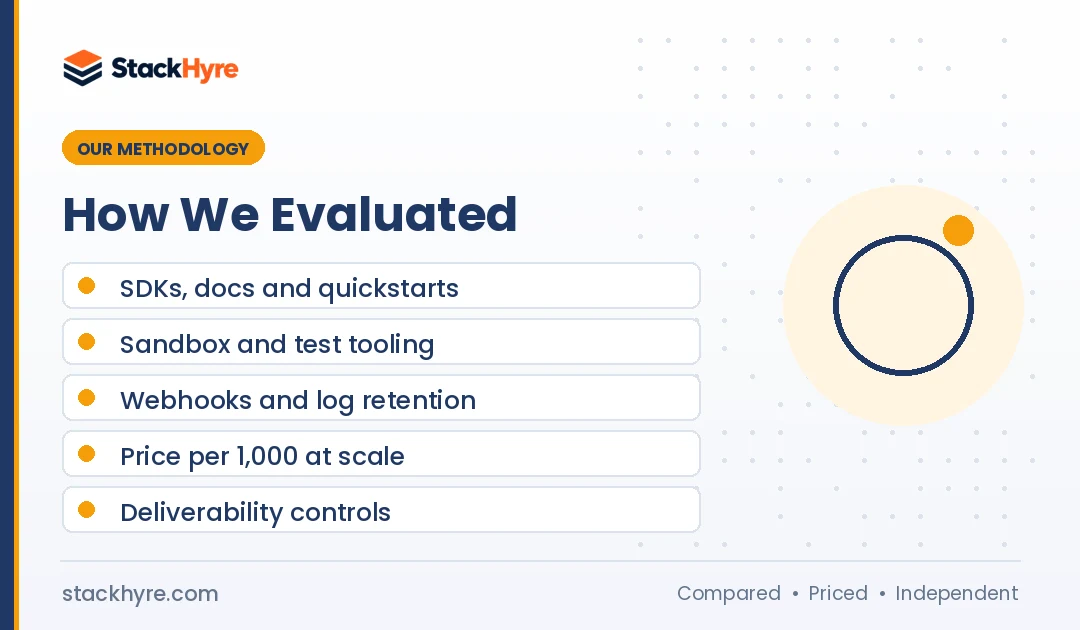
I scored each API on five things:
- SDKs and docs: official libraries, quickstarts and clarity.
- Testing tools: sandbox modes, test addresses and simulators.
- Events and logs: webhook coverage and log retention by plan.
- Price at scale: free tier, entry plan and cost per 1,000 as volume grows.
- Deliverability controls: stream separation, dedicated IPs and authentication help.
No provider paid to be listed. Read more in my editorial policy.
The Bottom Line
There’s no single best email API. There’s a best fit for your stack.
If you write TypeScript and want to move fast, Resend is my pick. If your app lives or dies on login codes and receipts landing on time, Postmark earns its higher price. If you send millions and run on AWS, Amazon SES gives you the lowest bill, as long as you build your own visibility. SendGrid and Mailgun remain solid, mature choices, especially when you need integrations or inbound routing.
Whatever you pick, set up SPF, DKIM and DMARC before your first real send. Then compare the full field in my transactional email services roundup, and if you only need SMTP, see my SMTP relay picks.

Frequently Asked Questions
What is the best email API for developers in 2026?
It depends on your stack. Resend is the strongest pick for modern JavaScript and React teams thanks to React Email and simple SDKs. Postmark is best for fast, business-critical transactional mail with separate message streams. Amazon SES is cheapest at high volume at $0.10 per 1,000 emails as of October 2026, but it needs more setup work.
Which email API has the best free tier?
Resend has the largest free monthly allowance in this list, with 3,000 emails a month capped at 100 a day as of October 2026. SMTP2GO and Bird Email each offer 1,000 a month. Brevo allows 300 a day once your account is approved. Postmark’s free tier is only 100 emails a month, so treat it as a testing account.
Is Amazon SES good for developers?
Yes, if you’re comfortable with AWS. SES is very cheap and works with every AWS SDK. The trade-off is setup. New accounts start in a sandbox limited to 200 messages a day and verified recipients only. You also need to build your own logs and dashboards using AWS event destinations, which hosted providers give you out of the box.
Can I use React Email with providers other than Resend?
Yes. React Email renders your components to plain HTML or text, so you can send the output through any provider. The React Email site names Resend, SendGrid, Mailgun, Amazon SES and Postmark as supported options. You render the email in your code, then pass the HTML string to whichever API you use.
Do I need a dedicated IP for transactional email?
Usually not at low volume. A dedicated IP needs steady, high volume to build a good reputation, and many providers only offer one at higher tiers. Postmark lists dedicated IPs for senders of 300,000 or more emails a month. Below that, a well-managed shared pool plus correct SPF, DKIM and DMARC is often the better choice.
Related Articles


Daniel Brooks writes about proxies, web scraping and email infrastructure at StackHyre. He compares providers on published pricing, documentation and independent benchmarks so you can pick the right setup without overpaying.