
TL;DR: Rotating proxies change your IP on every request or after a set time, so they’re my pick for large-scale scraping. Static proxies keep one IP, so they suit logins, account work and IP allowlists. Rotating plans usually bill per GB, while static plans bill per IP. Below I compare speed, cost, block risk and sticky sessions, with a decision table by task.
Many websites judge you by your IP address. Cloudflare’s rate limiting rules count requests by IP on its Free and Pro plans. Send too many requests from one address, and you get blocked.
That’s why the choice between rotating and static proxies matters. Get it wrong, and your scraper stalls or your account logs out halfway through a task.
The good news? The choice is easy once you know your task. Rotating proxies spread traffic across many IPs. Static proxies give you one stable identity.
There’s also a middle option called a sticky session. It holds one rotating IP for minutes, hours or days.
I went through provider docs and published pricing to explain how each option works and what it costs. For the bigger picture, see the best proxy providers overall or my guide to types of proxies.
Rotating vs Static Proxies: Side-by-Side Comparison
| Factor | Rotating Proxies | Static Proxies |
|---|---|---|
| How the IP behaves | Changes per request or after a set time | Stays the same until you replace it |
| Typical IP source | Residential, mobile, some datacenter | Datacenter or ISP (static residential) |
| Pricing model | Per GB of traffic | Per IP, per month |
| Speed | Varies with each device | Usually fast and steady |
| Block risk at high volume | Low, traffic is spread out | High, one IP takes every hit |
| Session stability | Short unless you use sticky sessions | High, ideal for logins |
| Exclusive use | Shared pool | Shared or dedicated |
| Best for | Scraping, SERP data, price checks | Accounts, checkouts, IP allowlists |
What Is a Rotating Proxy?
A rotating proxy sends your requests through a pool of IP addresses and changes the IP for you. You connect to one gateway address. The provider then hands you a new IP on every request or after a set time. Your traffic gets spread across many addresses, so no single IP hits a site’s rate limit.
You never manage a list of IPs yourself. You send everything to one host and port, such as Decodo’s gateway at gate.decodo.com on port 7000. The gateway picks an IP from the pool.
Rotation usually works one of two ways:
- Per request. Every request gets a new IP. Oxylabs residential proxies rotate with every request by default.
- Timed or rule-based. The IP changes after a set time or event. SOAX says you can rotate per request, by request count, by time or on error.
Most rotating pools use residential or mobile IPs. These come from real home and phone connections, so they look like normal users. It also means speed varies from one IP to the next.
Want to compare providers? See my list of the best rotating proxies.
What Is a Static Proxy?
A static proxy gives you one IP address that doesn’t change. Every request leaves from the same address until you swap it out. Static proxies usually run on datacenter servers or on ISP-registered IPs hosted in data centers. They’re fast and stable, which makes them a good fit for logins and long sessions.
There are two main kinds of static proxy:
- Datacenter. IPs owned by hosting companies. They’re cheap and fast, but easy for sites to spot.
- ISP or static residential. IPs registered to internet providers, hosted on fast servers. They look residential but behave like datacenter IPs. See my list of the best ISP proxies.
Static proxies can be shared or dedicated. A dedicated IP is yours alone, so nobody else can wreck its reputation.
Mobile proxies are a special case. You can rent one mobile IP, but Proxyway notes that carriers eventually rotate those addresses. Plan for the IP to change at some point.
Where Do Sticky Sessions Fit In?
A sticky session is a middle ground between rotating and static proxies. You use a rotating pool, but you keep the same IP for a set time. When the session ends or the device goes offline, you get a new IP. Sticky sessions work well for short logins and checkouts, but they aren’t a true static IP.
You usually start a sticky session by adding a session ID to your proxy username. Reuse the ID to keep the IP. Change it to get a new one. Bright Data’s docs explain this with a session parameter in the username.
Session limits vary a lot by provider:
| Provider | Default Behavior | Maximum Sticky Session |
|---|---|---|
| Oxylabs | New IP every request; 10-minute sessions with an ID | 24 hours (1,440 minutes) |
| Decodo | Choose rotating or sticky in the dashboard | 24 hours |
| NodeMaven | Rotating plans with sticky option | 24 hours |
| IPRoyal | Rotating with sticky option | 7 days |
Sources: Oxylabs session docs, Decodo quick start, NodeMaven pricing and IPRoyal pricing.
One warning applies to all of them. A sticky IP lives on a real home or phone device. Decodo notes that long sessions are more likely to end early if that device goes offline. Oxylabs also ends a session after 60 seconds with no requests, by default.
So if a task can never lose its IP, use a true static proxy.
Here’s how session control looks in practice. The exact format differs by provider, so check the docs.
- Oxylabs. Add sessid with a random value to your username to hold an IP. Add sesstime with a number of minutes, up to 1,440, to extend it.
- Bright Data. Add session plus any string to your username. Each new string gets a new IP. Reusing it targets the same IP.
- Decodo. Pick “Sticky” and a session length from a drop-down in the dashboard. It then builds the endpoint for you.
My simple rule: generate one session ID per task, such as one per login. Throw the ID away when the task ends.
When Should You Use Rotating vs Static Proxies?
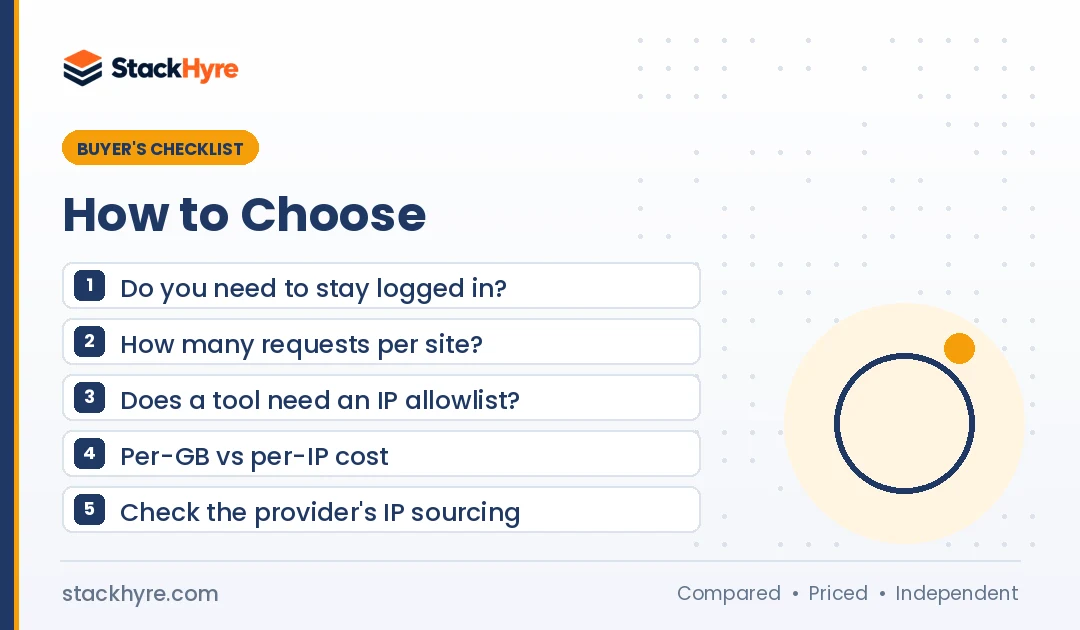
Use rotating proxies when you send lots of requests to one site and don’t need to stay logged in. Use static proxies when a site has to see the same IP every time. Accounts, checkouts and IP allowlists are good examples. Use sticky sessions for short logged-in tasks inside a bigger scraping job.
This table matches common tasks to the choice I’d make:
| Task | Best Choice | Why |
|---|---|---|
| Large-scale web scraping | Rotating | Spreads requests under per-IP limits |
| SERP and rank tracking | Rotating | Many queries, no login needed |
| Price monitoring | Rotating | Frequent checks across many pages |
| Short login then scrape | Sticky session | Keeps one IP for the logged-in part |
| Checkout or multi-step forms | Sticky or static | An IP change can break the flow |
| Social media account management | Static (dedicated) | Each account keeps one consistent IP |
| Access to IP-allowlisted tools | Static | The allowlist needs a fixed address |
| Ad verification by location | Rotating, often mobile | Many locations and carriers |
For data jobs, my hub on the best proxies for web scraping covers each use case. For account work, see my guide to proxies for social media. Many platforms limit multi-account use in their terms, so check the rules and your local law first.
Can You Use Rotating and Static Proxies Together?
Yes, and lots of teams do. A common setup sends bulk scraping through a rotating pool. It keeps a few static IPs for logins and admin tools. That keeps costs down, because you only pay per IP for the tasks that truly need a fixed address. Everything else runs on cheap, spread-out traffic.
Here are three setups I’d recommend:
- Scrape plus account. Log in through one static ISP IP. Then send public page requests through a rotating pool.
- Sticky inside rotating. Use per-request rotation for listing pages. Switch to a 10 to 30 minute sticky session for any multi-step flow.
- Datacenter first, residential fallback. Send requests through cheap rotating datacenter IPs. Retry blocked URLs through rotating residential IPs.
That last setup can save you real money. Rotating datacenter traffic at Rayobyte costs $0.30 per GB. Rotating residential traffic at Decodo costs $4 per GB pay as you go. Only the hard pages pay the higher rate.
Some providers sell both types under one account, which keeps billing simple. Decodo and Rayobyte both list rotating and static products. SOAX no longer lists ISP or datacenter proxies, so you’d need a second vendor for static IPs.
How Do the Costs Compare?
Rotating proxies bill by traffic, so cost grows with every GB you send. Static proxies bill per IP, often with unlimited or generous traffic. Rotating is cheaper for light, spread-out scraping. Static is cheaper when a few IPs stay connected for long stretches or move a lot of data.
Here are real list prices as of October 2026:
- Rotating residential. Decodo charges $4 per GB pay as you go, or $3.75 per GB on a 3 GB plan. Oxylabs charges $6 per GB at low volume.
- Rotating datacenter. Rayobyte charges $0.30 per GB pay as you go.
- Static ISP. NodeMaven lists ISP proxies from $2.33 per IP for 30 days, with unlimited traffic. Rayobyte charges $5 per IP per month for 5 to 99 IPs.
- Static datacenter. Webshare starts at $2.99 per month for 100 proxies. Decodo lists datacenter IPs from $0.02 each.
Here’s a simple example. Say you run 10 social accounts that each use about 2 GB a month.
- On sticky residential sessions at $4 per GB, 20 GB costs about $80 a month.
- On 10 static ISP IPs at $5 each, you pay about $50 a month.
Now flip it. Say you scrape 3 GB of product pages a month across thousands of URLs. A 3 GB rotating plan at Decodo costs $11.25. Try that on a few static IPs and you’d likely get them blocked.
For a full breakdown by proxy type, see my proxy pricing guide.
What Mistakes Should You Avoid?
The most common mistake is using the wrong IP behavior for the task. Rotating IPs break logins, while a single static IP gets blocked fast during heavy scraping. People also ignore browser fingerprints and treat sticky sessions as fixed IPs. And buying from providers with unclear IP sourcing is a mistake I’d avoid at any price.
Rotating during a login. If your IP changes mid-session, many sites log you out or flag the account. Use a sticky session or a static IP.
Scraping hard from one static IP. One IP sending thousands of requests is easy to spot. Spread the load with rotation.
Thinking IP rotation is enough. Sites look at more than your IP. Cloudflare’s Enterprise rate limiting can also count by headers, cookies, ASN and JA3 or JA4 fingerprints. Keep your headers and browser setup realistic.
Treating sticky as static. Sticky IPs can drop when the home device goes offline. Don’t use them for IP allowlists.
Ignoring where IPs come from. In July 2026, KrebsOnSecurity reported the FBI seizure of NetNut’s domains. Security firms had linked NetNut to a botnet of infected devices. Pick providers that explain consent and run customer checks.
How I Researched This Comparison
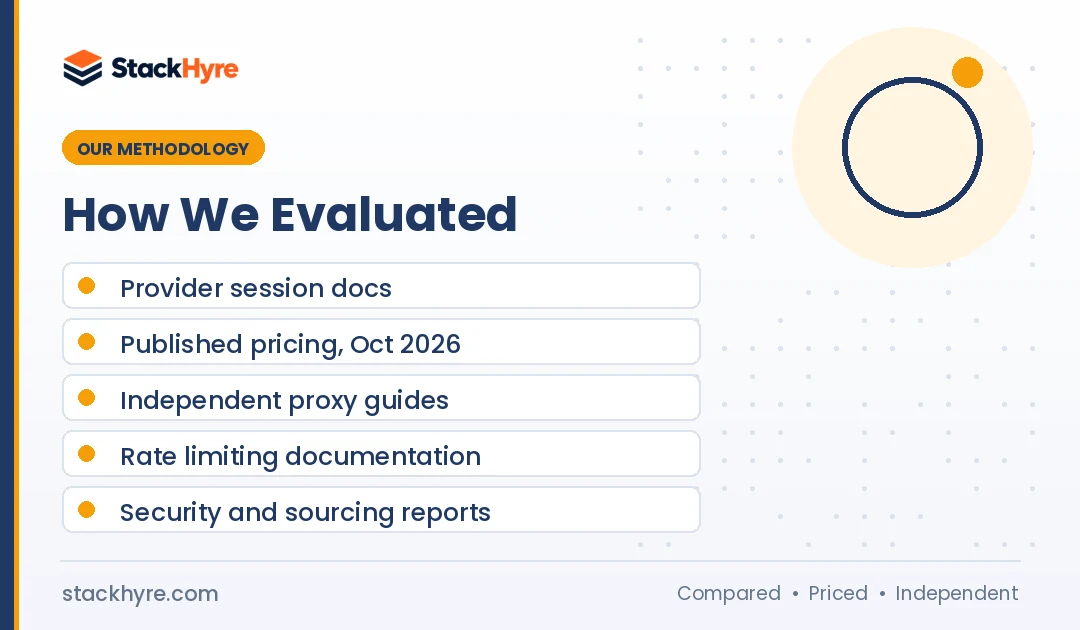
I didn’t run my own speed or block tests for this guide. I read provider docs on rotation and session control. I compared published pricing pages in October 2026. I also reviewed independent guides and security reporting. My editorial policy explains how I handle sources.
I focused on five questions:
- How does each option change or keep an IP?
- How long can a sticky session last at major providers?
- How is each option priced, per GB or per IP?
- Which tasks need a fixed IP, and which need spread-out traffic?
- What sourcing and compliance risks should buyers watch for?
Prices, session limits and pool sizes come from the providers. They change often, so check the linked pages before you buy.
I also kept the advice vendor-neutral. The right answer depends on your task, not on which provider I like. Where a claim came from a vendor, I said so.
The Bottom Line
Choose rotating proxies for volume. They spread requests across many IPs, which keeps you under per-IP limits for scraping, SERP tracking and price checks.
Choose static proxies for identity. They keep one IP for accounts, checkouts and allowlisted tools. ISP proxies give you a static IP that still looks residential.
Use sticky sessions when you need both: a short login inside a bigger scraping job. Just remember that sticky IPs can still drop.
Plenty of teams end up using both types. Start with a small plan or trial for each, measure your success rate, and adjust. Ready to buy? Compare the best rotating proxies or the best ISP proxies for static IPs.
Frequently Asked Questions
What is the difference between rotating and static proxies?
A rotating proxy changes your IP address on every request or after a set time. A static proxy keeps the same IP address until you replace it. Rotating proxies are best for large-scale scraping because they spread traffic across many IPs. Static proxies are best for logins, accounts and tools that need a fixed address.
Are sticky proxies the same as static proxies?
No. A sticky session keeps one pooled IP for a set time, like 10 minutes or 24 hours. A static proxy keeps the same IP with no time limit. Sticky IPs come from real devices, so they can drop if the device goes offline. Use static proxies when the IP must never change.
Which is faster, rotating or static proxies?
Static proxies are usually faster and more consistent. They run on datacenter servers, even when the IP is registered to an internet provider. Rotating residential and mobile proxies run through real home and phone connections, so speed changes from one IP to the next. For pure speed on easy targets, static datacenter proxies win.
Are rotating proxies more expensive than static proxies?
It depends on your traffic. Rotating proxies bill per GB, starting around $4 per GB for residential at Decodo as of October 2026. Static proxies bill per IP, starting near $2.33 per IP each month at NodeMaven. Heavy traffic on a few IPs favors static. Light, spread-out scraping favors rotating.
Can I use rotating proxies for social media accounts?
I wouldn’t. Social platforms watch for sudden IP changes, and rotating IPs can trigger security checks or logouts. Most account managers use one dedicated static or ISP proxy per account instead. Always read each platform’s terms first, because many limit automation and multiple accounts.
Related Articles



Daniel Brooks writes about proxies, web scraping and email infrastructure at StackHyre. He compares providers on published pricing, documentation and independent benchmarks so you can pick the right setup without overpaying.